
How do I add, duplicate, or delete a step?
Learn how to add new steps, duplicate existing ones, and remove unwanted steps—quickly and easily within the editor.
How can I add a new step?
Open the guide editor and go to the step after which you want to insert the new step and click on "Add Step"
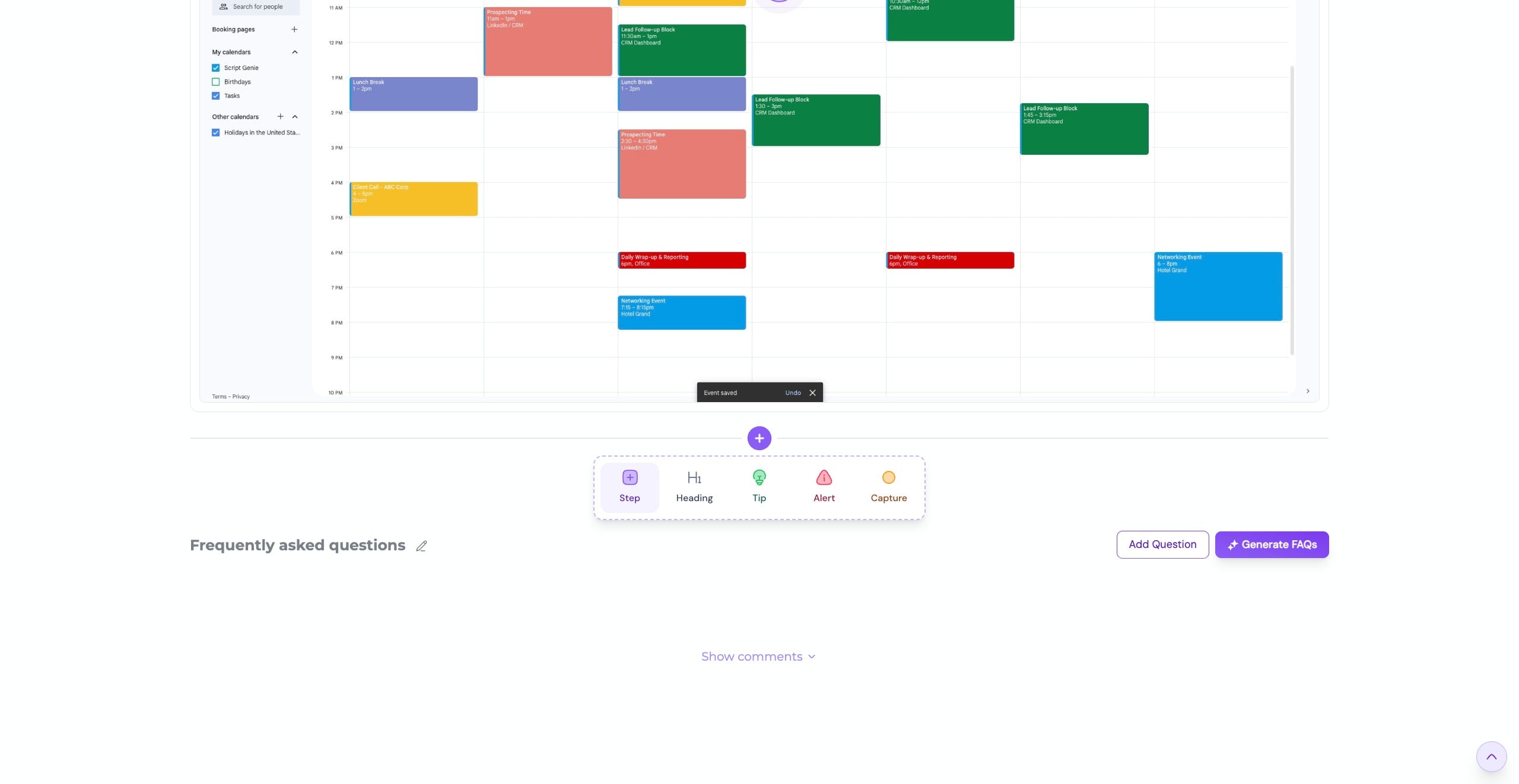

You can then add content to your new step
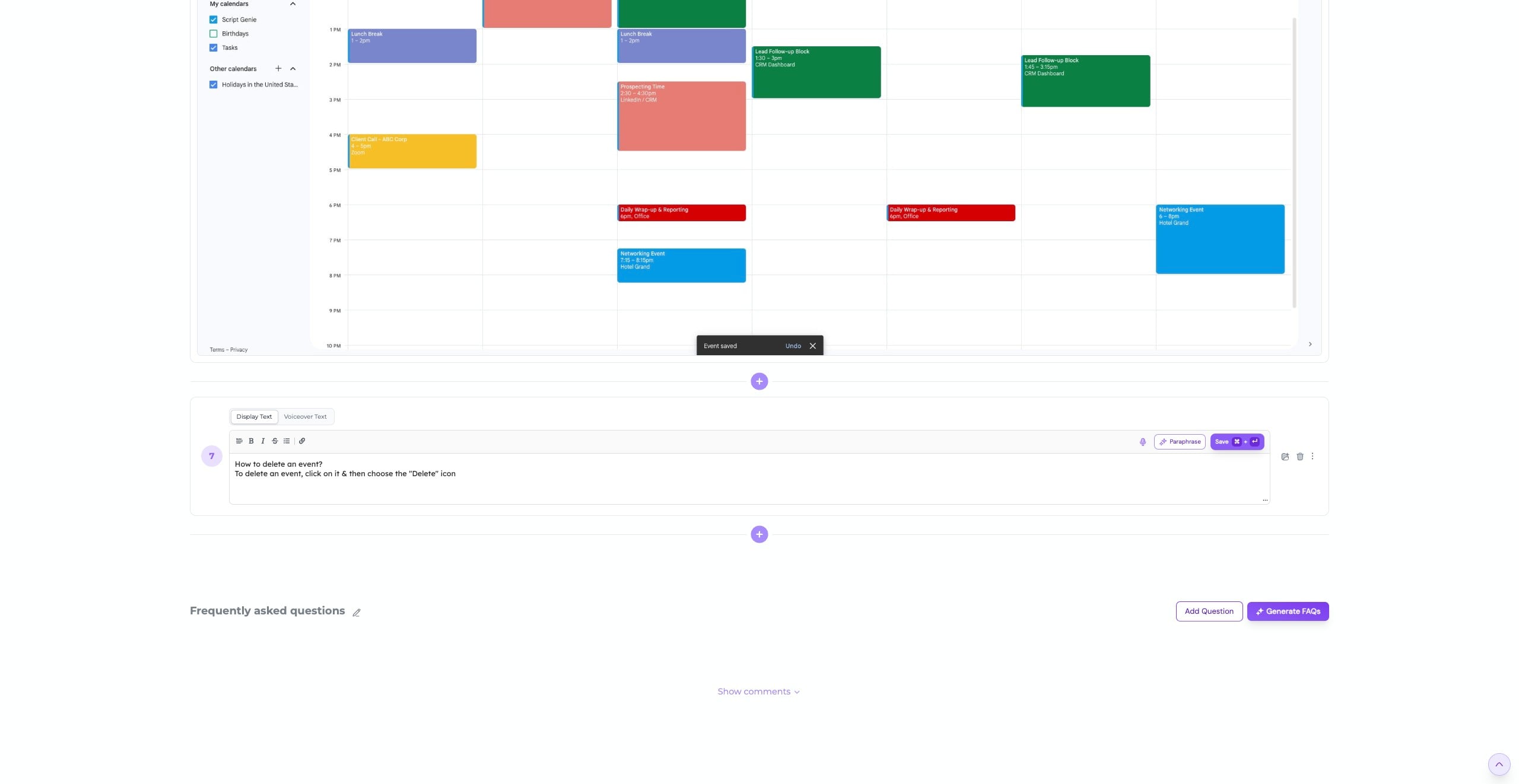
Once you're done, you can make use of our “AI Paraphrase” feature to improve your content
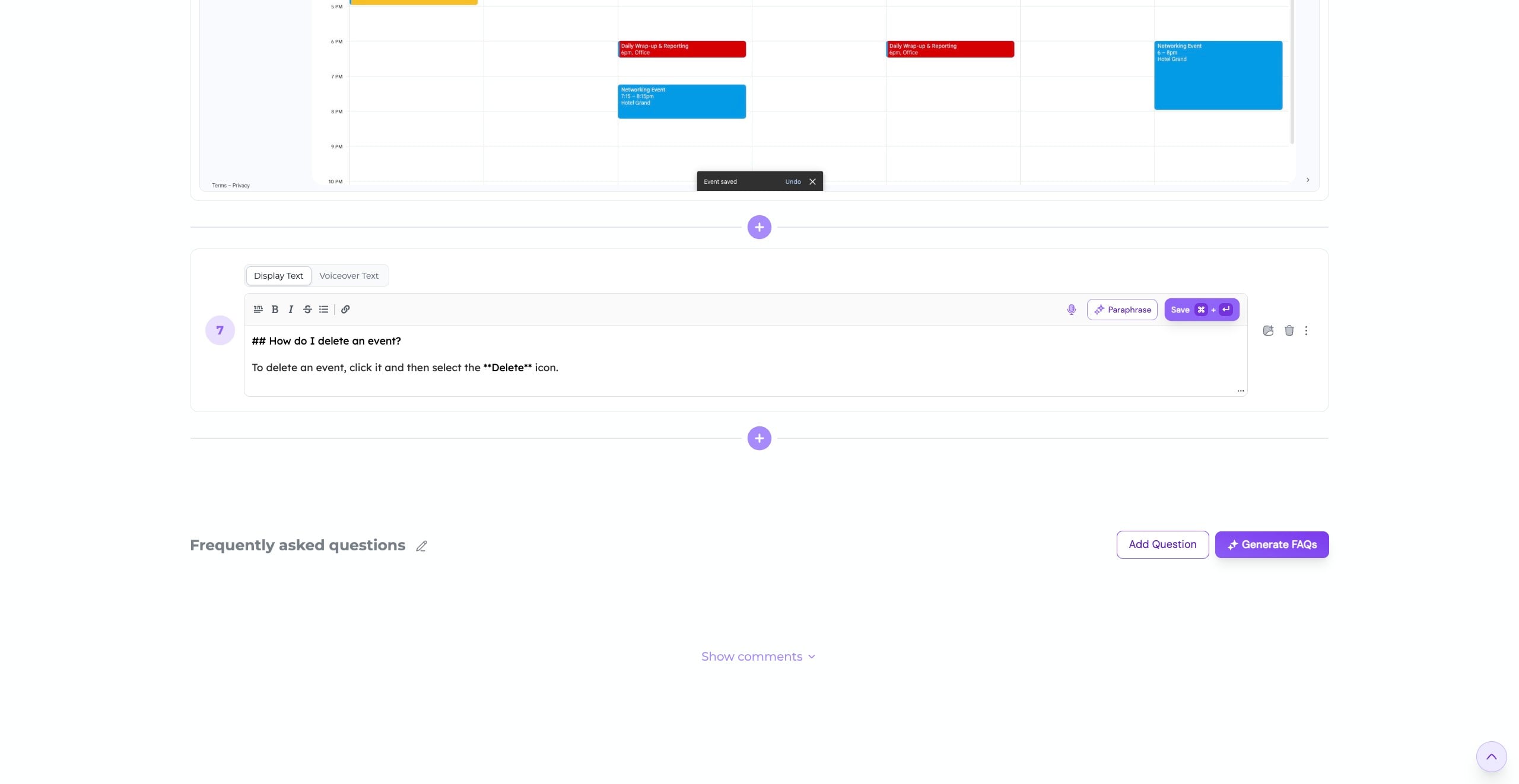
You can also format your content using markdown to add rich text styling—such as bold, italics, and more—for better readability and emphasis.
Click "Save" to apply your changes
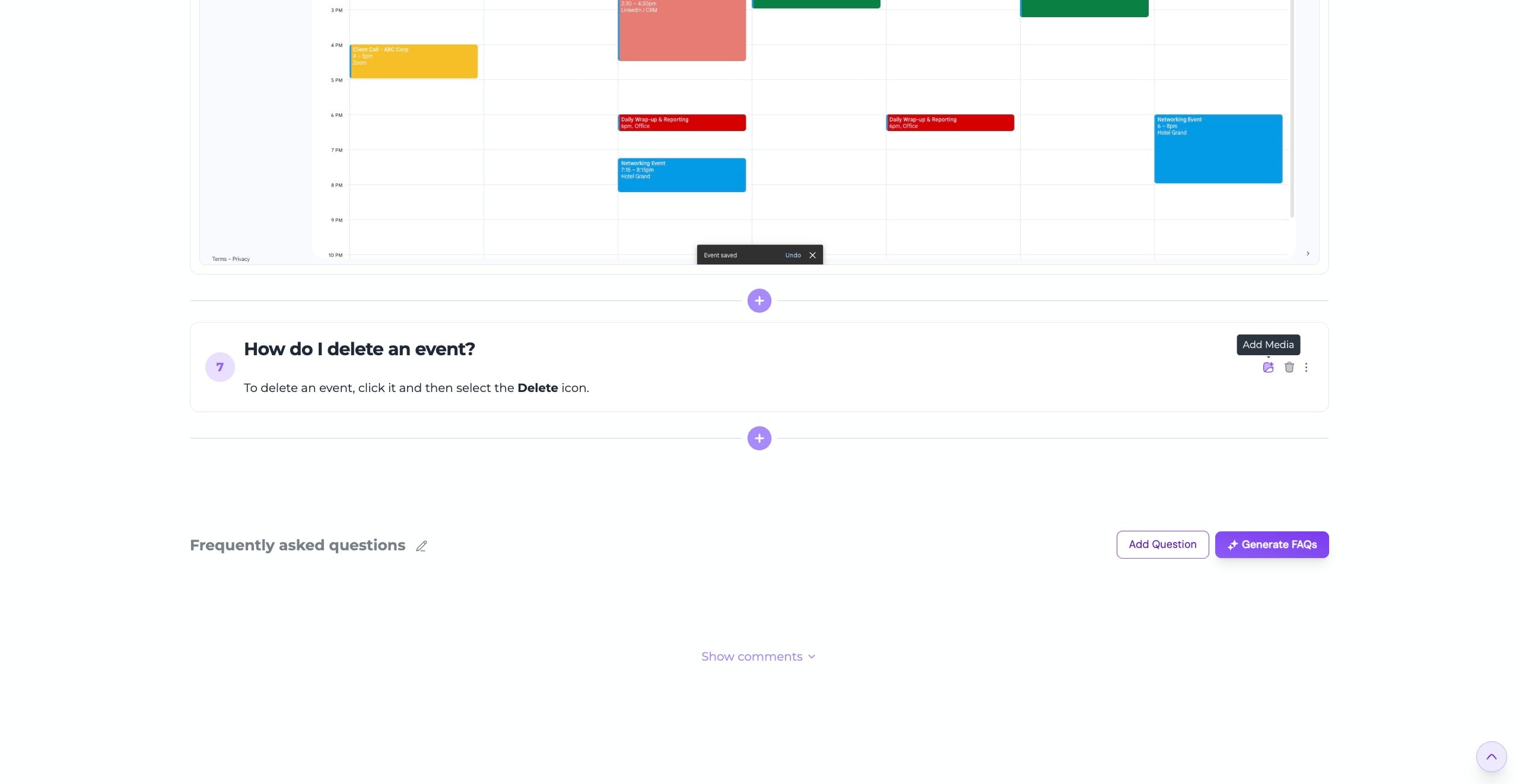
Click the “Gallery” icon if you want to upload an image or video
Click "Upload Image" to upload it from your device
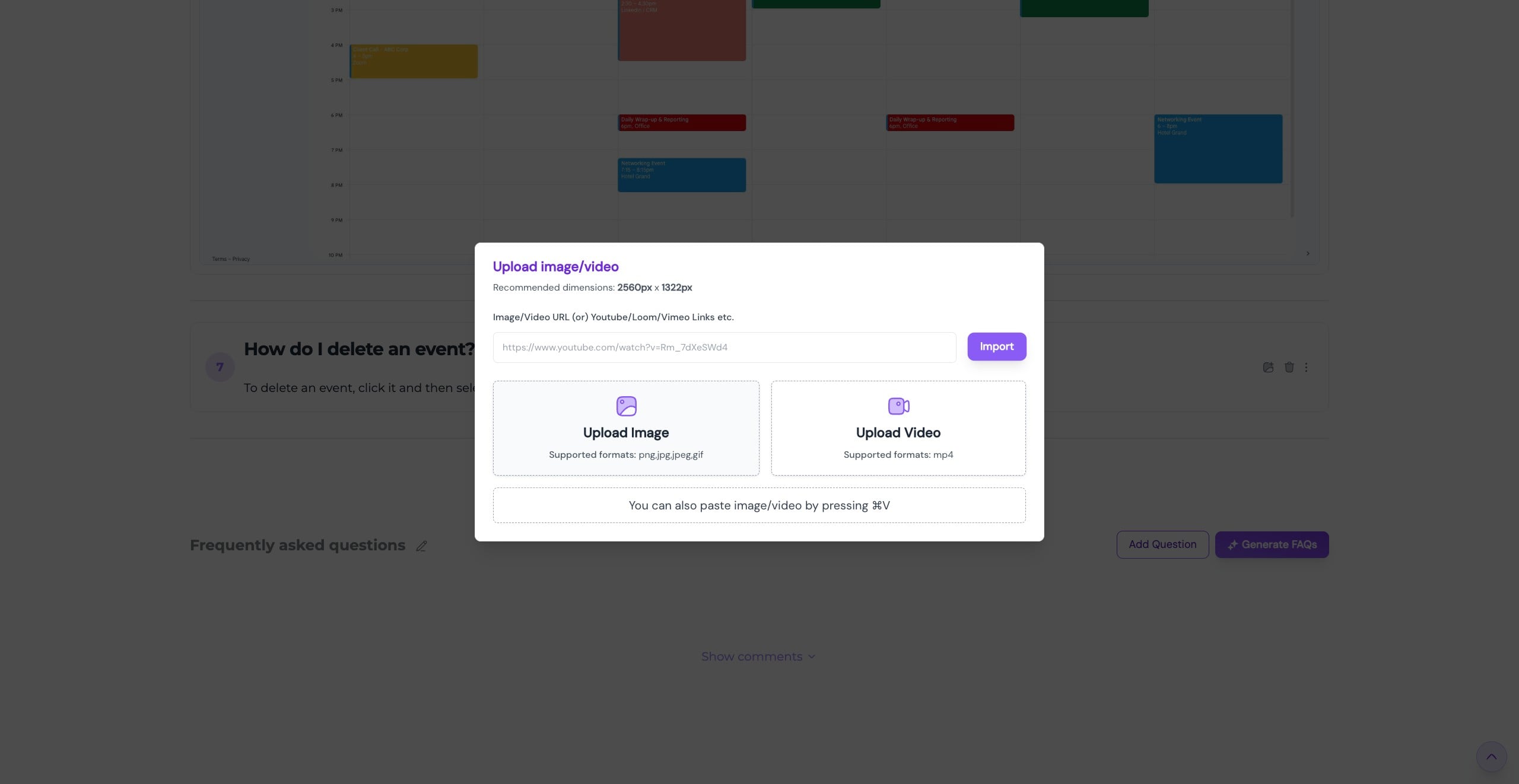
Once your image is uploaded, you can highlight a specific area using the Hotspot to draw attention where it matters most
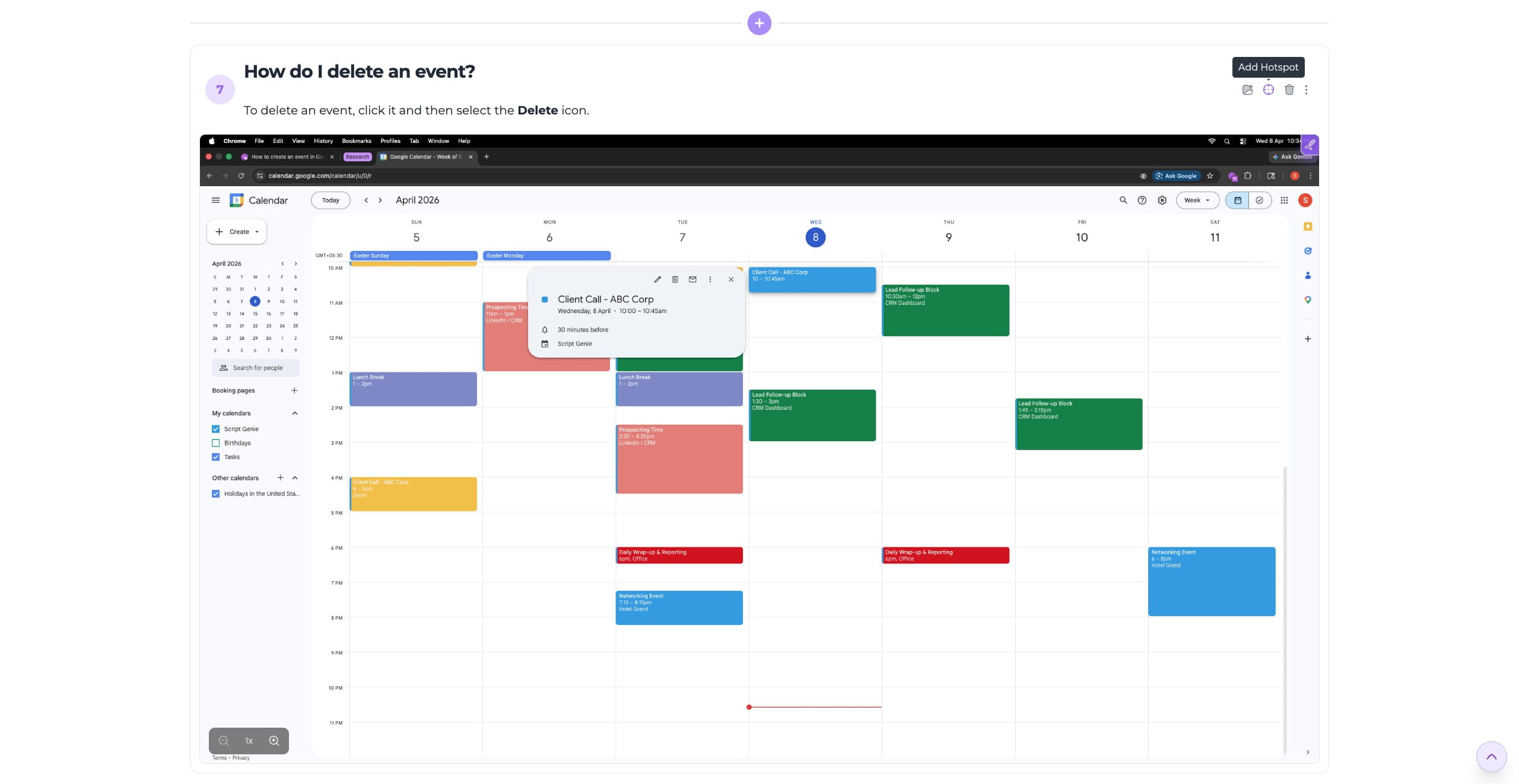
You can easily move the hotspot to position it over the area you want to highlight
How can I duplicate a step?
Go to the step you want to duplicate and click on "More" icon
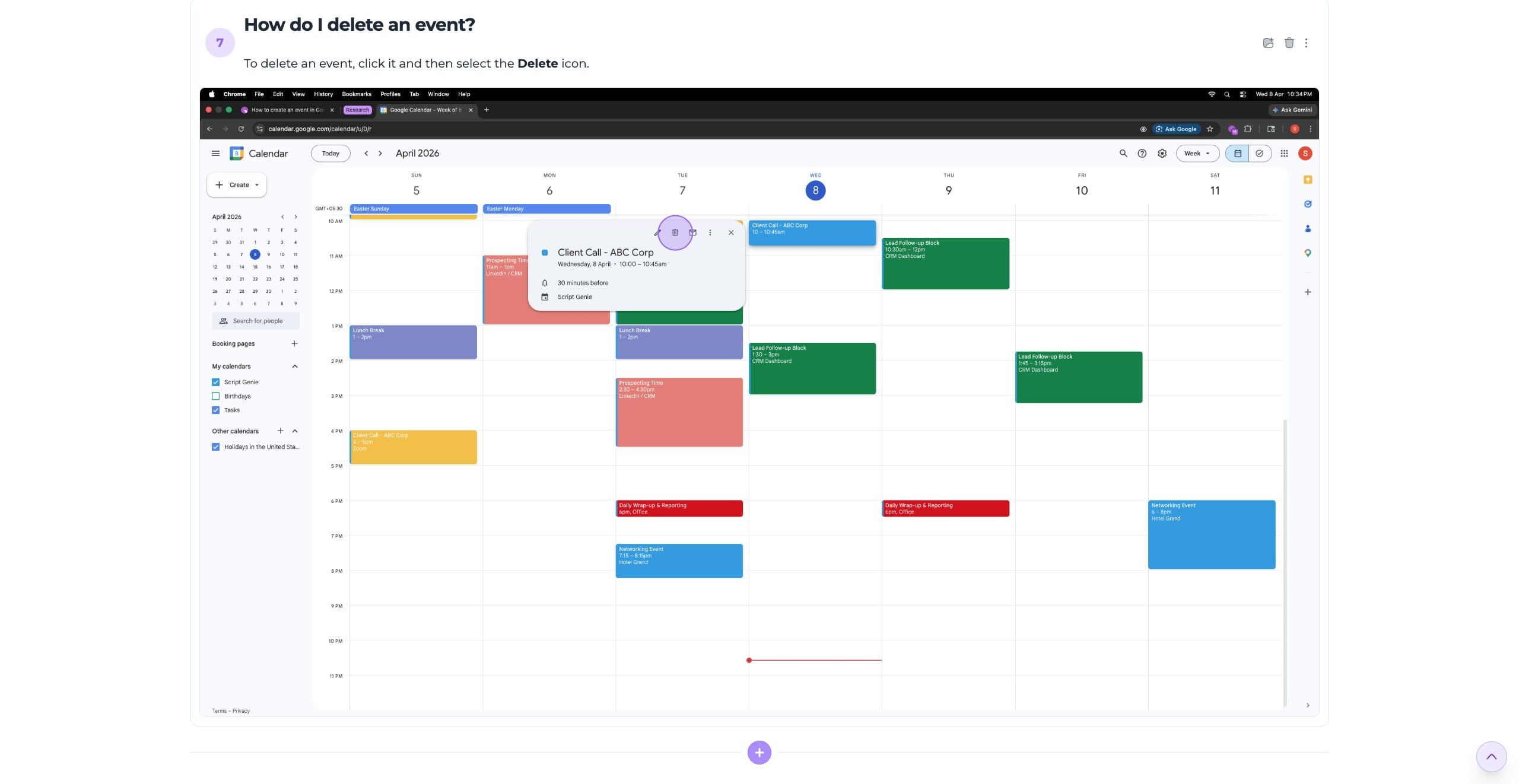
Click on “Duplicate Step” to create a copy of the current step, which will be added right after it
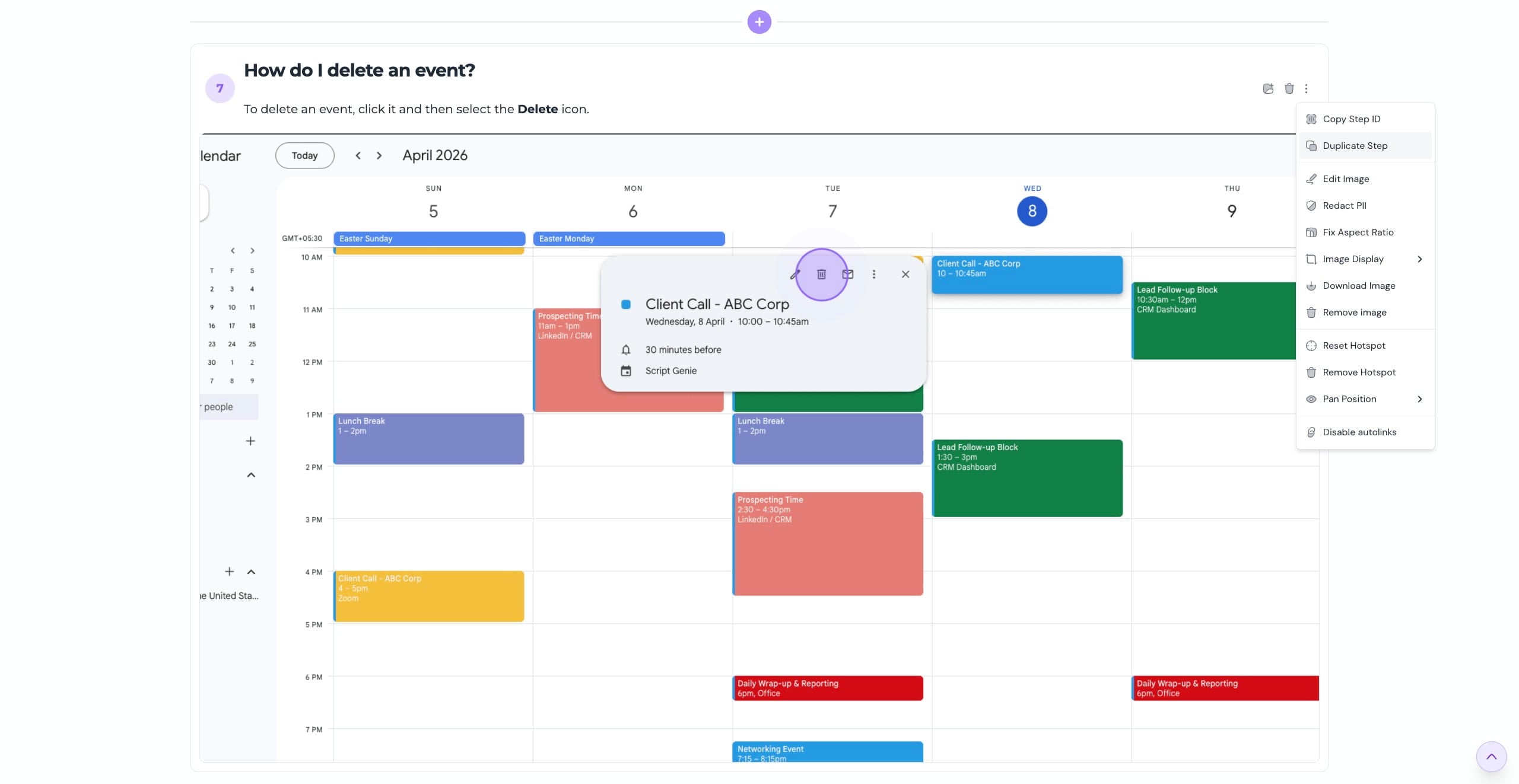
How can I delete a step?
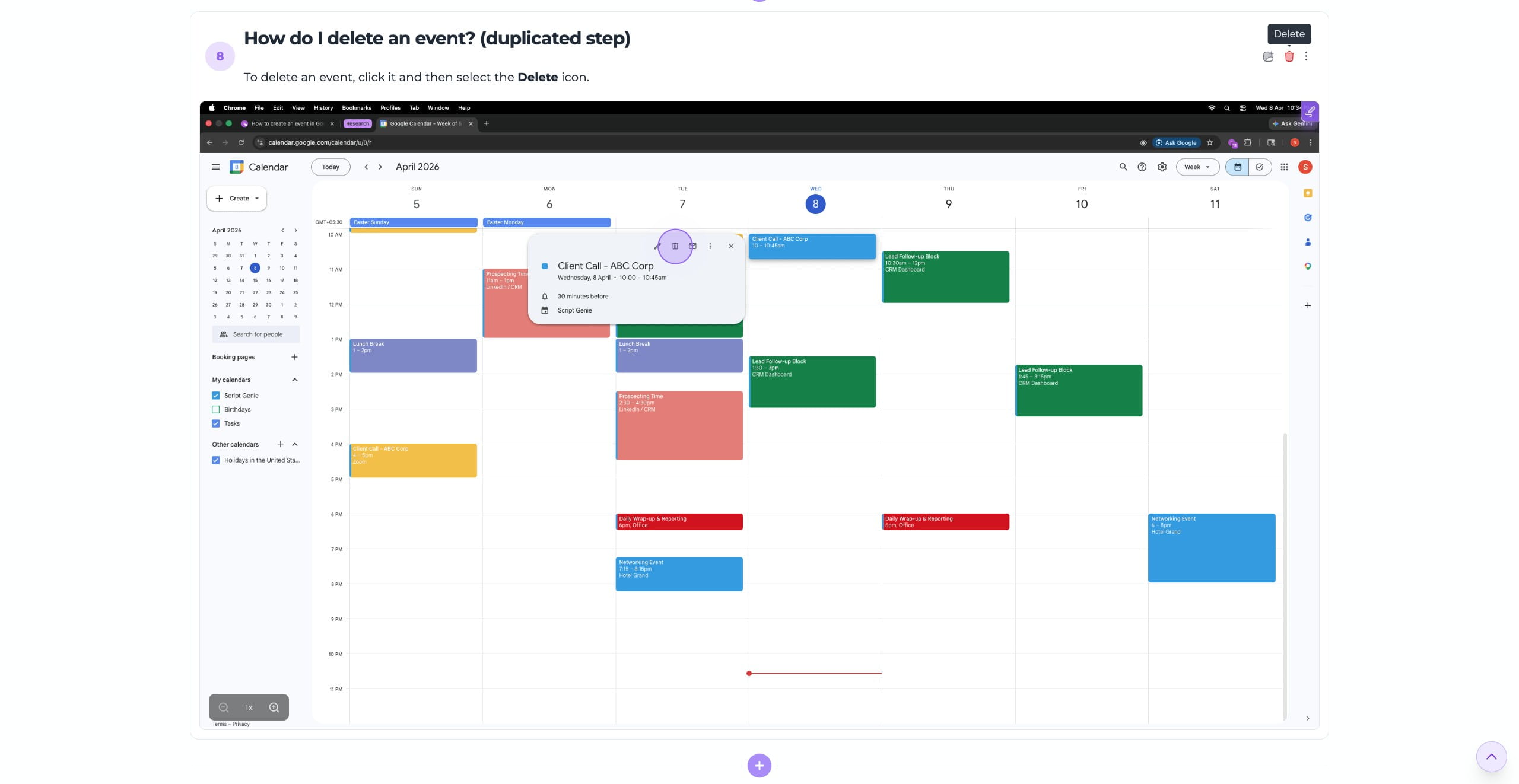
Navigate to the step you want to remove and click on the "Trash" icon
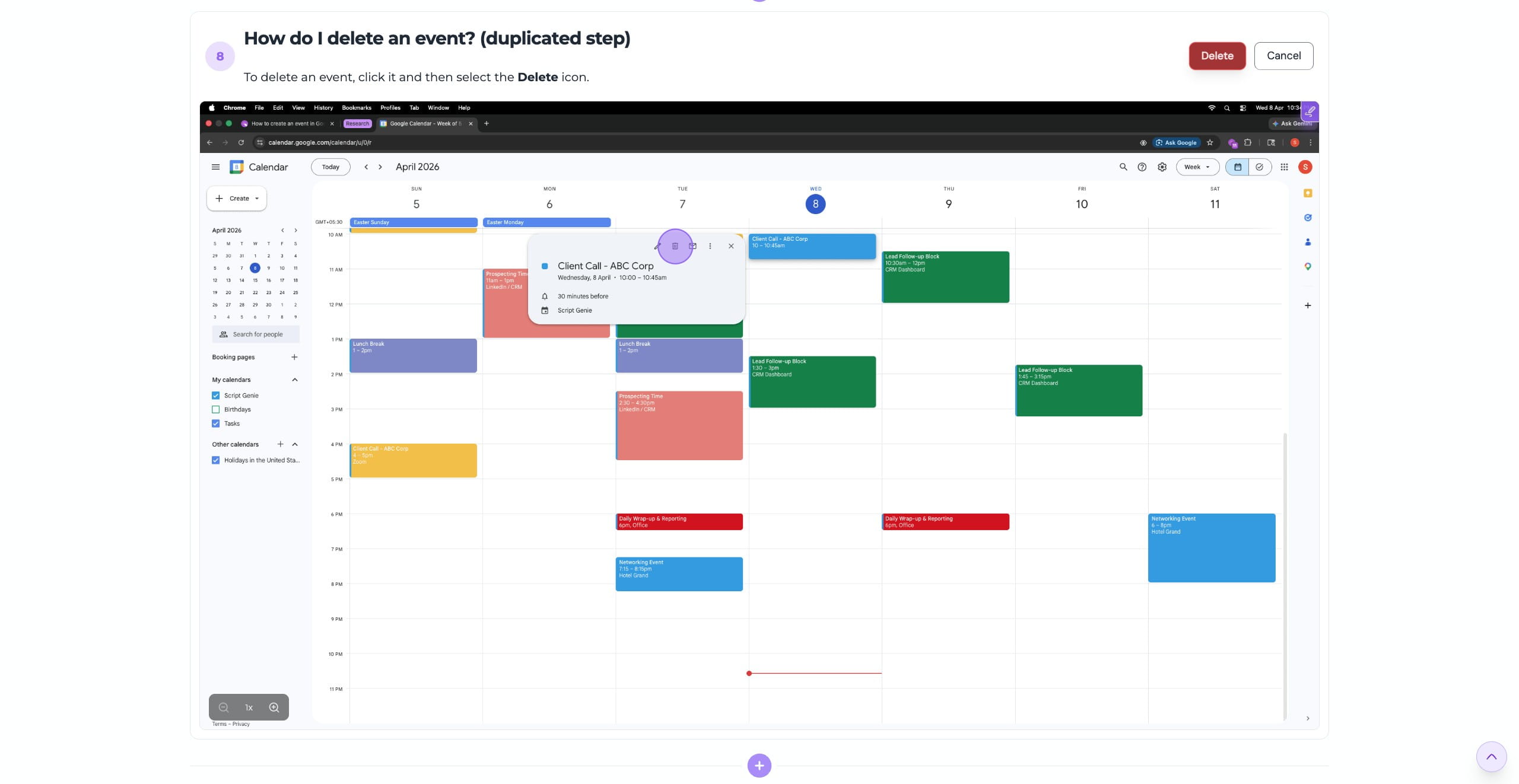
Confirm the deletion, and the step will be removed from your guide permanently
To delete multiple steps at once: Mac: Select steps using ⌘ + Click, then press ⌘ + D Windows: Select steps using Ctrl + Click, then press Ctrl + D
Frequently Asked Questions
- Can I reorder steps after adding or duplicating them?
Yes, click here to learn how to reorder steps.
- Can I edit a duplicated step?
Yes, duplicated steps can be edited independently without affecting the original one.
- Can I add a YouTube link instead of uploading a image/video?
Yes, you can paste a video link (YouTube, Loom, Vimeo, and more) to embed it directly into your step.