
How do I reorder steps in a guide?
Learn how to effortlessly rearrange the order of steps in a guide
Apr 07, 2026●
1
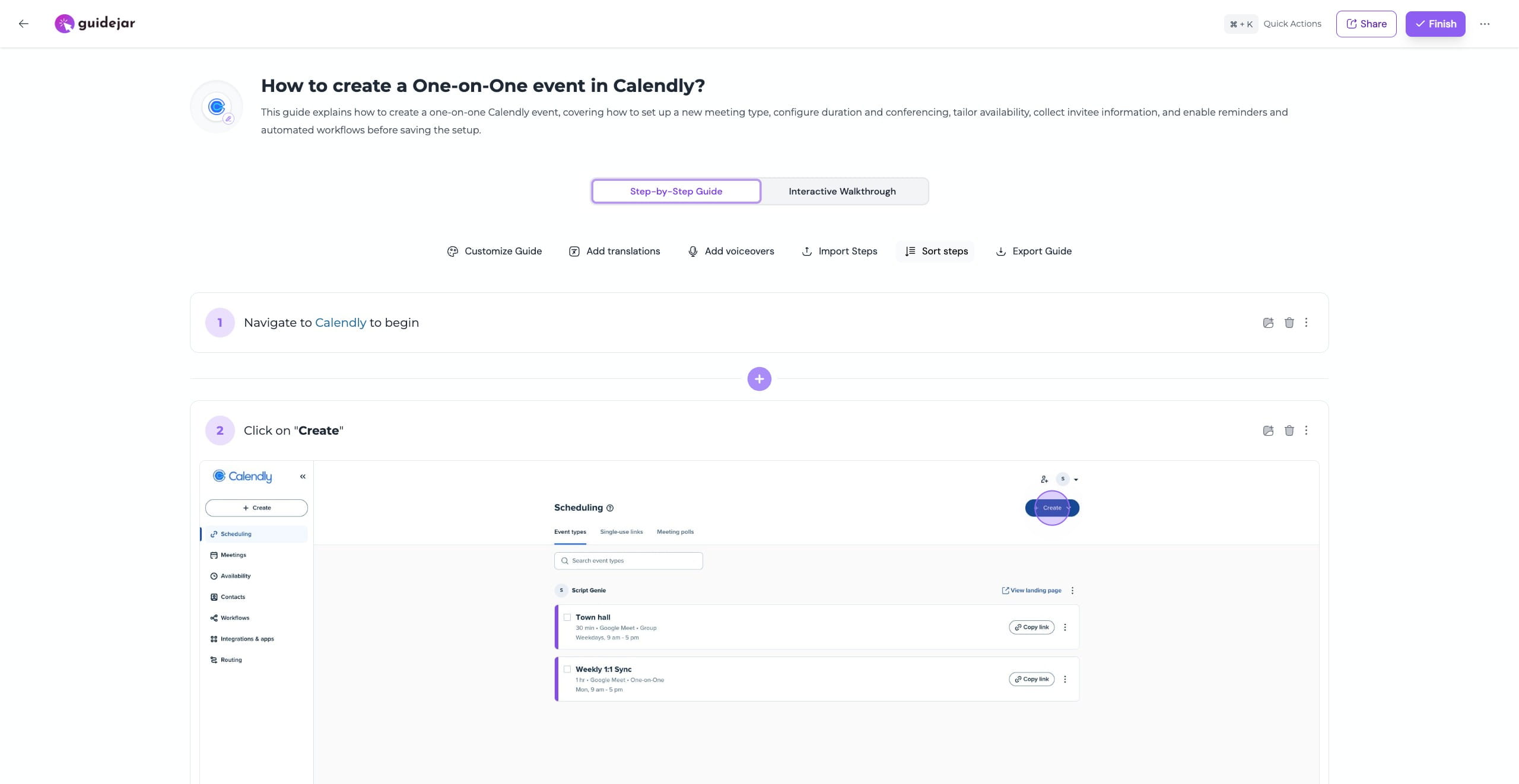
Open the guide editor and click on "Sort steps"

2
In the steps panel, drag and drop steps to reorder them by clicking and holding a step, moving it to the desired position, and releasing to place it Note: Changes are saved automatically as you reorder steps
0:00 / 0:03