How to change Guidejar's Browser Extension settings?
This guide explains how to access and modify the settings and options available within Guidejar's Browser Extension, allowing you to customize its behavior and functionality to better suit your needs.
Apr 07, 2026●
1
Click on the 'Settings' icon


2
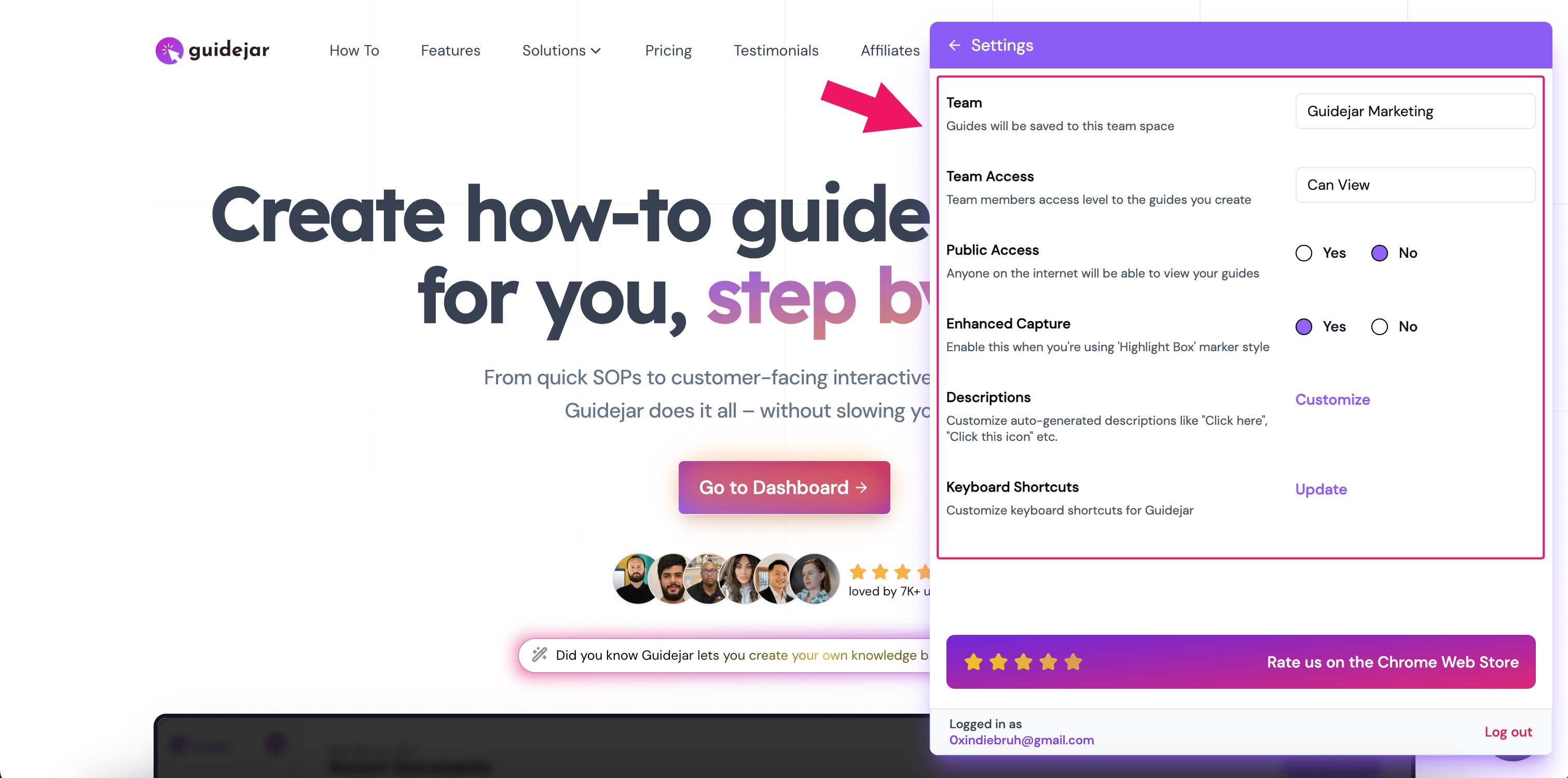
Let's explore the various options:
- Team Assignment: Configure the team to which the guides will be saved.
- Default Access Level: Configure the default access level for the guides.
- Instruction Customization: Customize the auto-generated instructions to match your language
- Keyboard Shortcuts: Update the keyboard shortcuts.