
Welcome to Guidejar
Guidejar helps teams create how-to guides, SOPs and interactive product demos with ease. Boost customer onboarding, minimize support requests, and ensure smooth internal training—all with minimal effort.
Hey there, I’m Shri! Let me show you how Guidejar works and how it helps teams create interactive, AI-powered step-by-step guides for internal documentation, employee training and customer onboarding
 works and how it helps teams create interactive, AI-powered step-by-step guides for internal documentation, employee training and customer onboarding](https://assets.guidejar.com/uploads/MtSleQiPGpp75NyZZdZZ/W0g0mQPq2sdhp3XcaY2BmPDvAl13/9107a68a-94eb-46f3-a364-031bfe2f54cc/1744532729599.jpeg)
The effortless way to create guides quickly is using our Chrome Extension or our Desktop app.
 or our [Desktop app](https://guidejar.com/download).](https://assets.guidejar.com/uploads/MtSleQiPGpp75NyZZdZZ/W0g0mQPq2sdhp3XcaY2BmPDvAl13/d6f0895e-0621-430e-81a4-cd3f0c4ce111/1744538959700.jpeg)
After you install our extension, you can choose the tab you want to record and go through your process
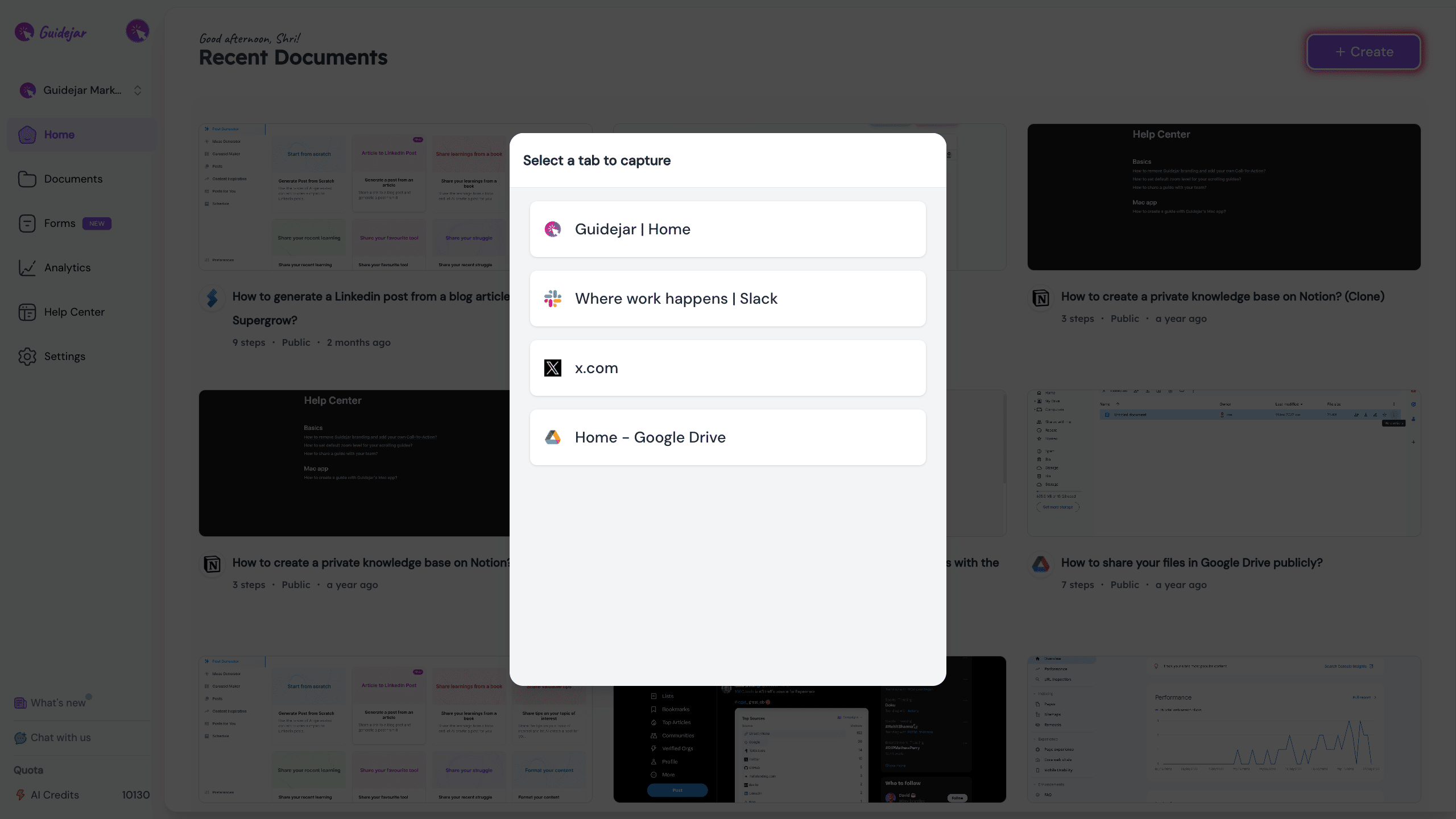
Once you complete your recording, Guidejar instantly creates your guide with auto-generated descriptions
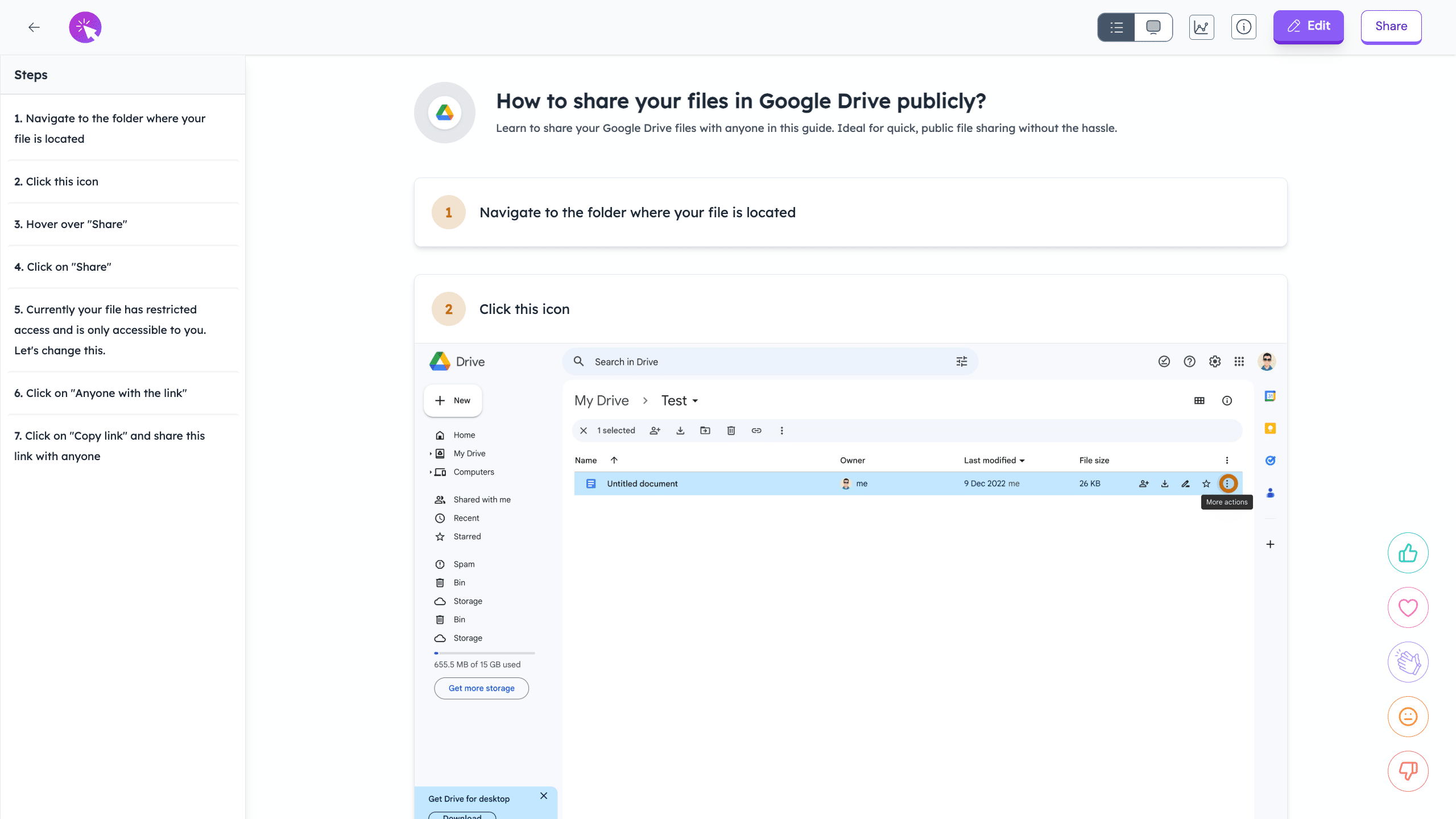
Guidejar offers multiple guide formats. The format that you're seeing now is the 'Step-by-step Guide'
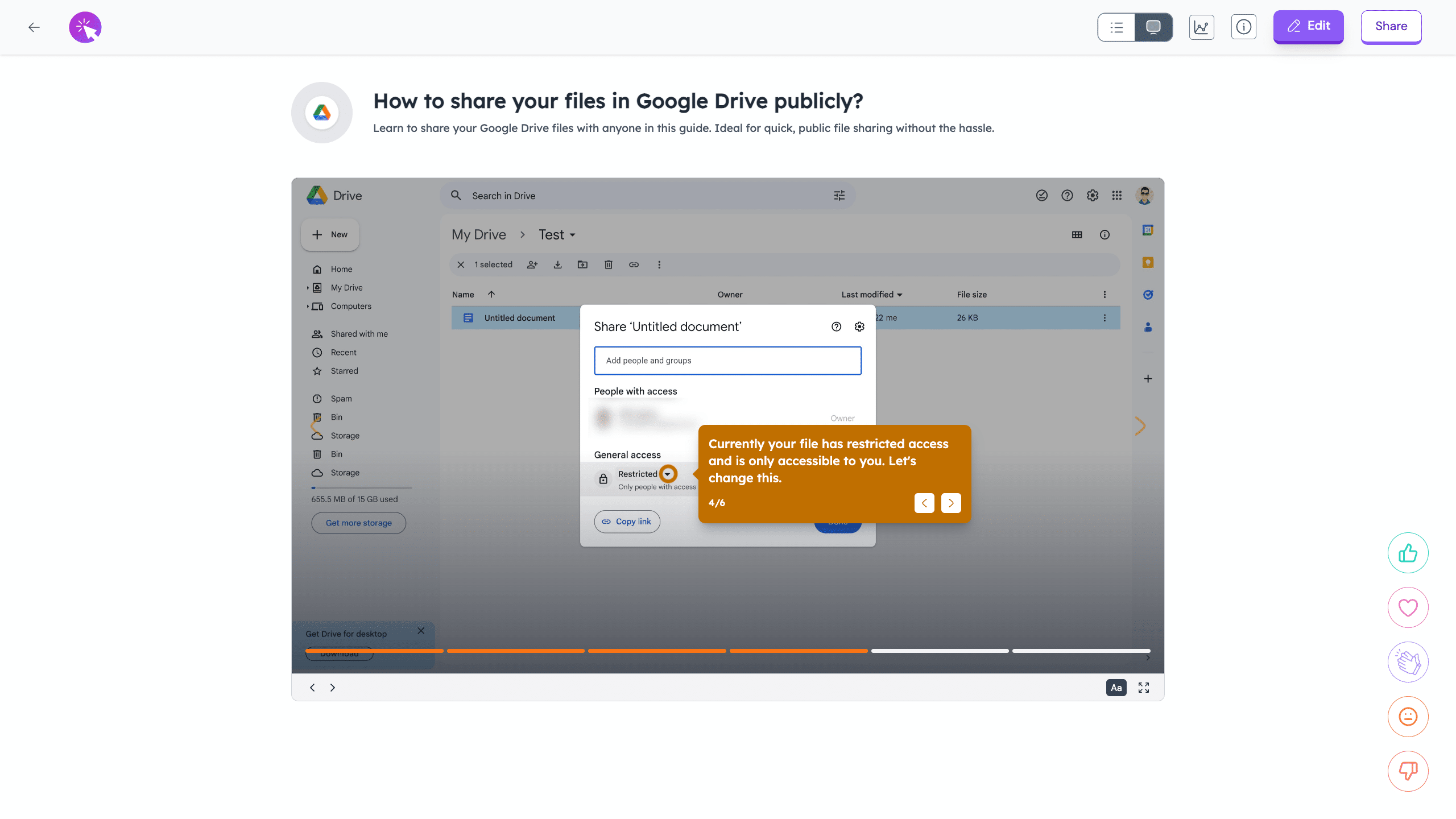
This format is our favorite. It's called the 'Interactive demo' like the one you're seeing now!
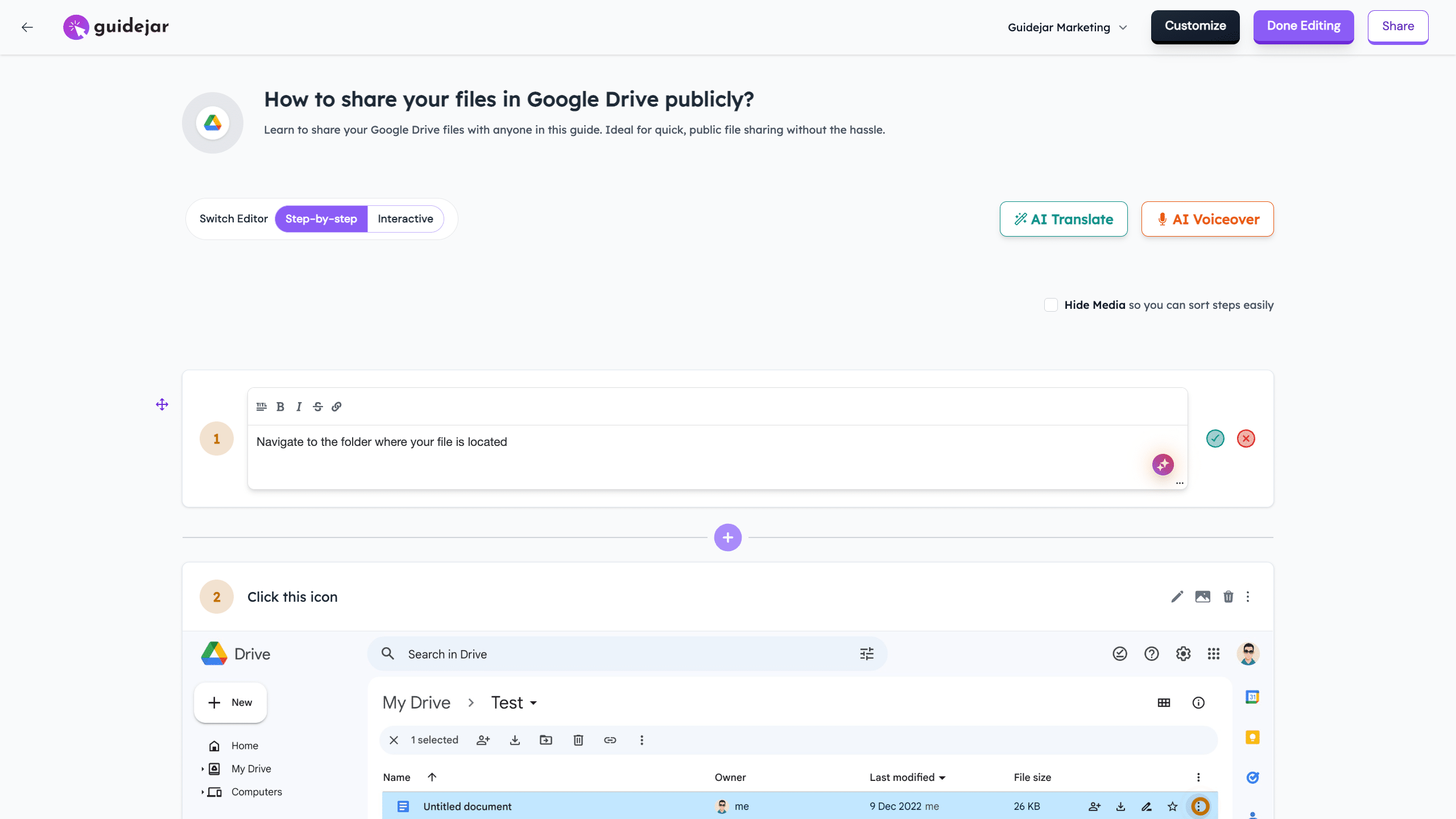
Let's now see how you can edit your guide.
You can make changes to the instructions and also use our 'AI paraphrase' feature to polish your content
You can also add more steps like Headings, tips etc. or even start another recording session and insert it next to any step
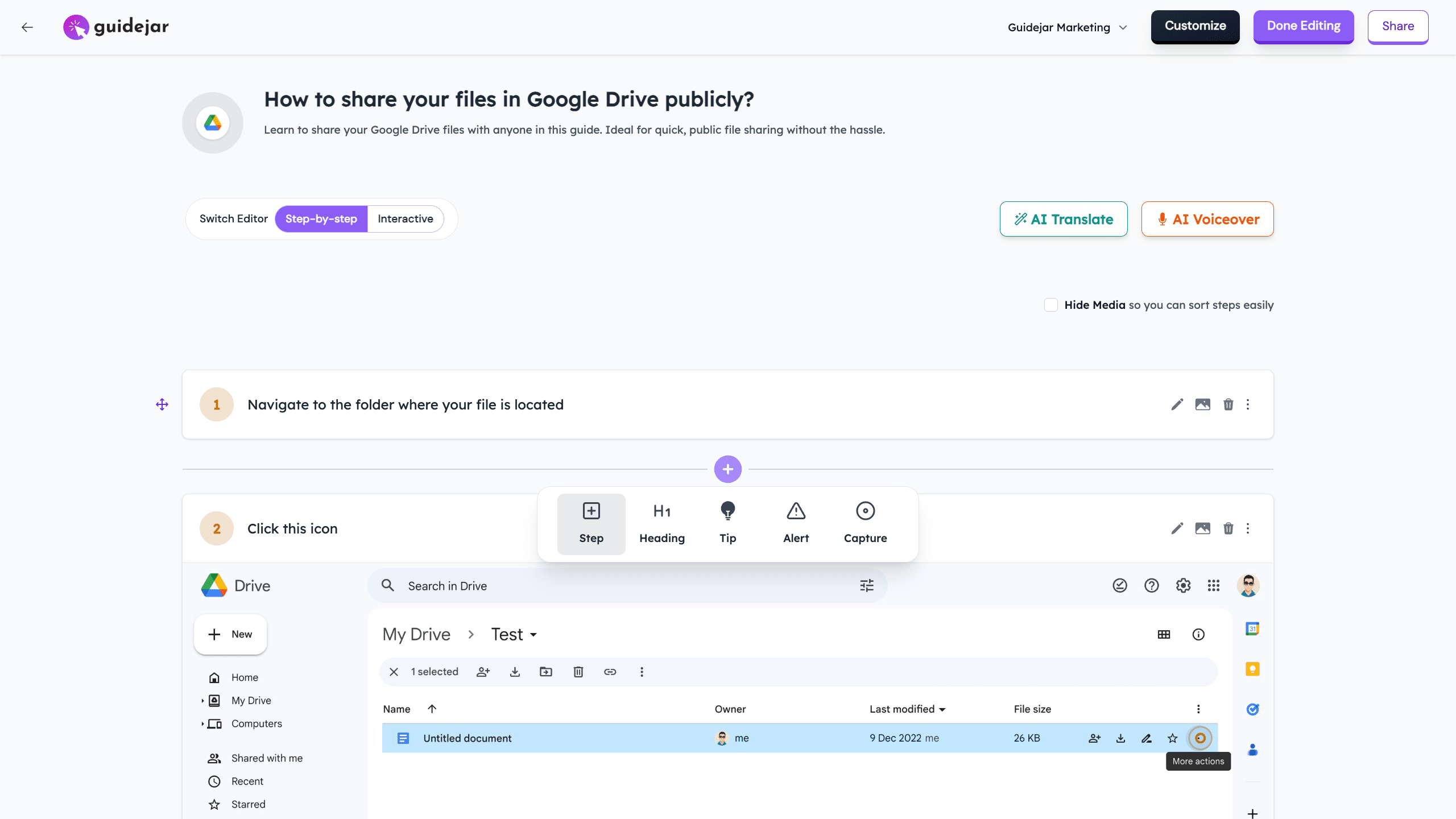
Let's now look at our more advanced AI features!
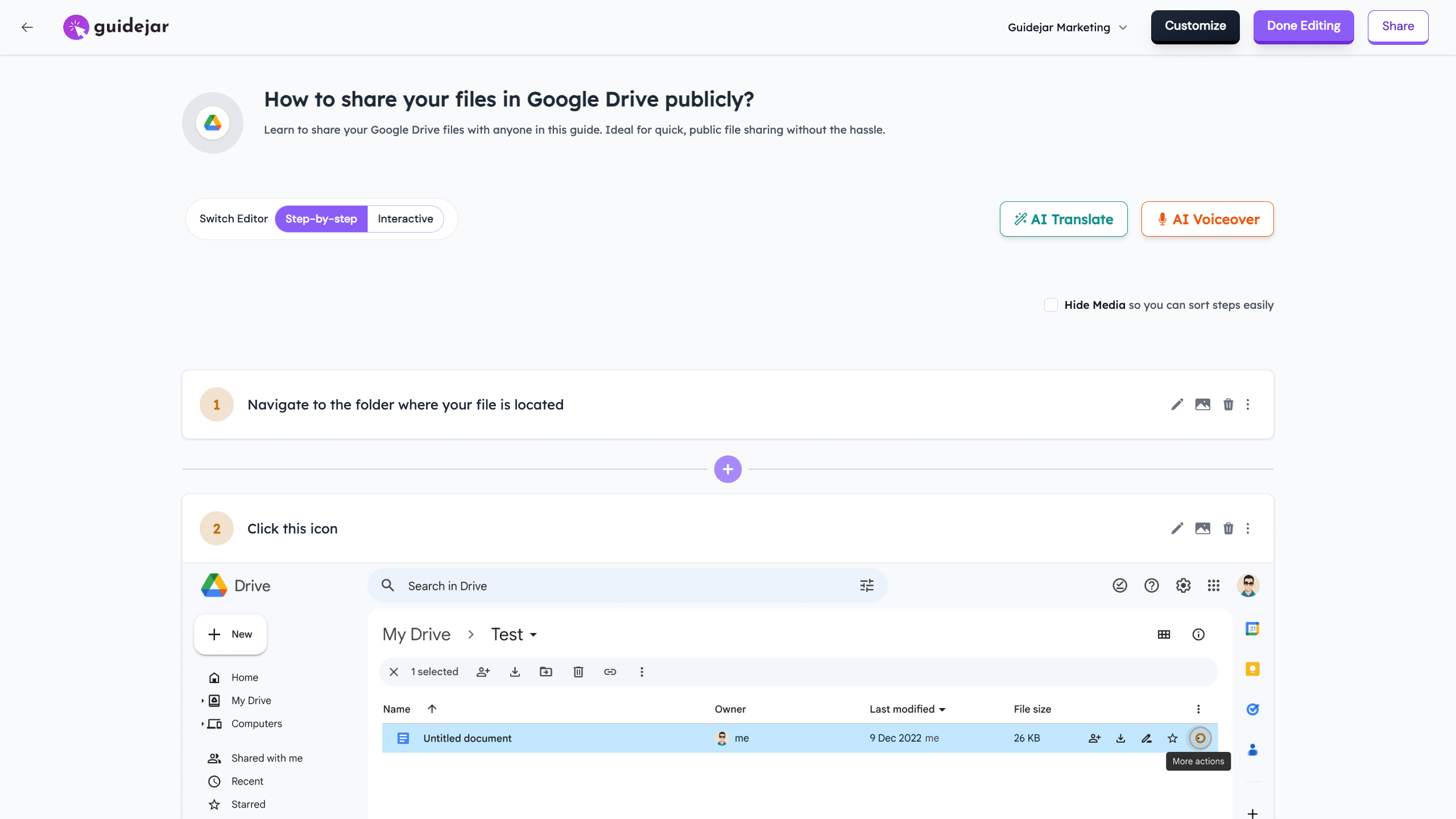
With 'AI FAQs', you can generate FAQs in just a single click to help users quickly find answers to their questions
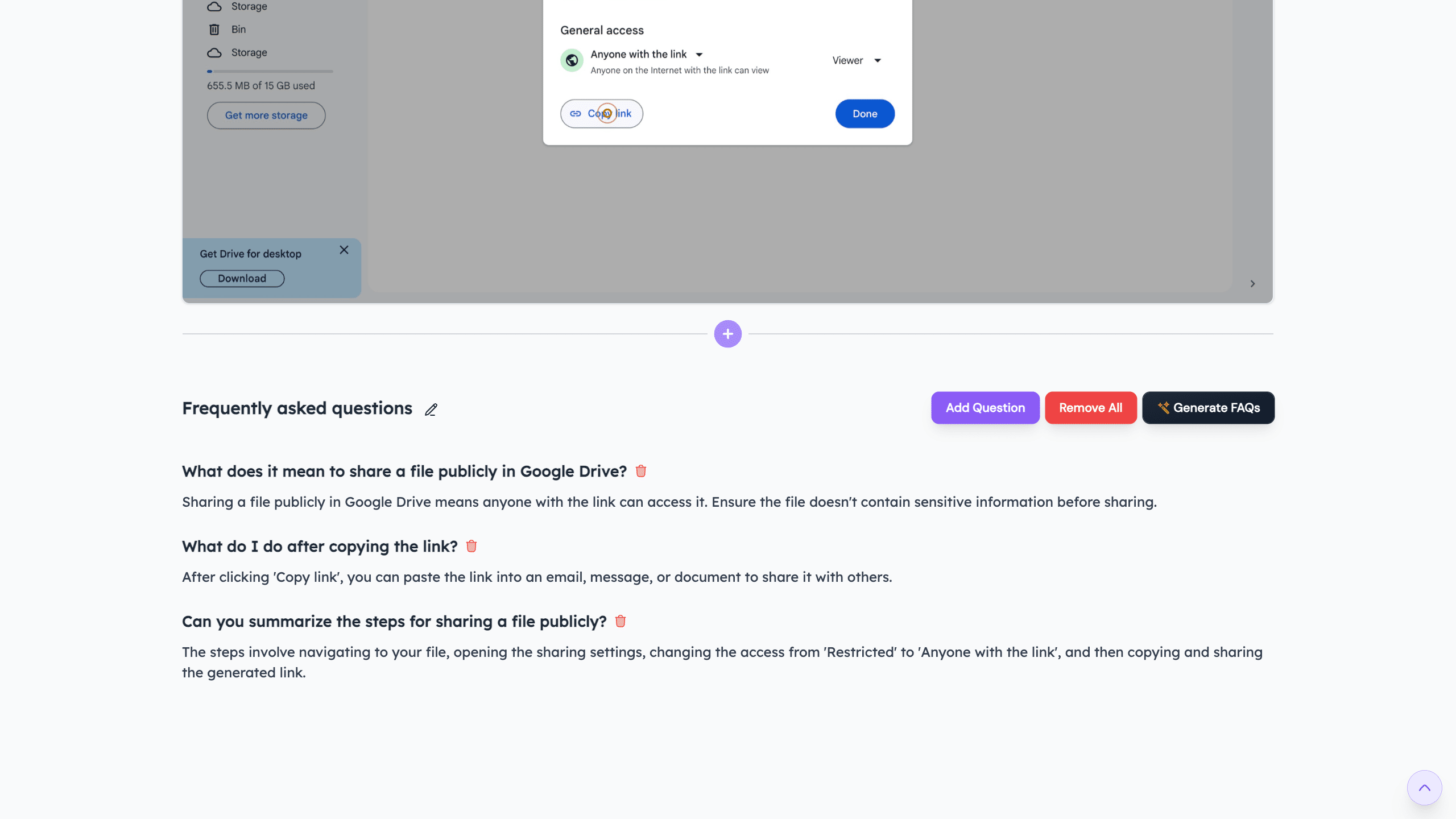
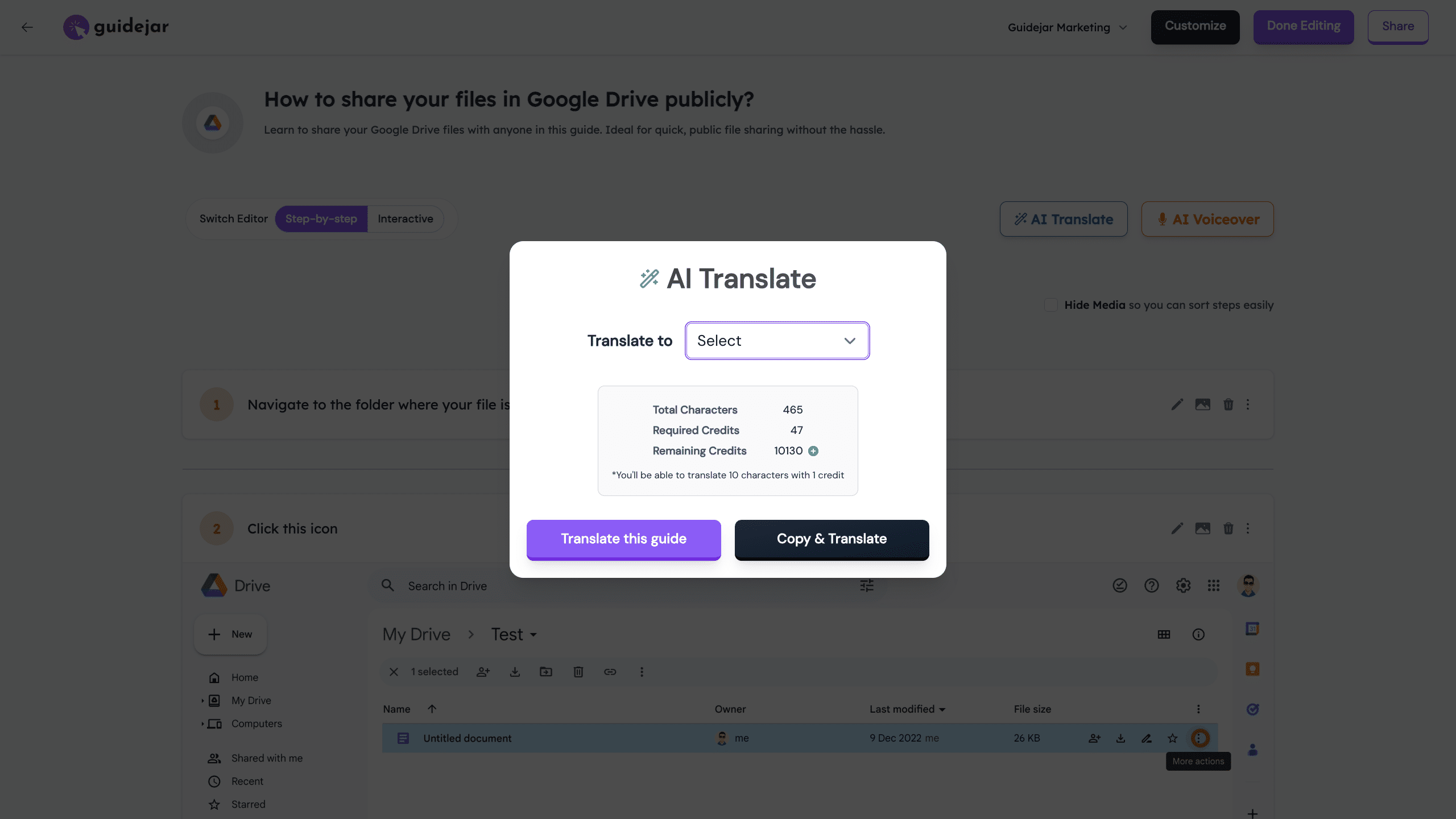
With 'AI Translate', you can instantly translate your guides to 30+ languages to cater to your global audience
With 'AI Voiceover', you can effortlessly generate voiceovers for your guides in 30+ languages and make your demos more engaging!
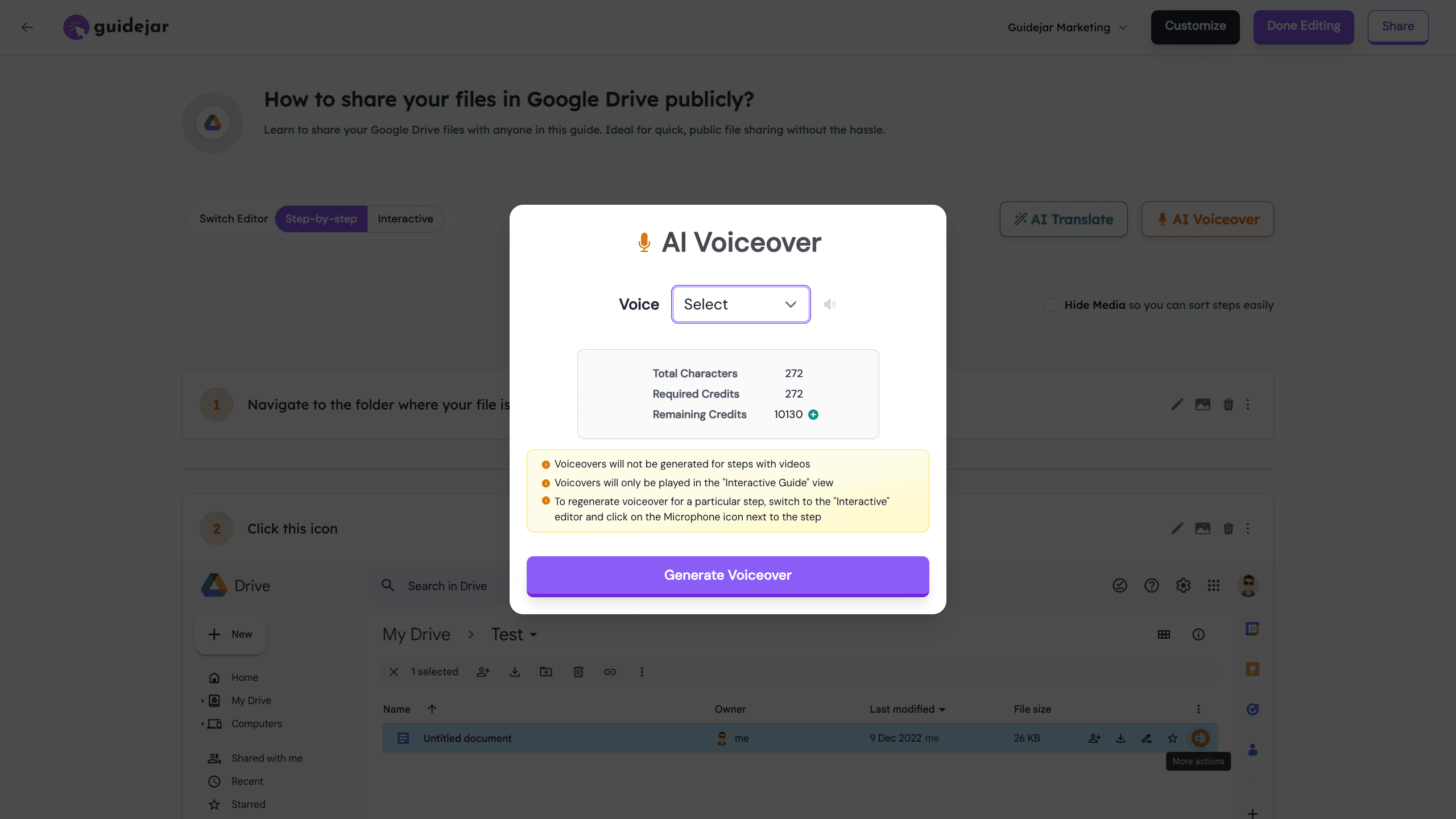
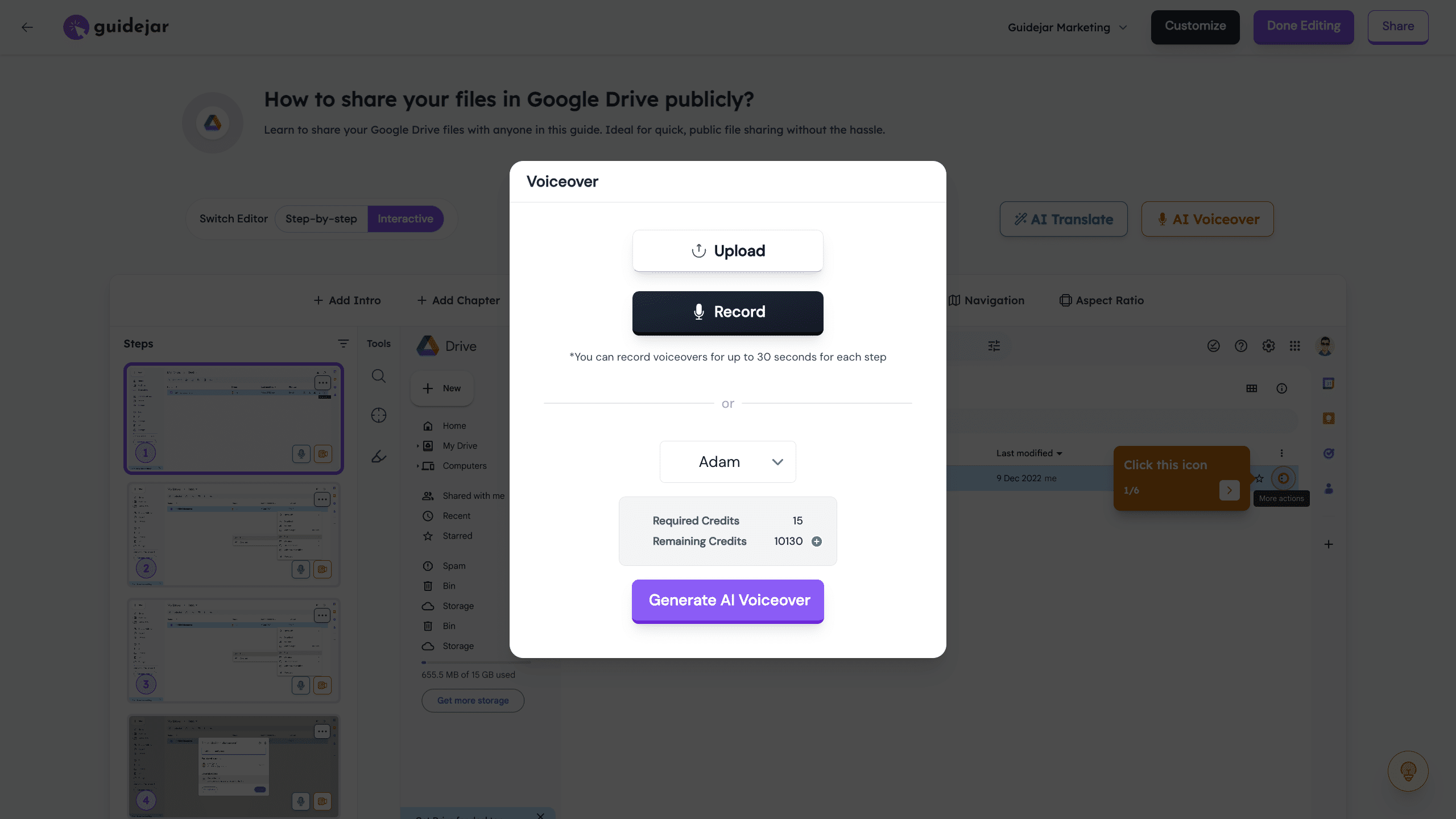
You can also upload your own audio or record your voice if you'd like to add a more personal touch
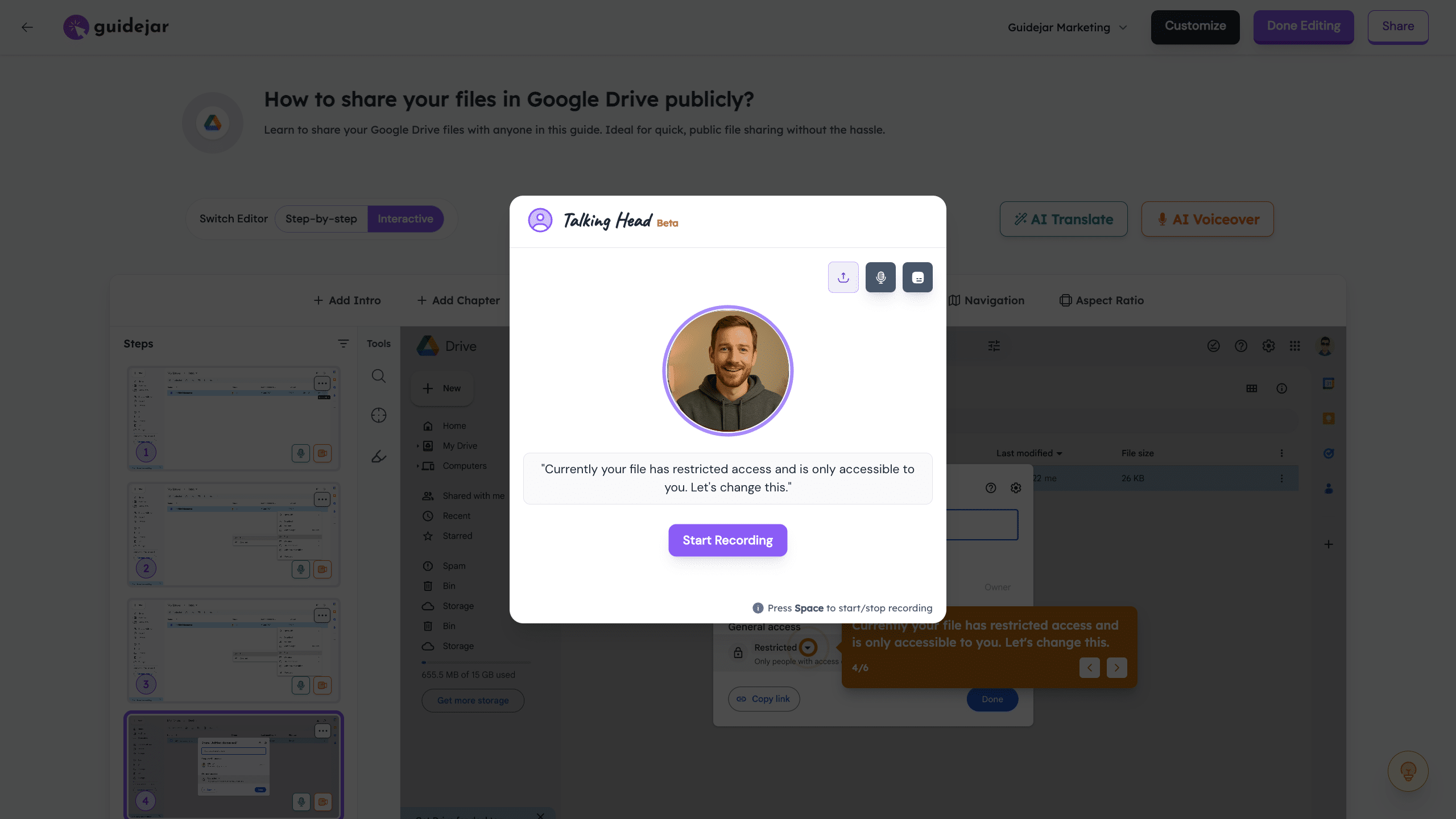
You can use our "Talking Head" feature to record yourself walking through the demo and place the video in any corner of the screen
Let's now look at our 'Interactive Demo' editor
Here, you have more features specific to the 'Interactive demo' format like Pan & Zoom, Highlights, Chapters, Autoplay, CTA etc.

Next, let's go to the 'Customization' popup where you have even more options to tailor the guides to your needs
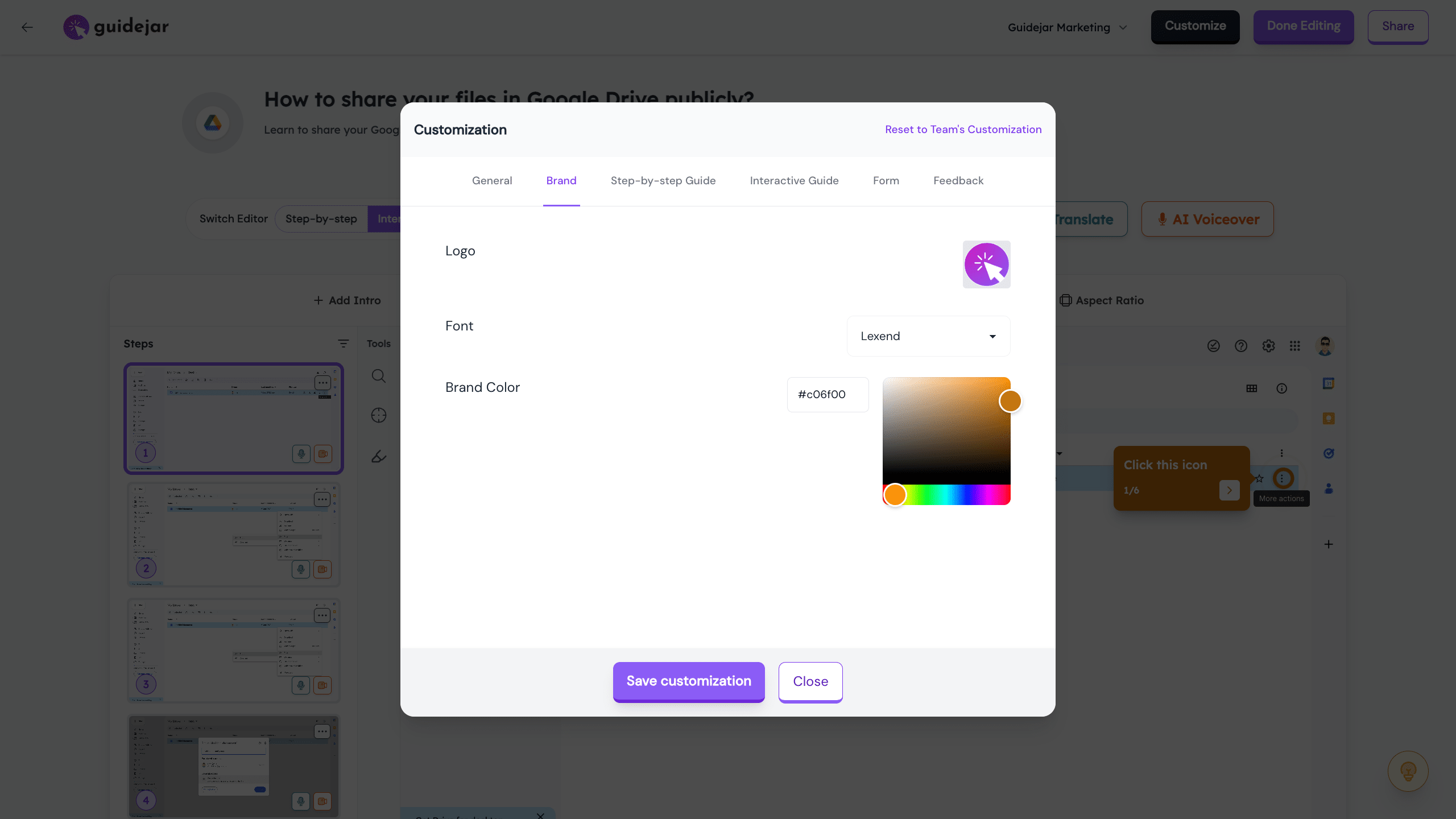
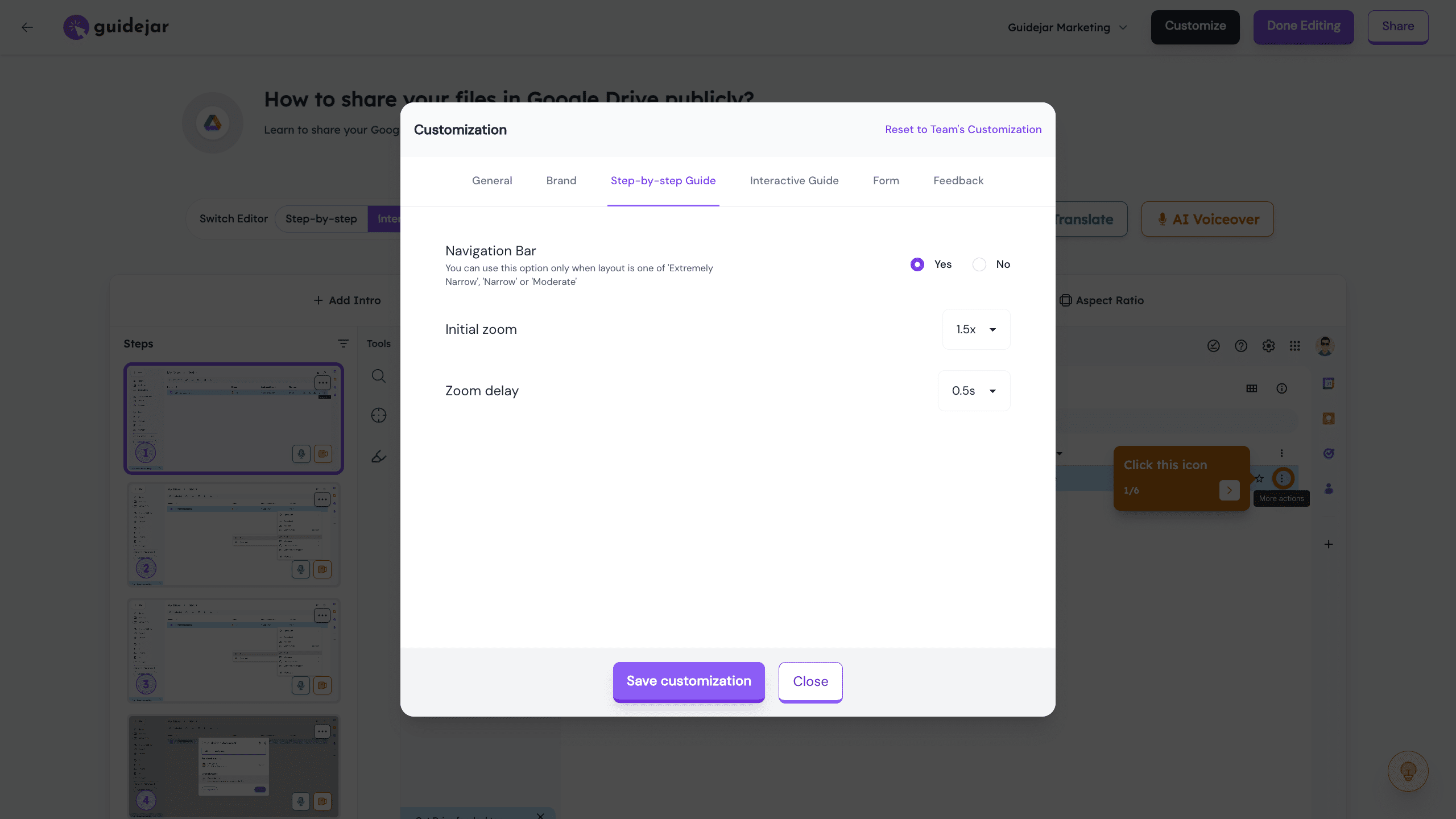
These are options specific to the "Step-by-step Guide" format
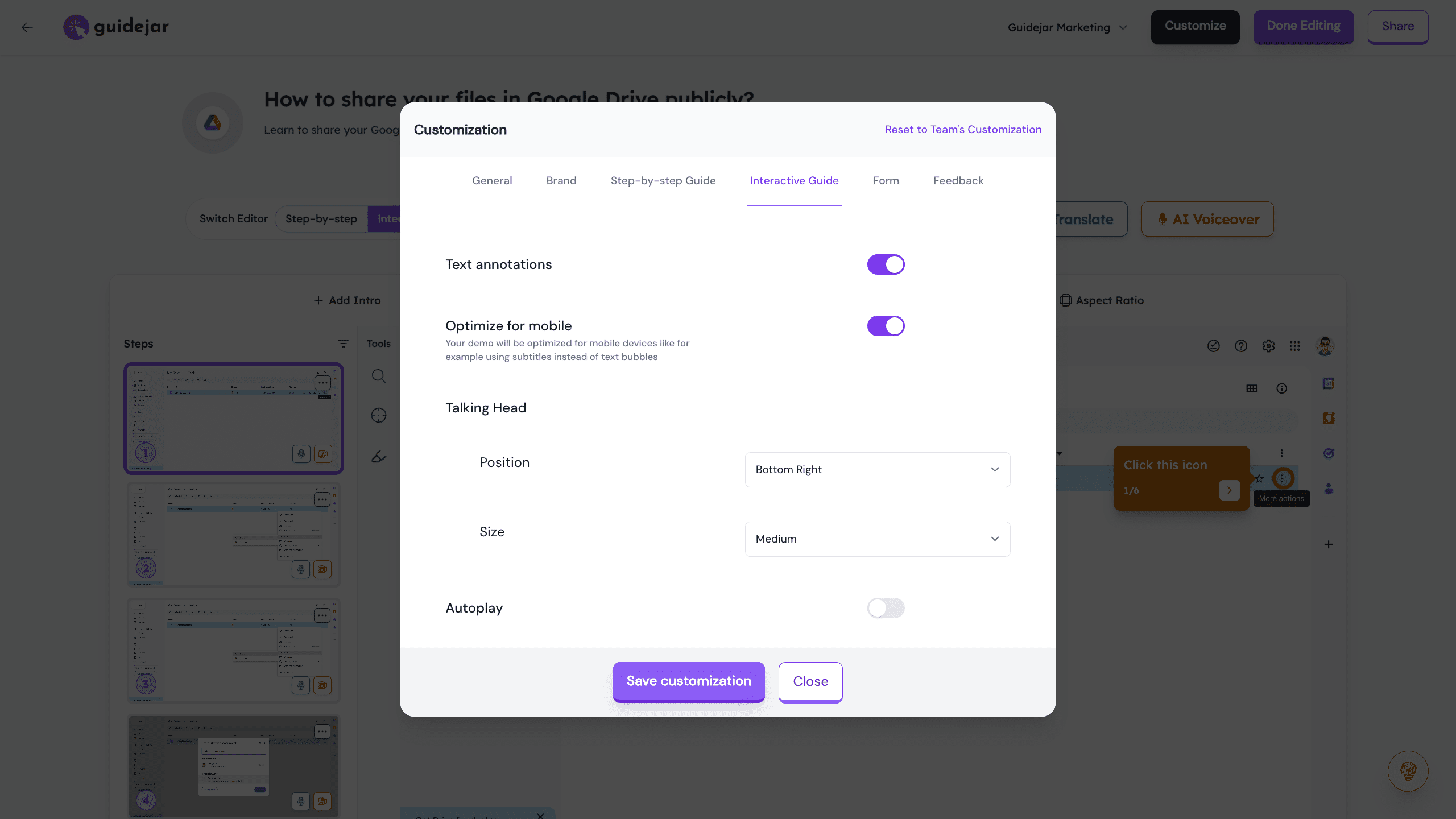
These are options specific to the 'Interactive Demo' format where you can configure autoplay duration, loop etc.
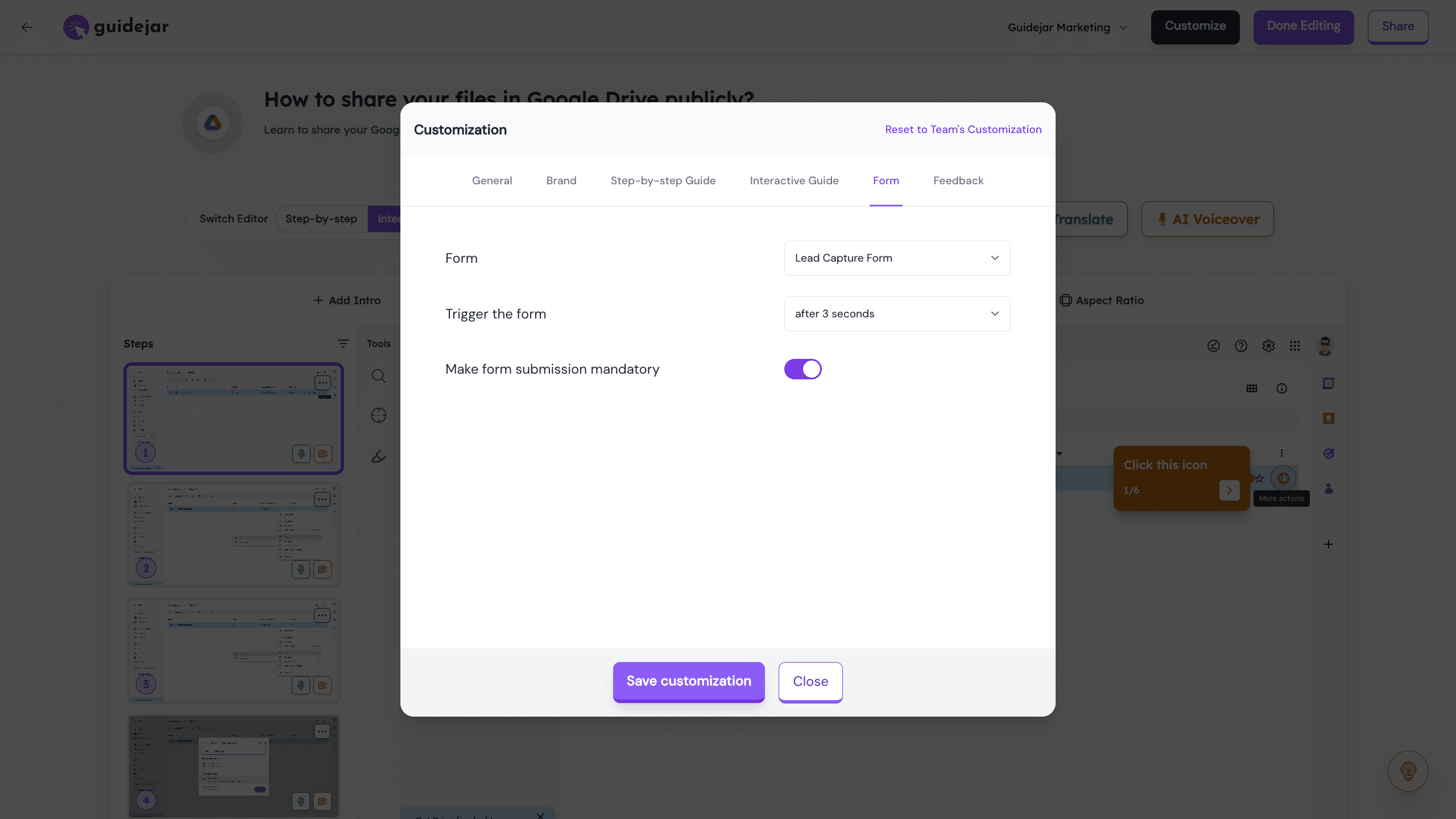
You can make use of our built-in 'Forms' to capture feedback, lead information etc.
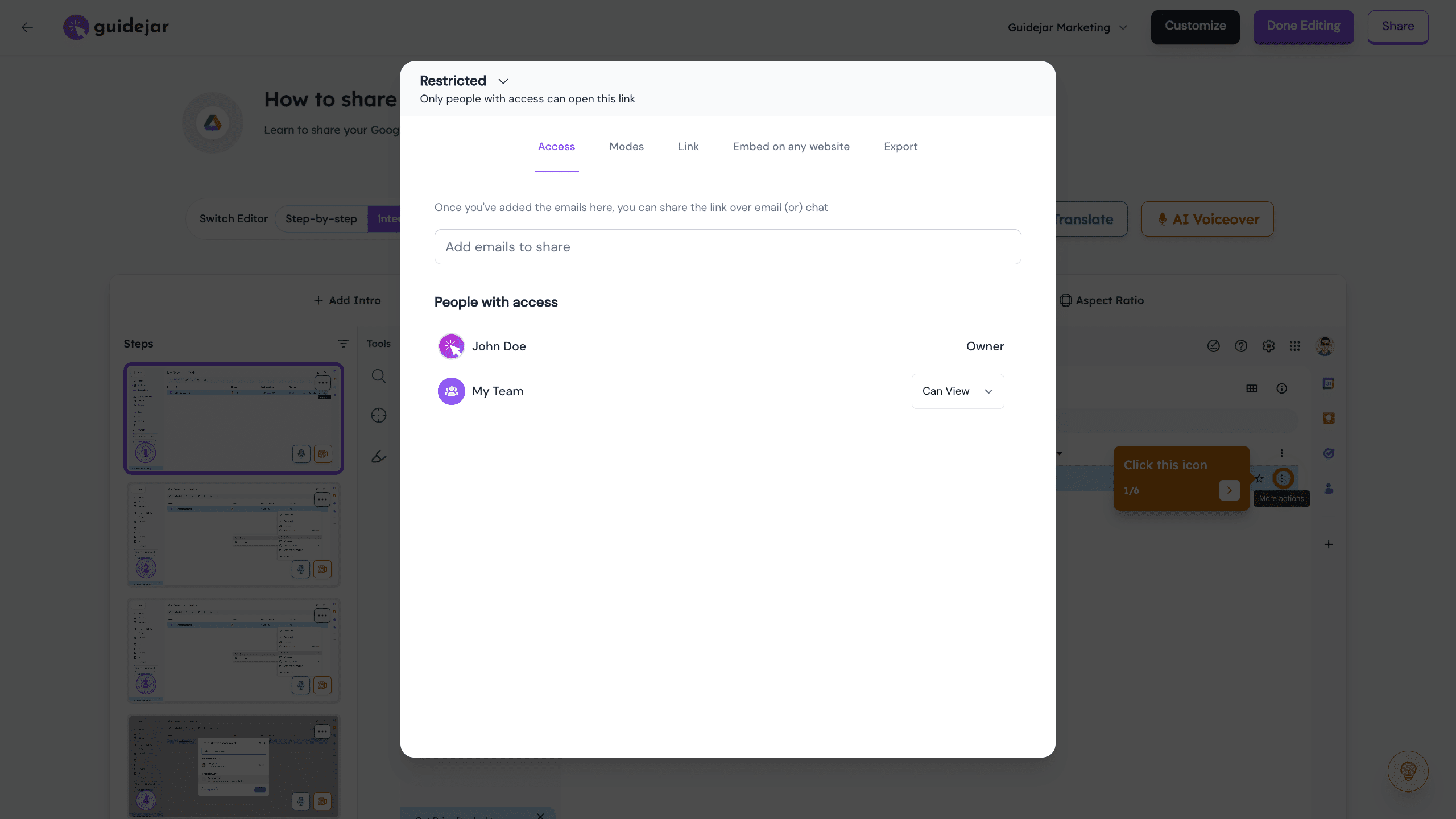
Let's now check out how you can share the guides to your audience
You can either make the guides public to everyone or you can share it to your team or individual users by adding their emails here
You can modify the Share link here and create links with Dynamic Variables to add more personalization
 to add more personalization](https://assets.guidejar.com/uploads/MtSleQiPGpp75NyZZdZZ/W0g0mQPq2sdhp3XcaY2BmPDvAl13/d867601b-1105-418d-b639-0c97307c2c8a/1744457865919.jpeg)
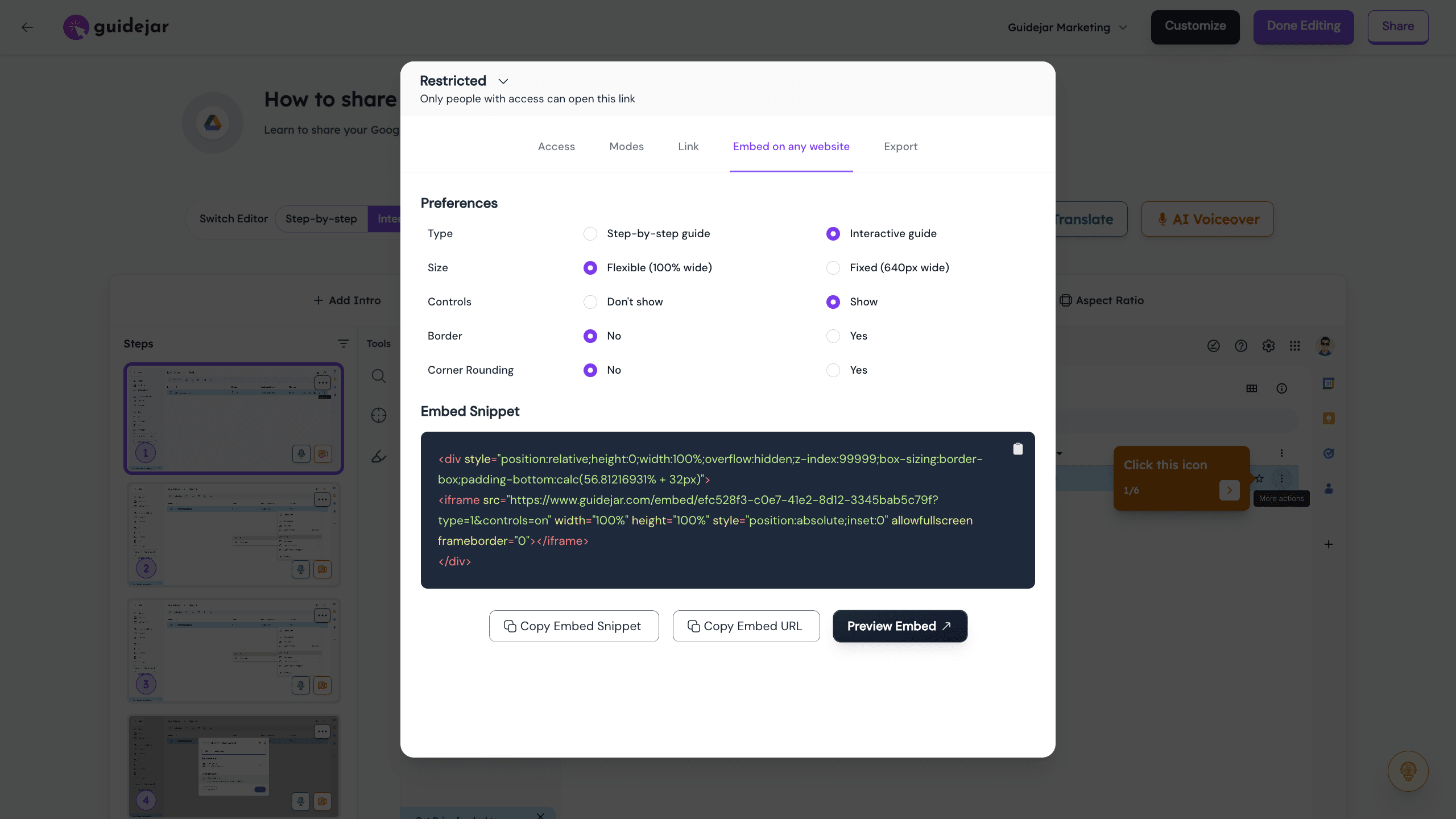
The best way to showcase your product is embedding the demo on your landing page, help docs, internal knowledge base like Notion, Gitbook etc. You can choose the required options and get the embed script here
To take your guide offline, we have multiple export options for you — Our favorite is definitely the Video export ✨

Let's now see what the other tabs are for!
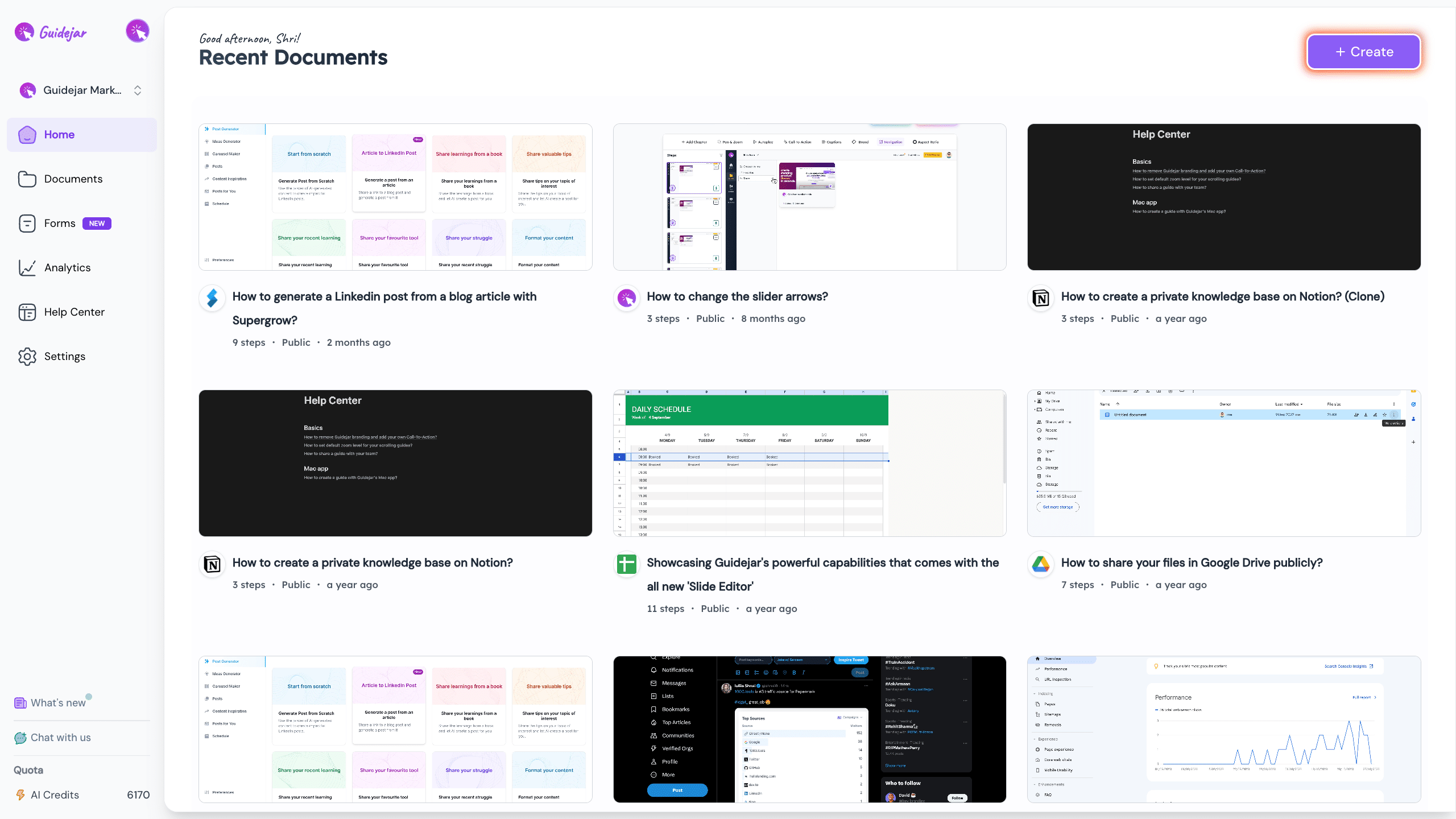
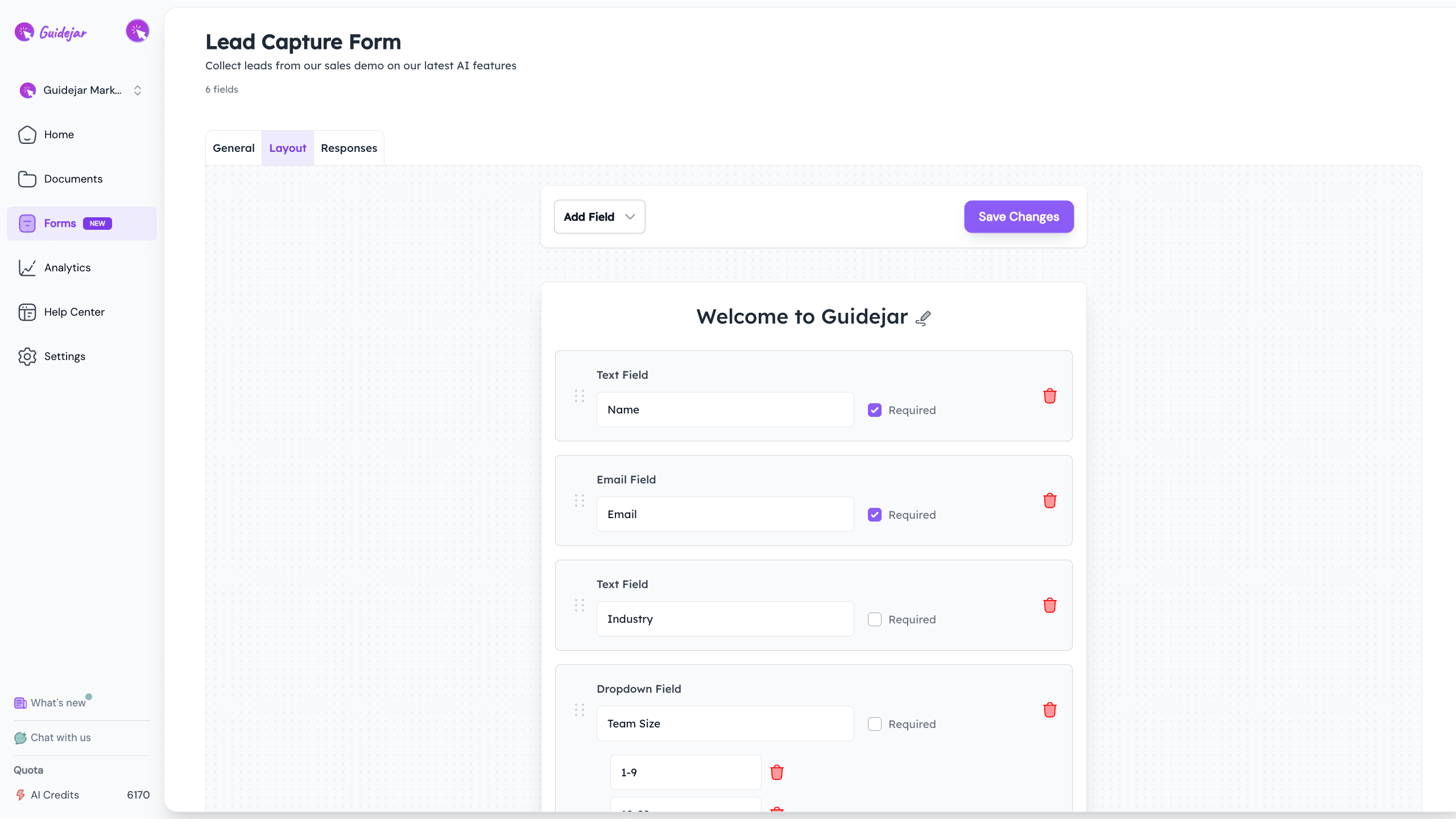
The 'Documents' tab is like your central hub. From here, you can access, edit, and organize your guides and articles
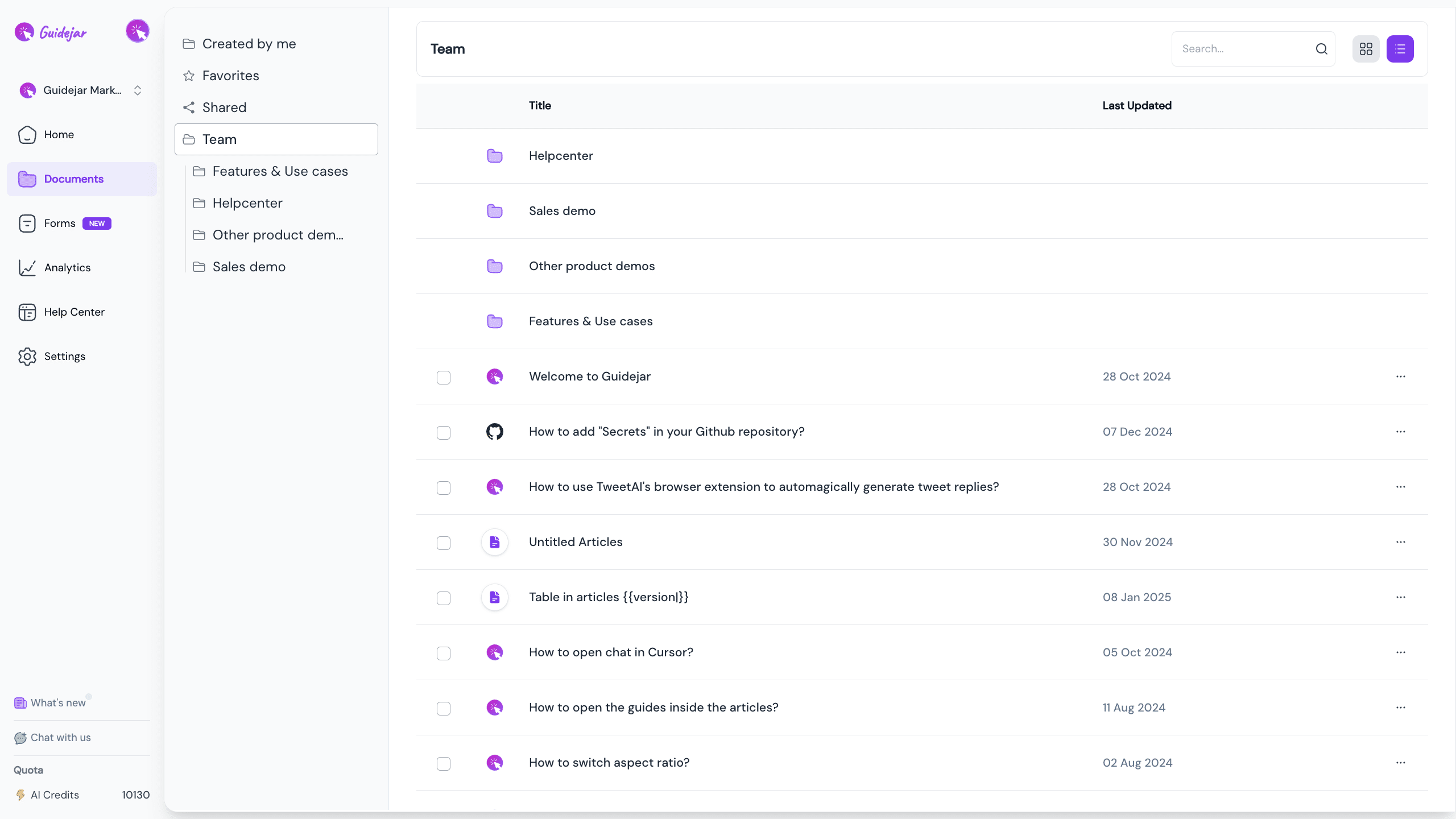
This is our built-in 'Forms' module. Use our form builder to create customized forms, which you can then embed directly into your guides to gather information from your users.
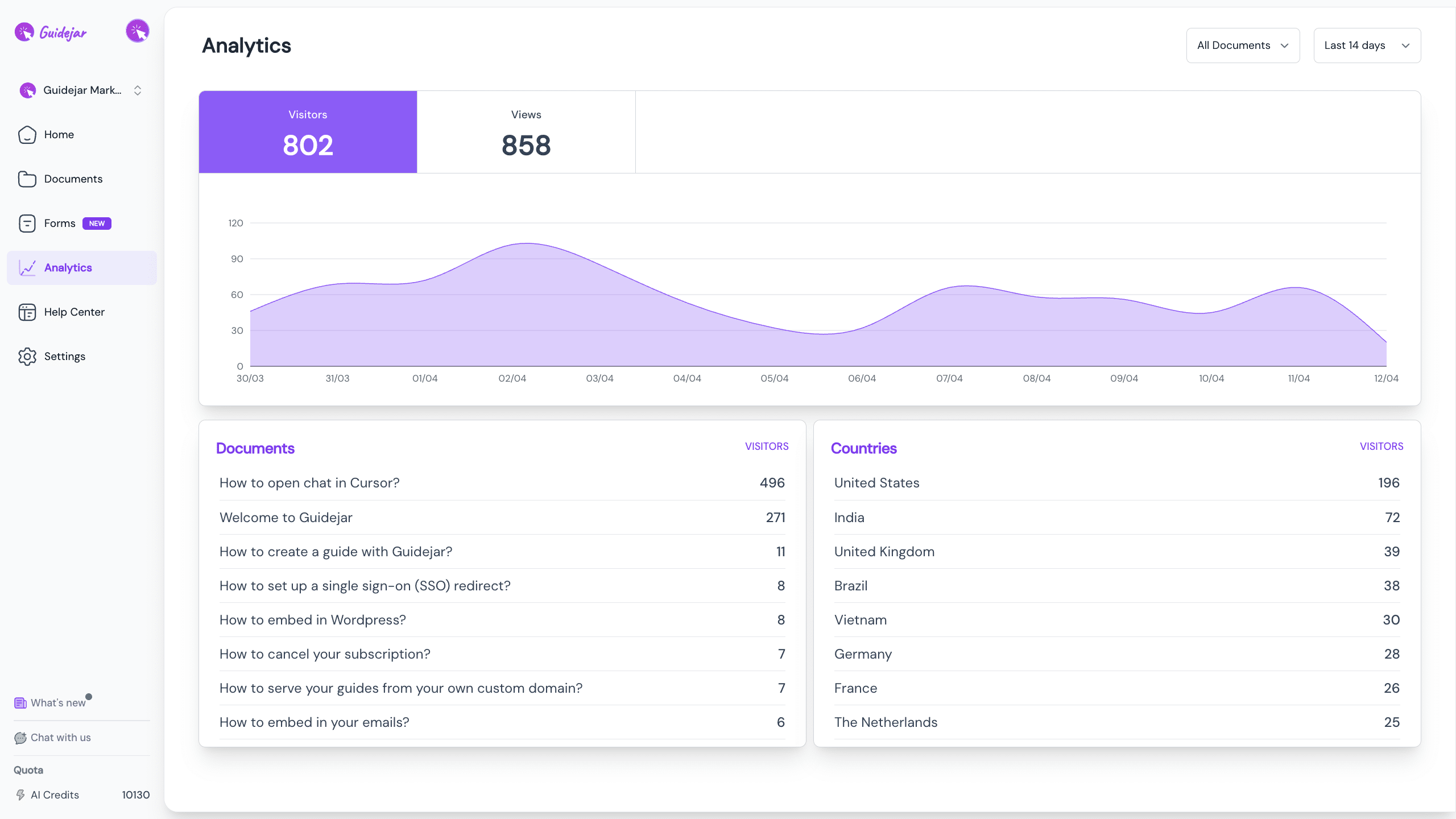
With the 'Analytics' tab, you can get an overview of how your guides are performing
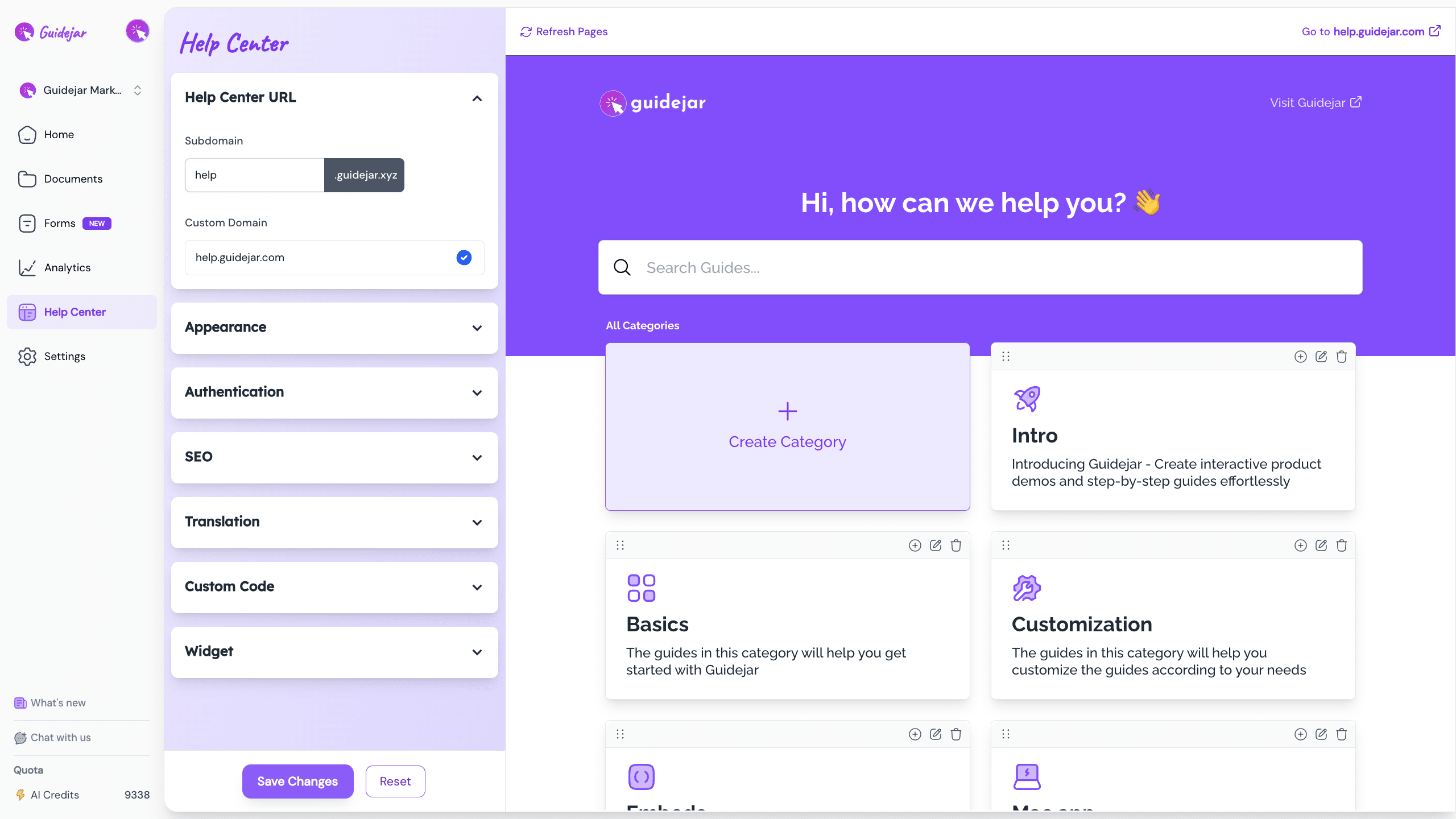
This is the best part! You can create your very own help center with all your guides and host it on your own custom domain (Absolutely no coding required)
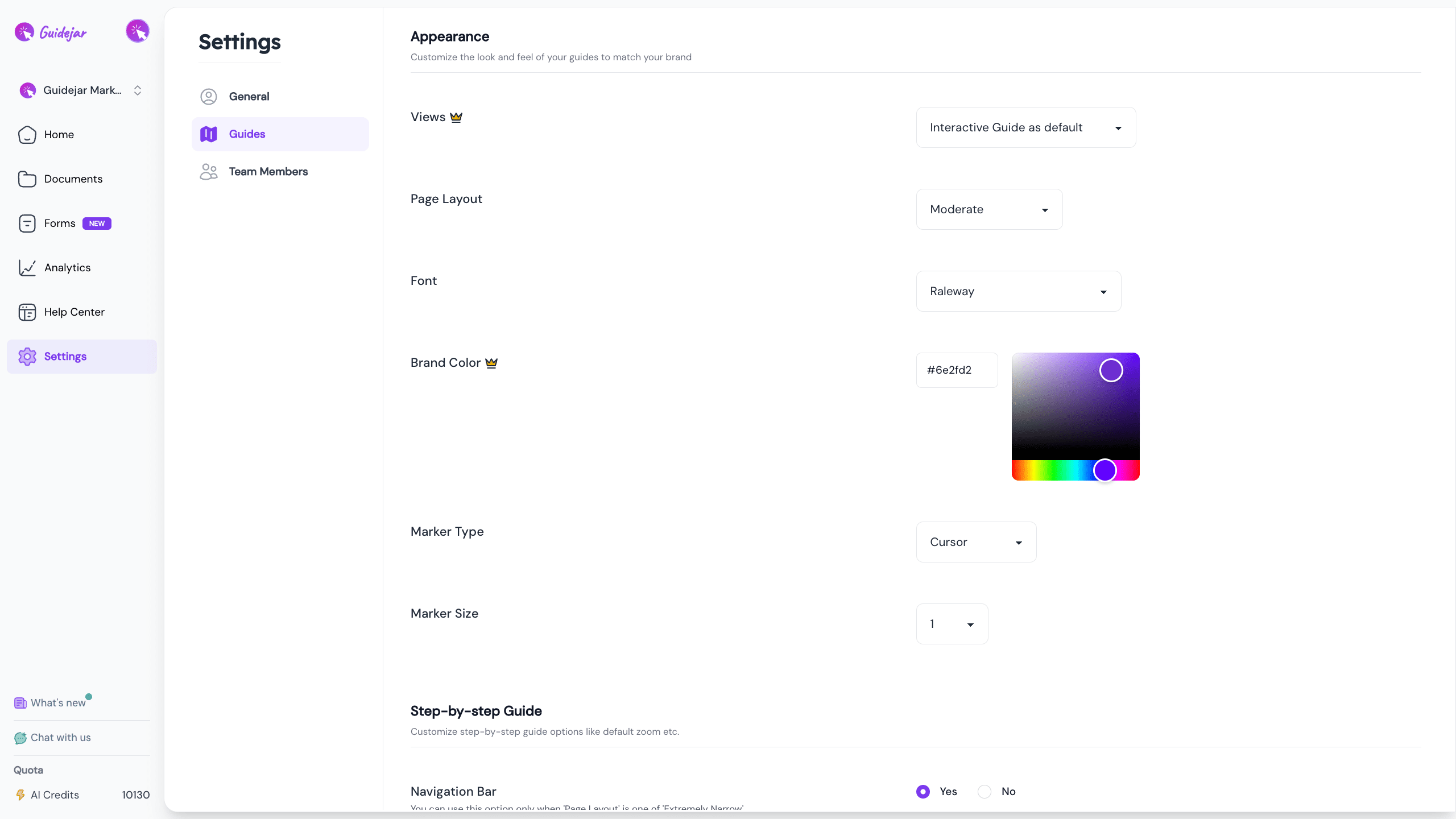
You can setup your global team branding here, so you don't have to configure the same settings for each guide everytime
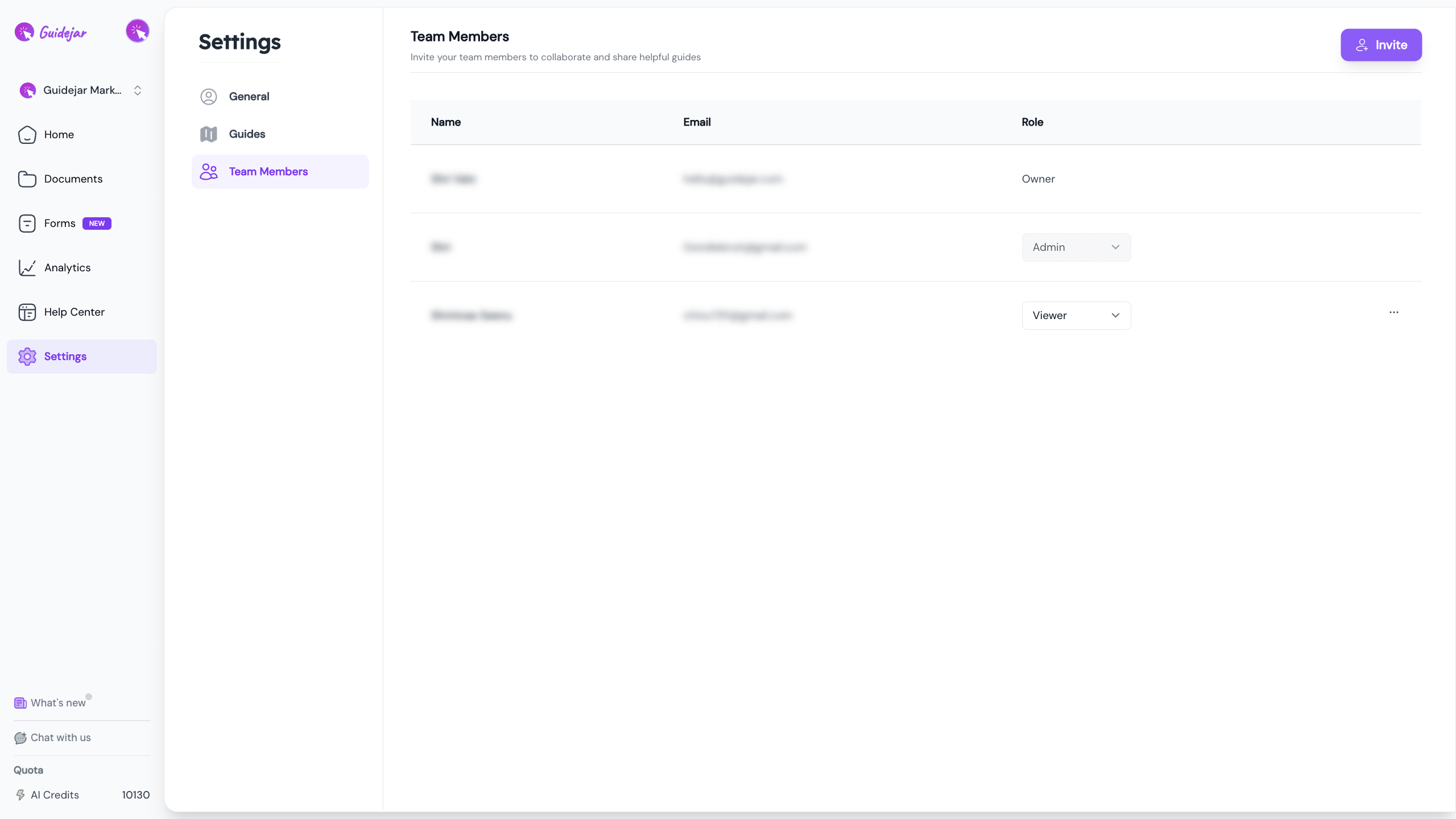
Finally, you can invite your team members and assign them roles accordingly to collaborate with ease
Frequently Asked Questions
- What is Guidejar and what can I use it for?
Guidejar is a powerful tool that helps you create interactive product demos and step-by-step guides, allowing your team to showcase the true value of your product or service. It's perfect for onboarding new users, providing customer support, and creating internal knowledge bases.
- How do I create my first guide?
You can create a new guide using our Chrome Extension or our Desktop app. Once installed, click 'Record Screen' and select the tab you want to record. Follow your process step-by-step, and Guidejar will automatically generate a guide with descriptions and suggested steps.
- How can I customize and improve my guide?
You have several options to customize your guide. You can edit the descriptions, use our AI paraphrase feature to polish your content, add headings, tips, or even insert another recording session into your guide. You can also translate your guide into 30+ languages, add engaging voiceovers, and choose from advanced customization options like Pan & Zoom, Autoplay, Chapters, and CTAs.
- How do I share my guides and make them accessible to my audience?
You can share your guides publicly or privately with your team or specific users by adding their emails. You can also embed your guides on your landing page, help docs, or knowledge base platforms like Notion or Gitbook. For offline access, you can export your guides in different formats, including a video format.