
How to embed in Notion?
Quickly learn how to integrate your guides into Notion pages. Elevate your notes, project pages, or knowledge bases in Notion by seamlessly embedding your guides. Ideal for users managing their knowledge base on notion.
Steps to embed a scrolling guide
Click on "Share"
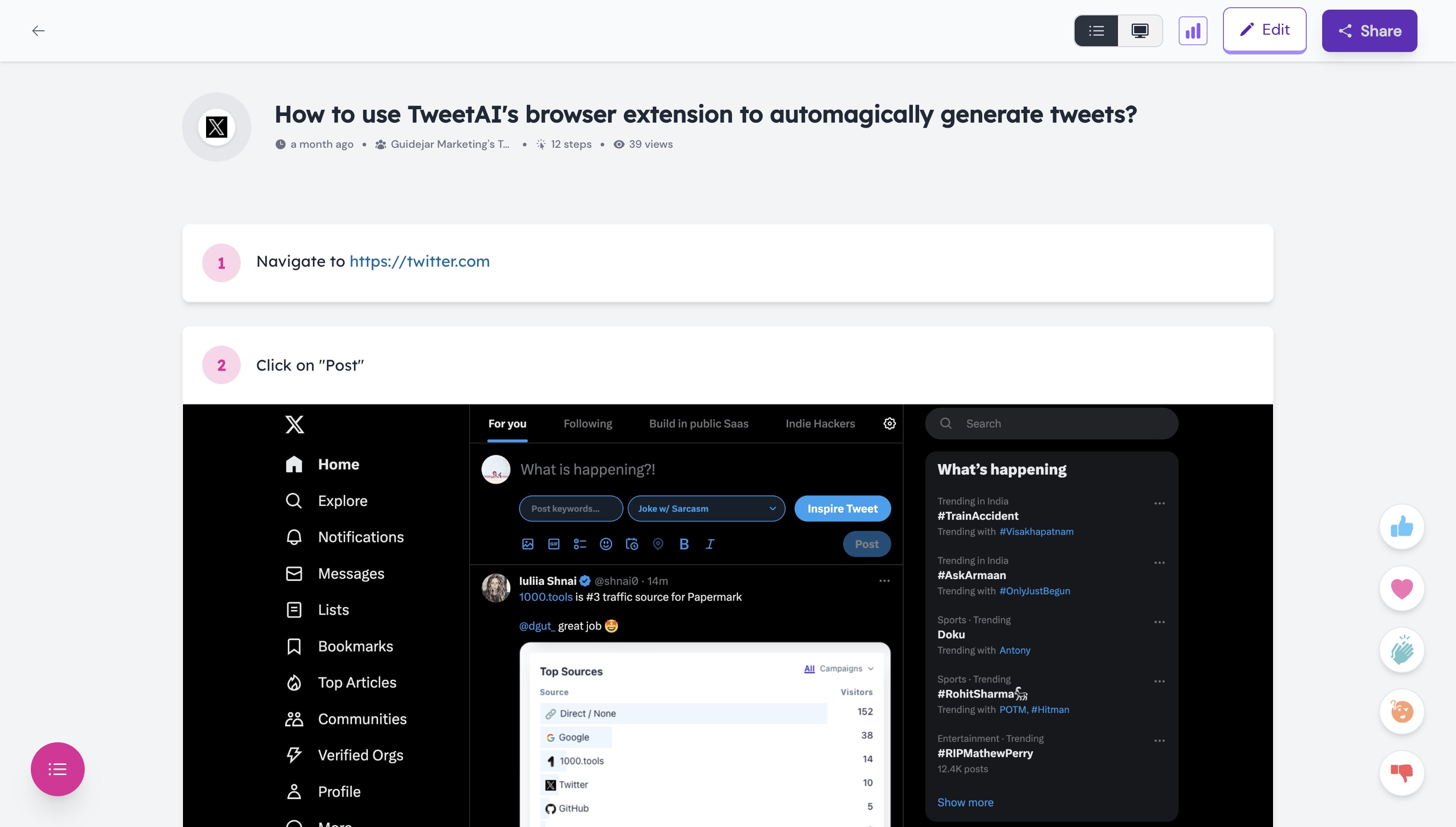
Click on "Scrolling guide"

Click this icon to copy the embed script

Go to your Notion page and add an "Embed" block
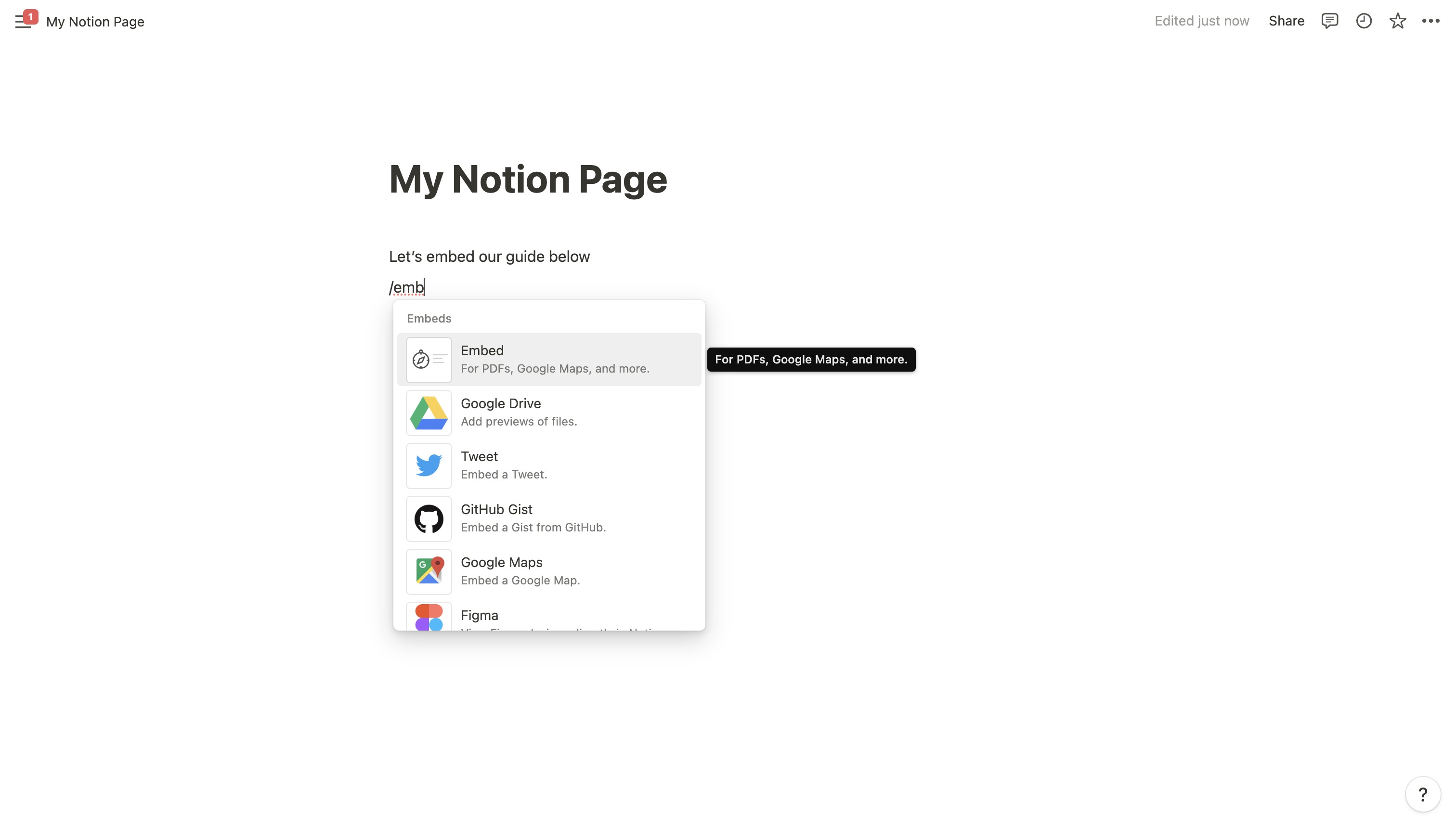
Paste the script you copied and click on "Embed link"

And voilà, your guide is instantly embedded. You can now drag this block to resize however you want.

Looks awesome, right? 🥹

Steps to embed an interactive demo
This time, click on "Interactive Guide"

Let's give it a border.

Add some nice corner rounding to make it look super nice 😉

Once again, let's copy the embed script.

Let's follow the same steps again.

And let's now click on "Embed link"

And here you go! Take a moment to think how awesome your notion pages will look when you embed your own demos 😍
