How to create API key in ElevenLabs?
Learn how to generate an API key in ElevenLabs, configure the necessary permissions for Text to Speech and Voices, and use the resulting key to connect with our ElevenLabs integration.
Jan 21, 2026●
1
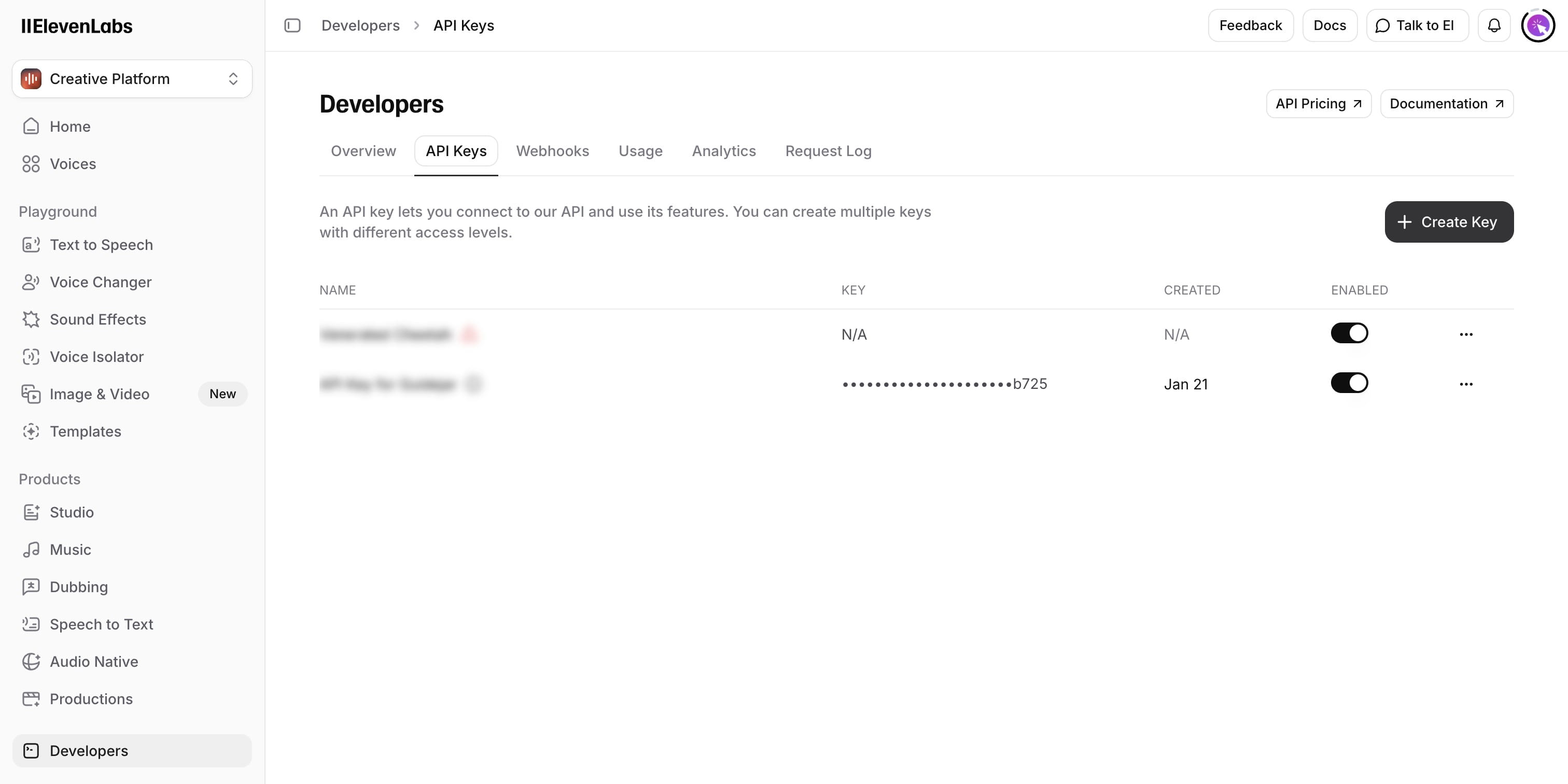
Navigate to https://elevenlabs.io/app/developers/api-keys
2
Click on 'Create Key'
3
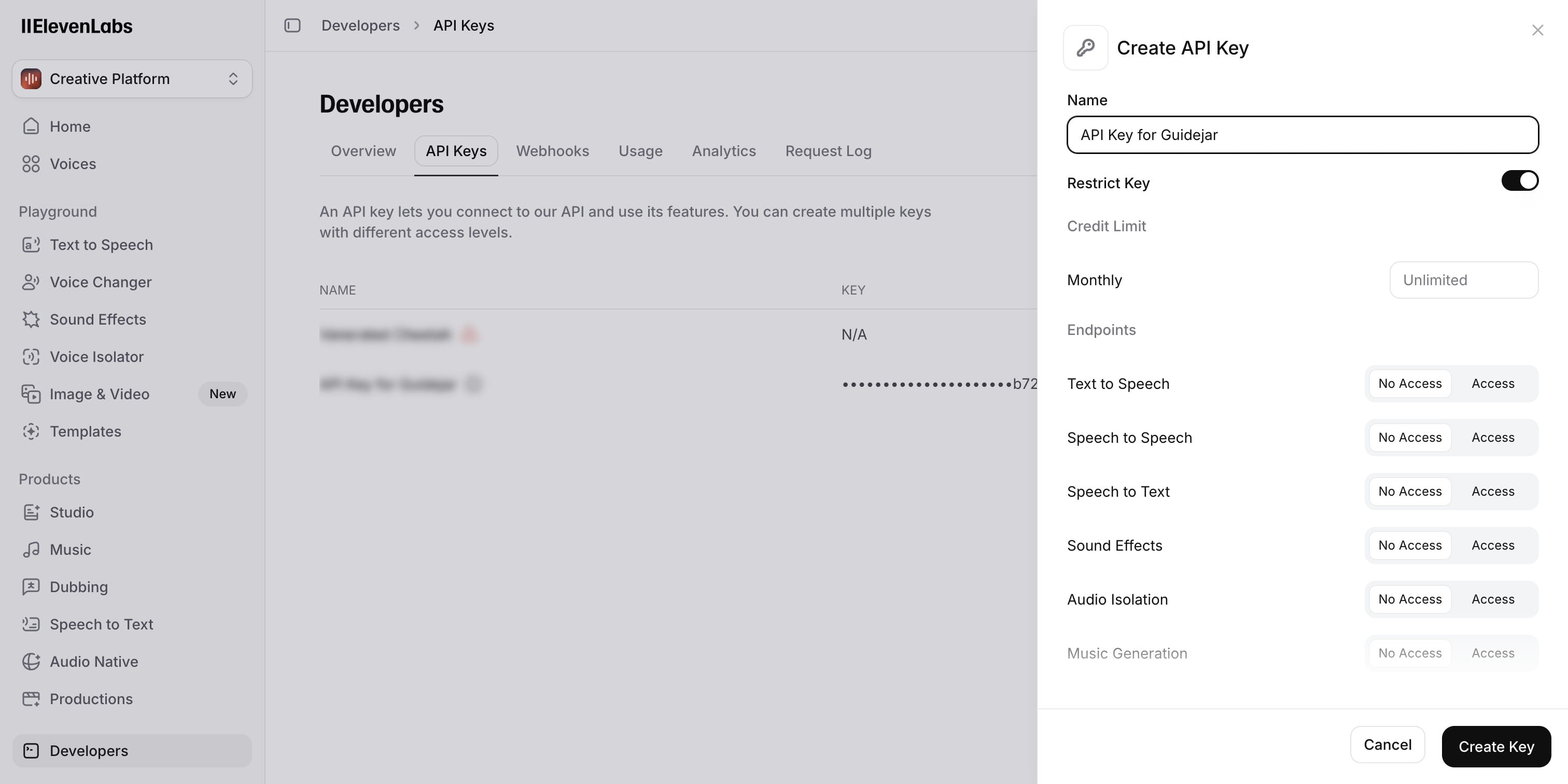
Provide a name for this key (it can be anything)
4
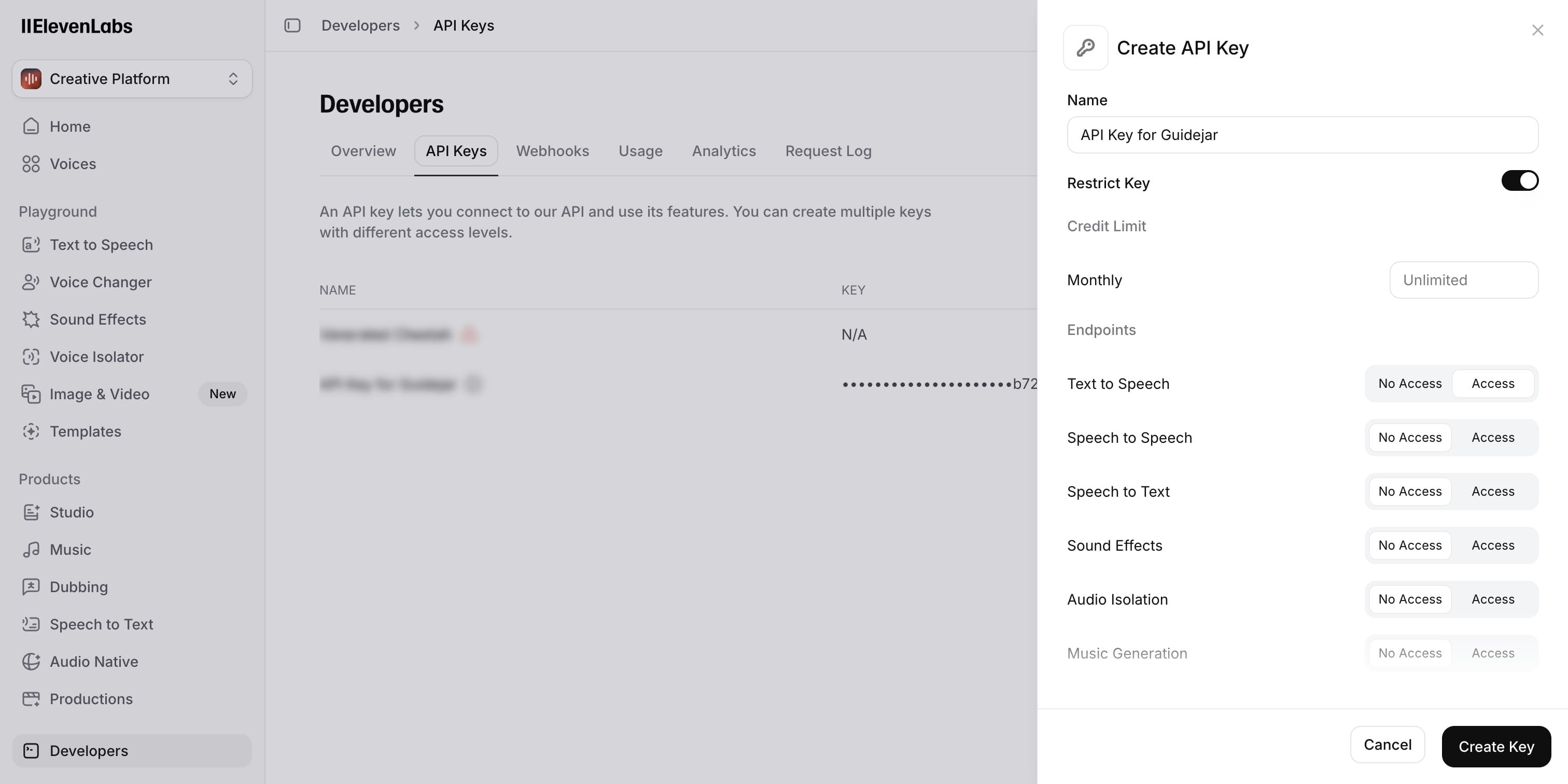
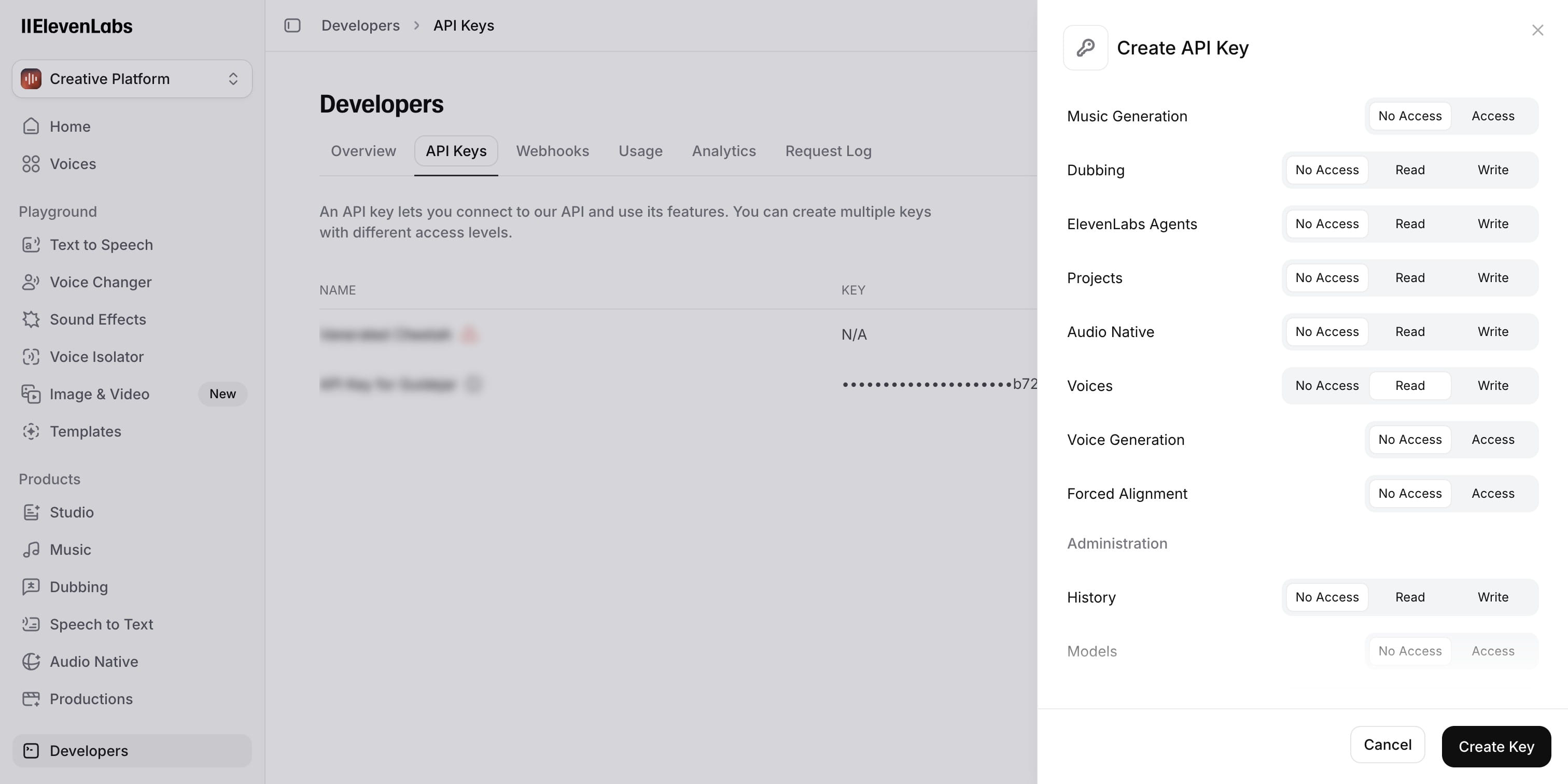
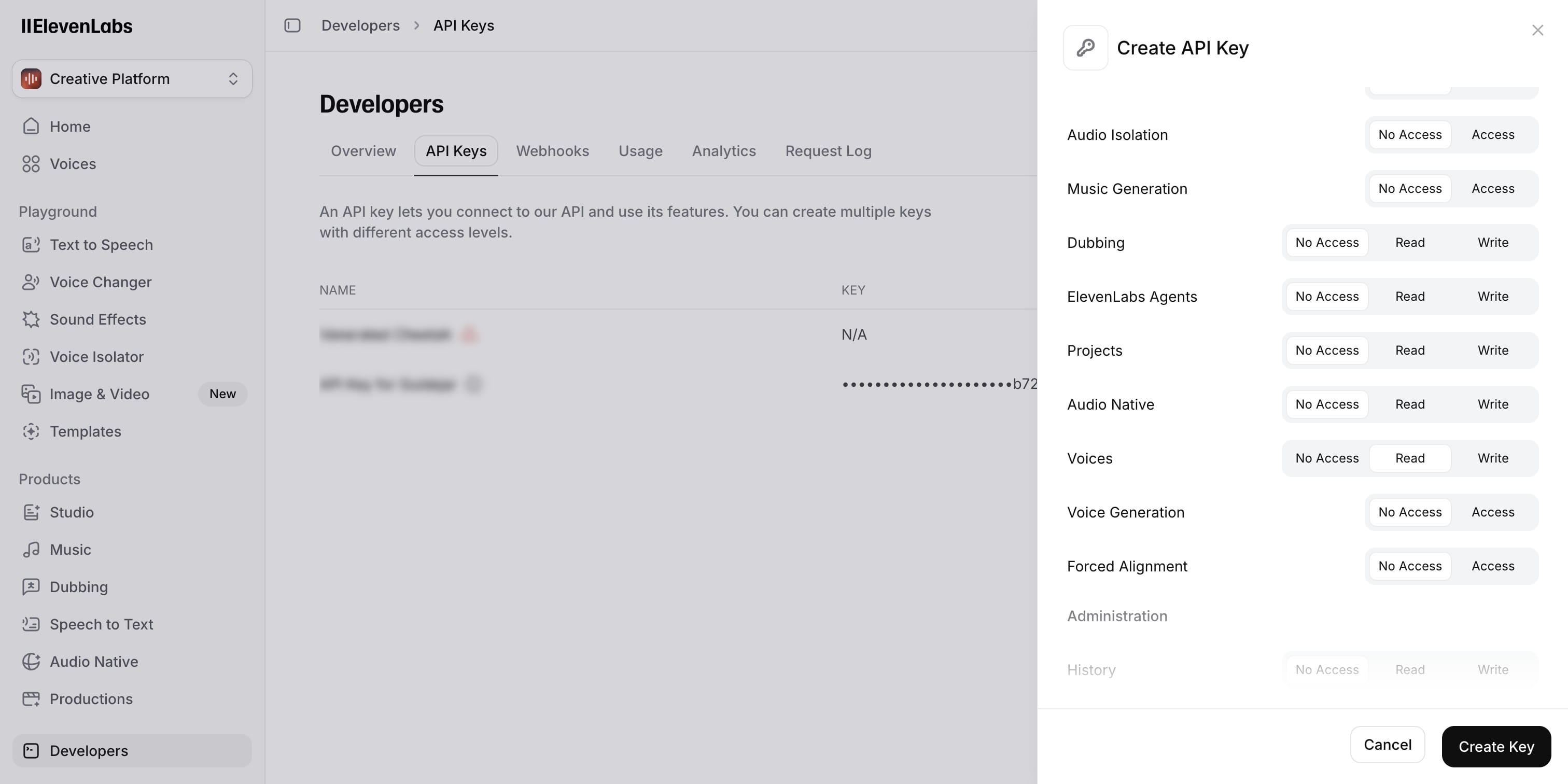
Enable Access for "Text to Speech"
5
Enable Read access for "Voices"
6
Click on "Create Key"
7
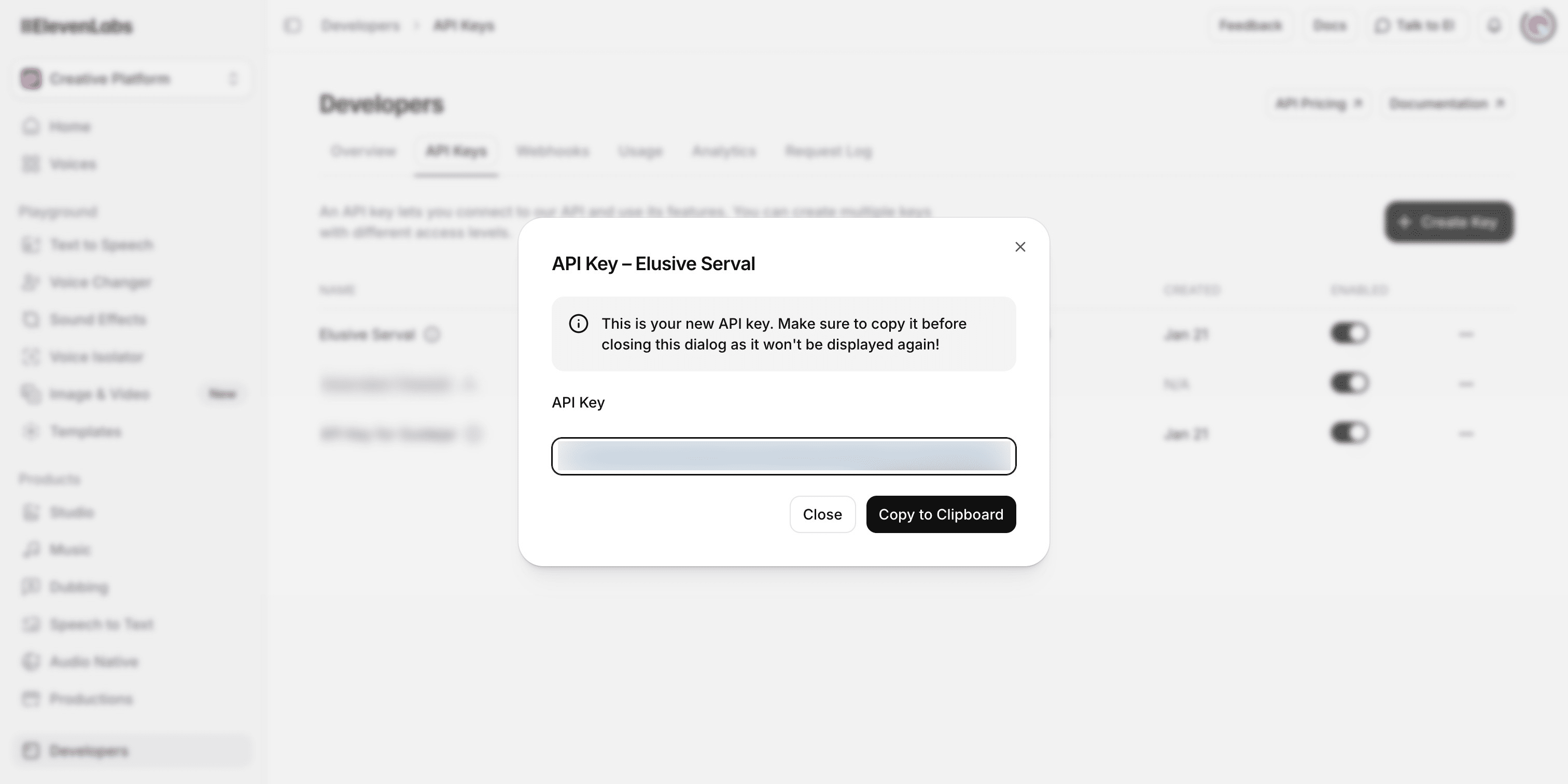
And that's it, you can copy this key and paste it in our ElevenLabs Integration module