How do I favorite a guide?
Learn how to mark guides as favorites so you can quickly access them later
Apr 21, 2026●
1
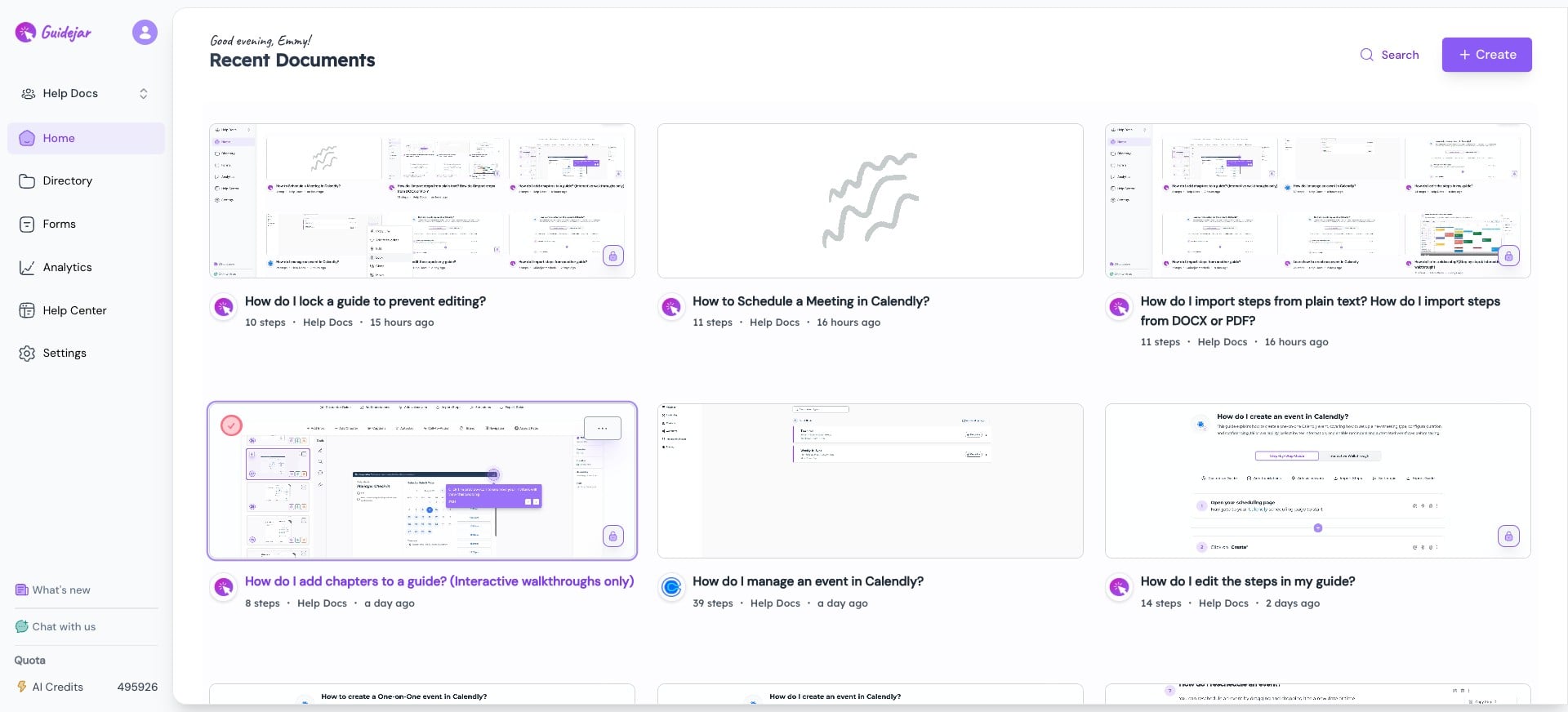
Select the guide and click the More icon on the guide you want to mark as a favorite

2
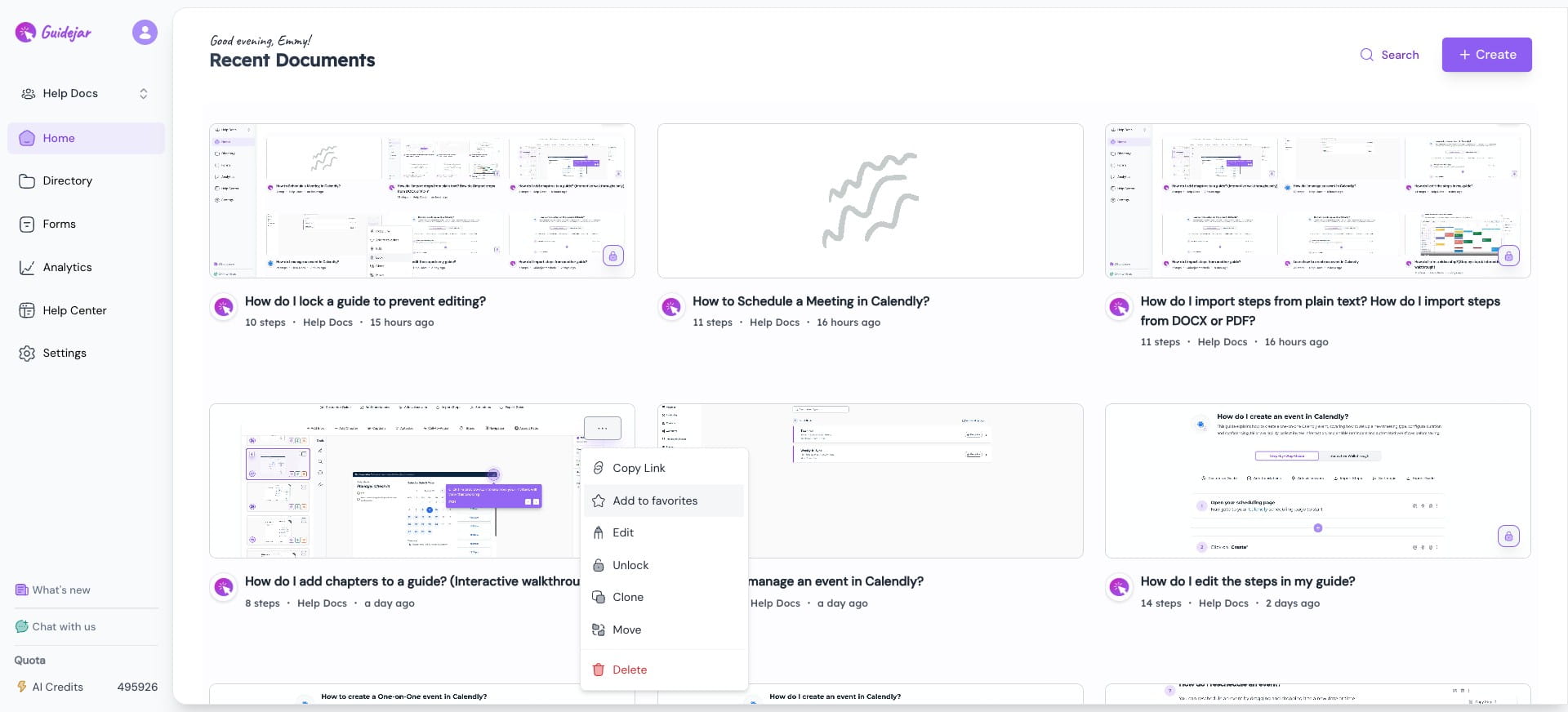
Click on "Add to favorites" to mark the guide as a favorite
3
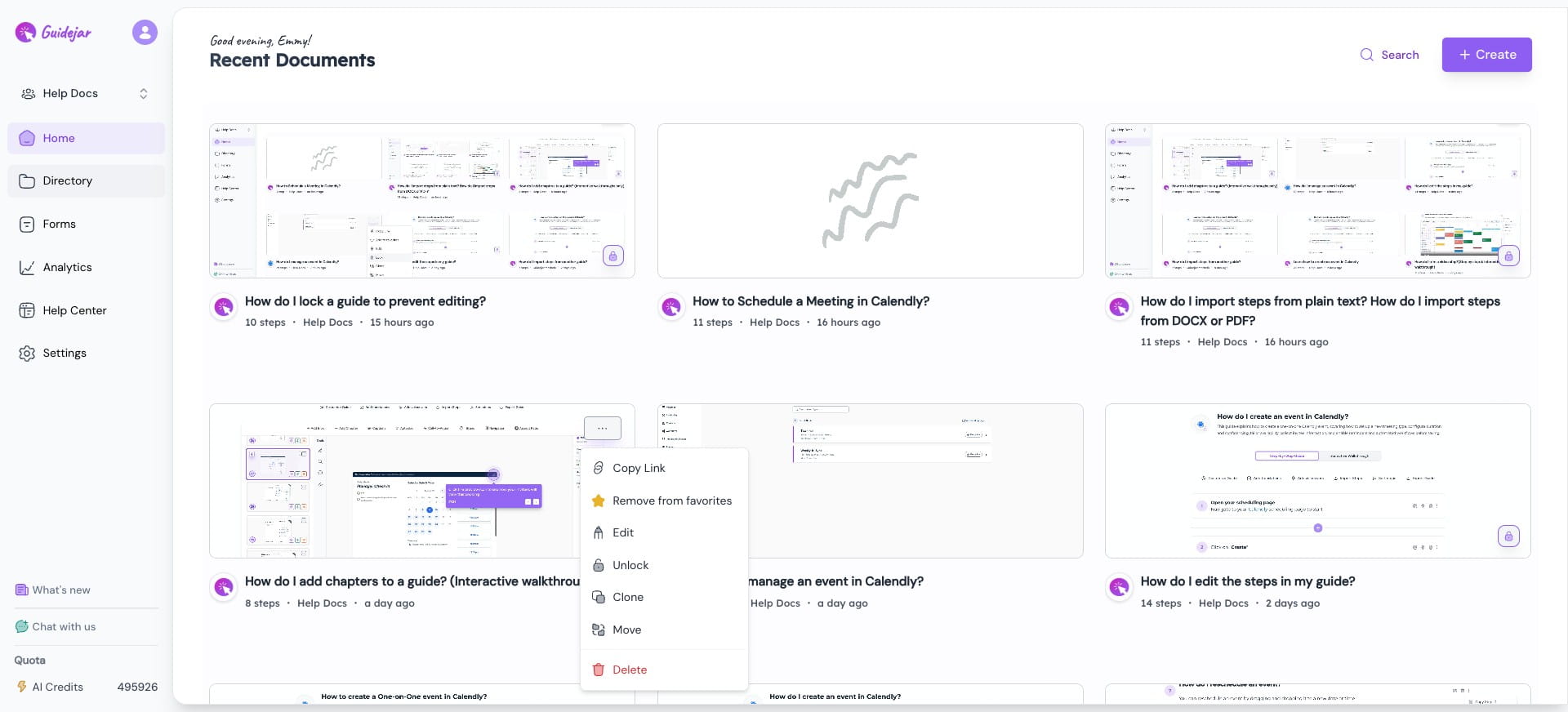
To view all your favorite guides, click on Directory
4
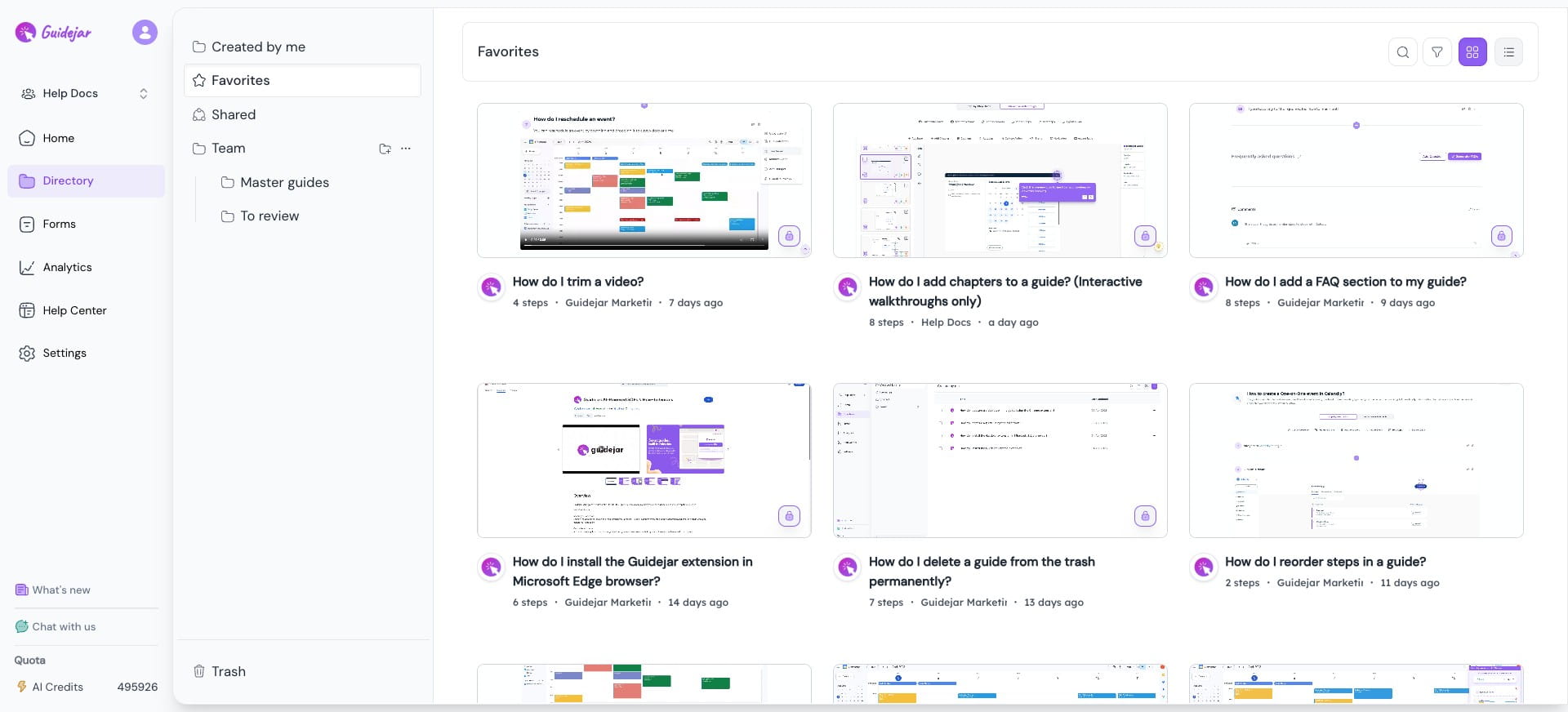
Go to the Favorites tab

5
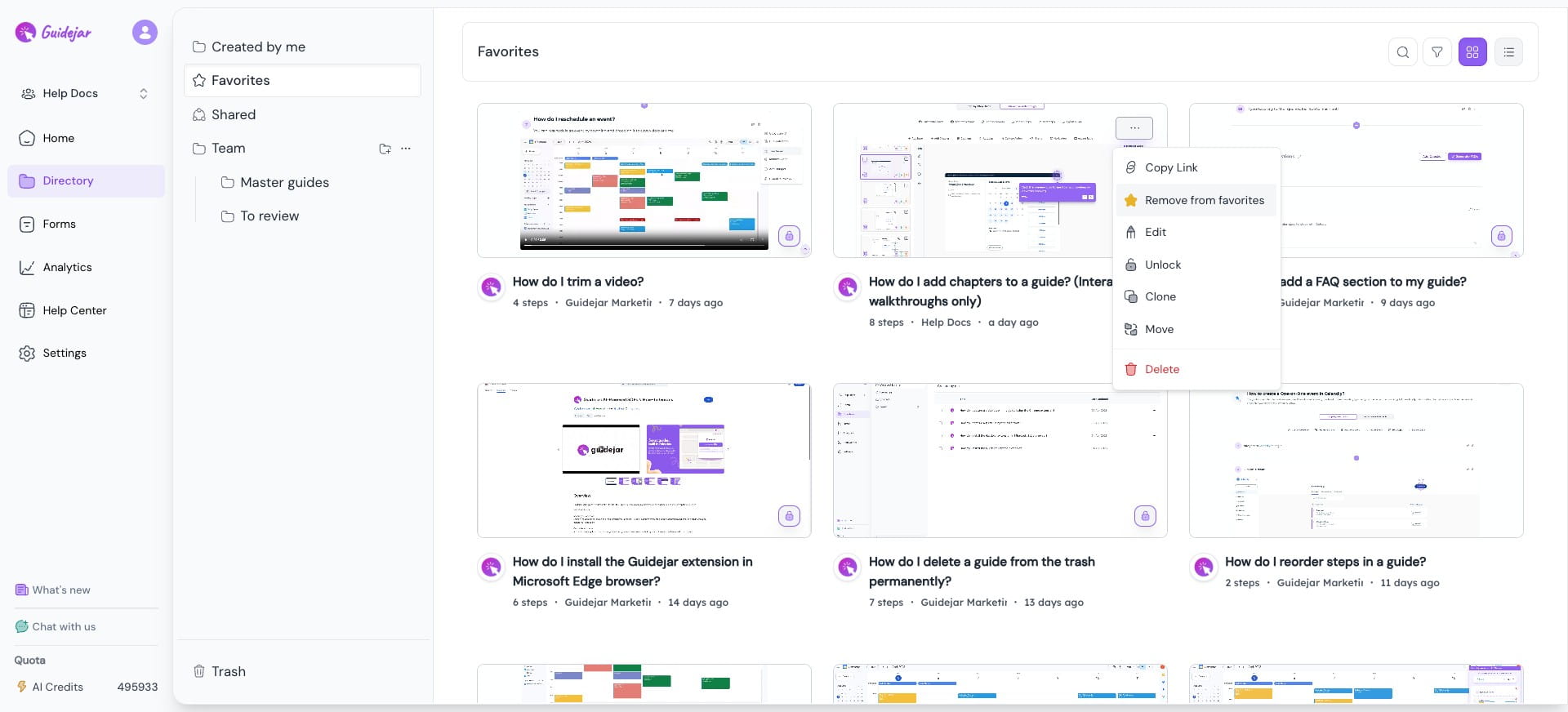
Here, you’ll see all the guides you’ve marked as favorites for easy access
6
To remove a guide from favorites, click the More icon on the guide & click on “Remove from Favorites”