How do I delete a guide from the trash permanently?
This guide explains how to permanently remove a guide from the trash, ensuring it cannot be recovered and the deletion is irreversible.
Apr 07, 2026●
1
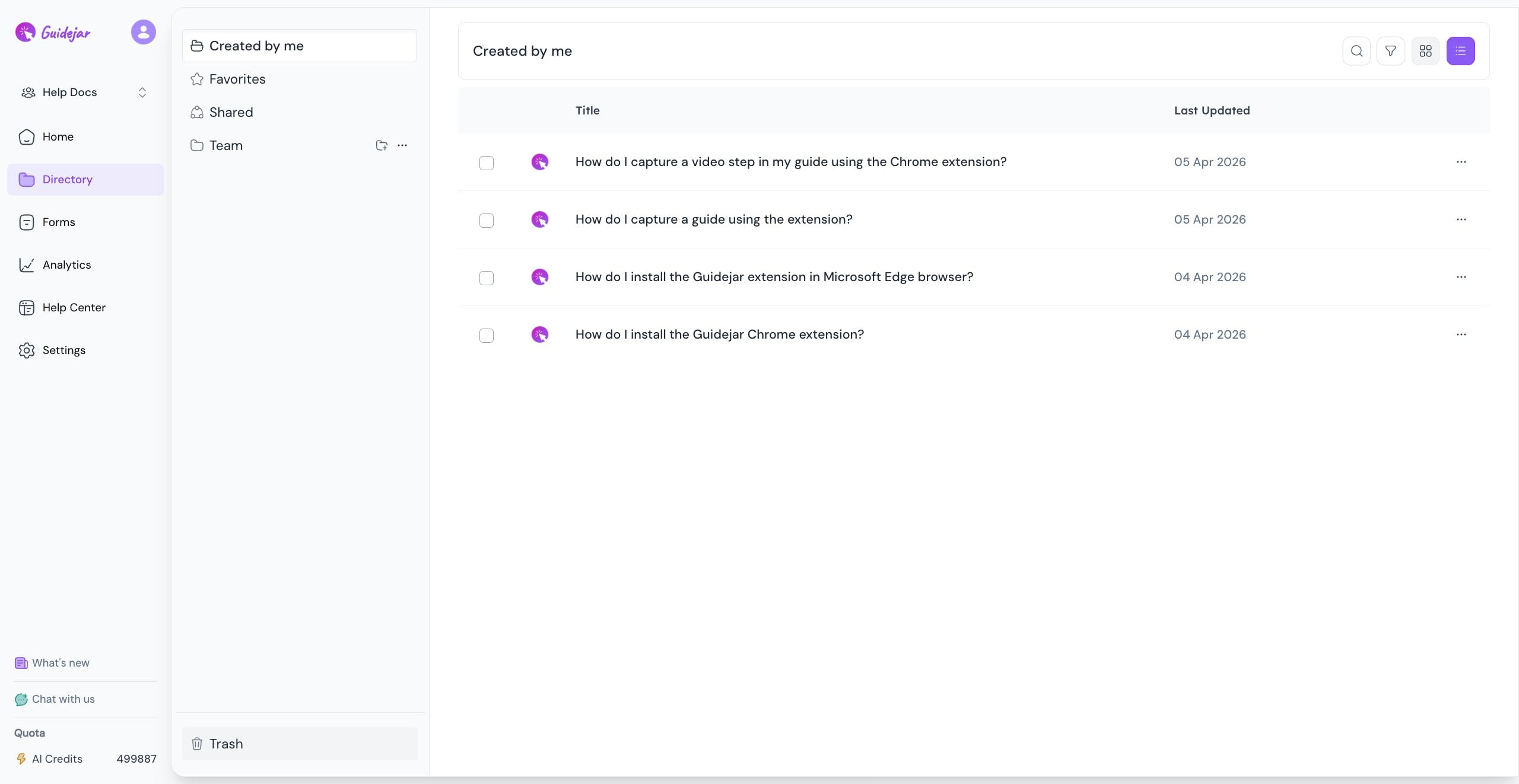
Navigate to Directory
2
Click on "Trash"

3
You may select the guide you wish to delete permanently
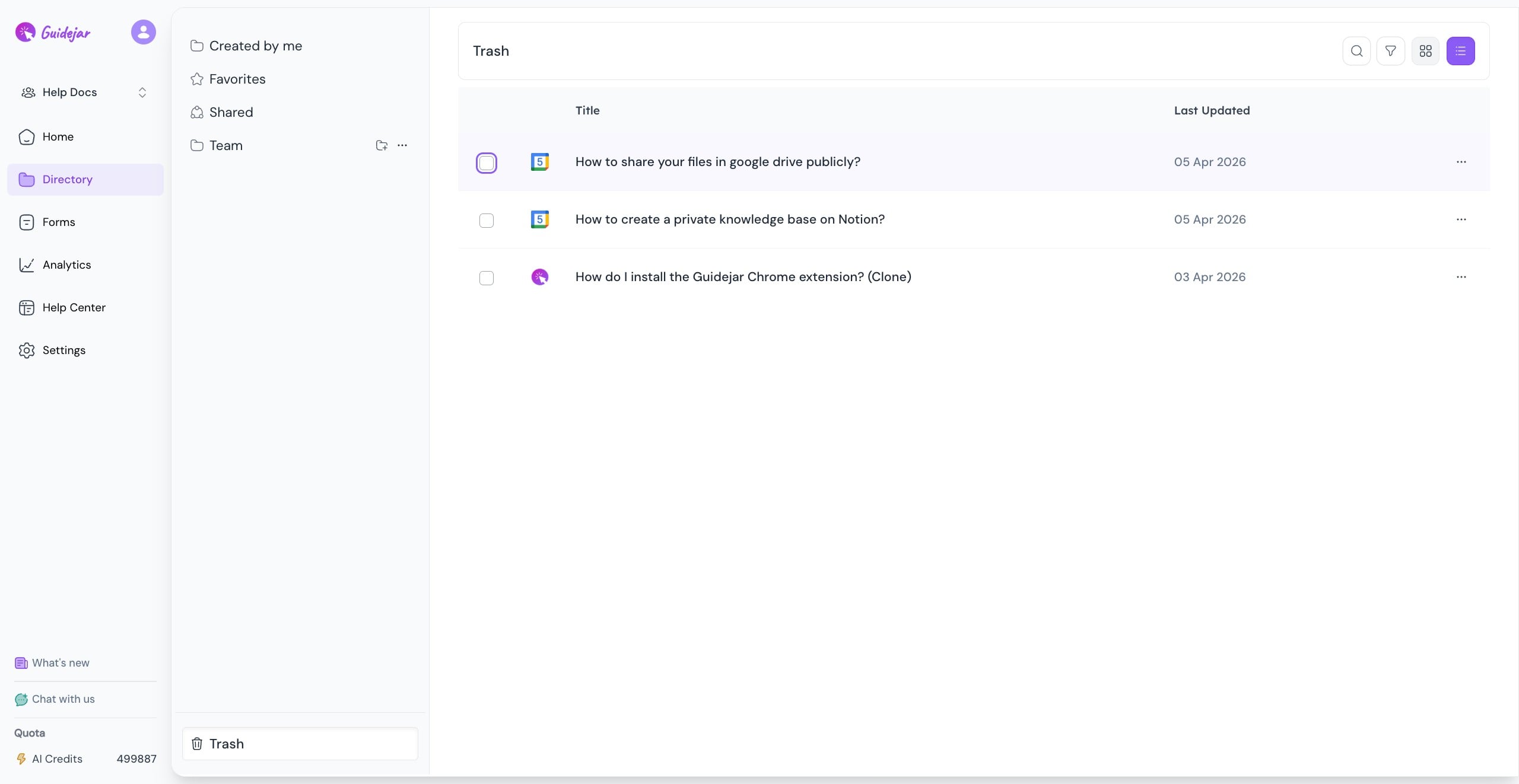
Permanently deleted guides cannot be recovered, proceed only if you’re sure
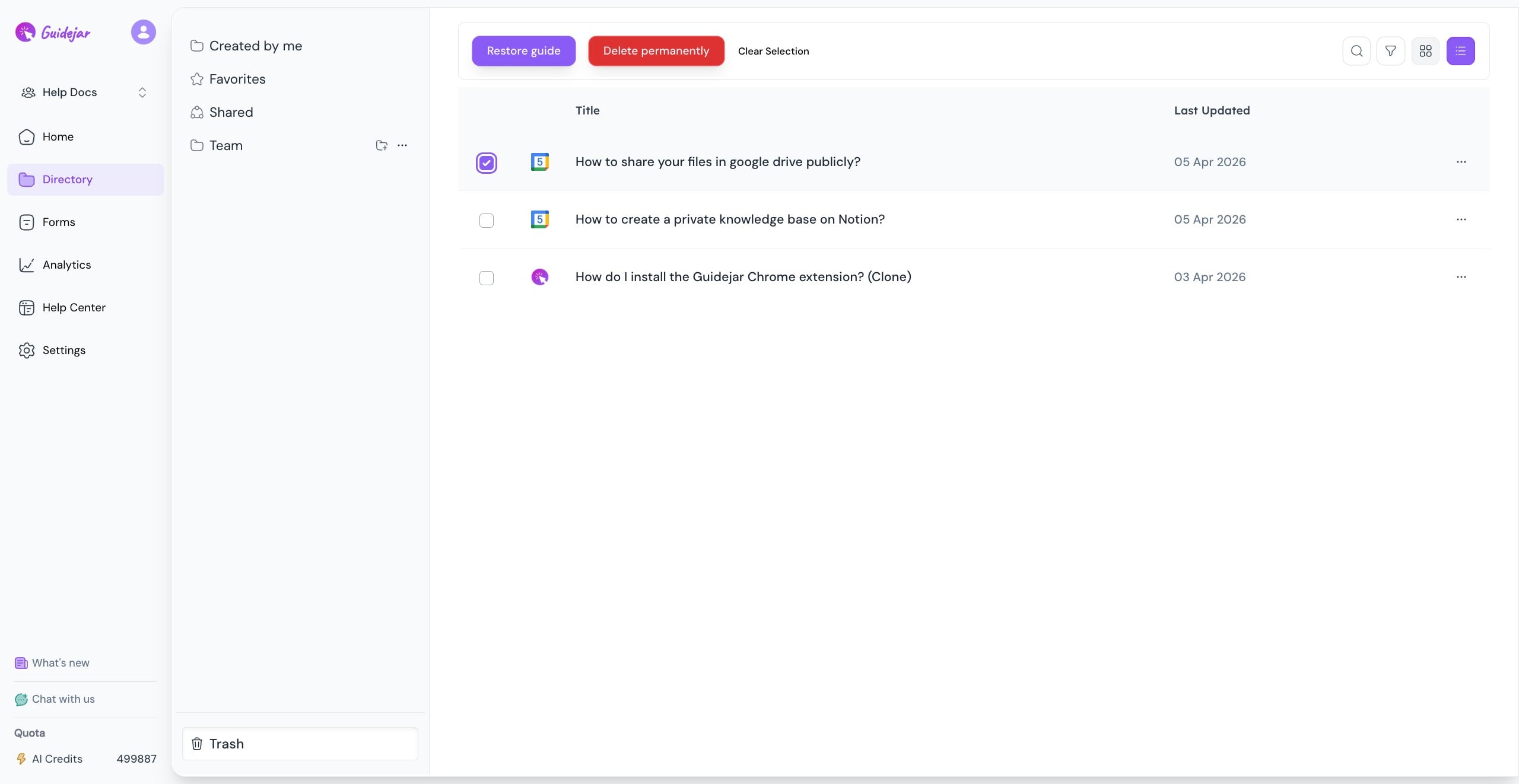
4
Click on "Delete permanently"
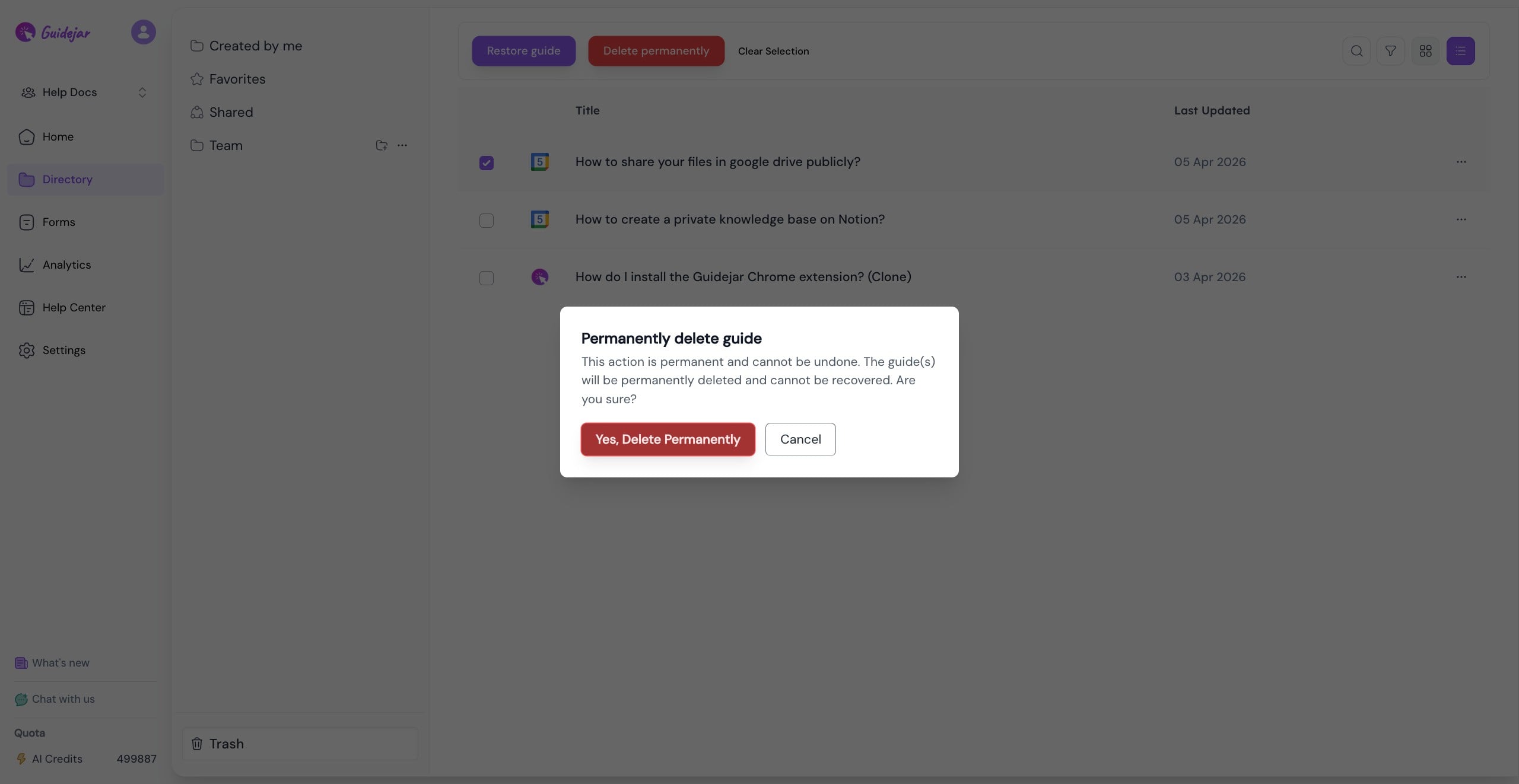
5
Click on "Yes, Delete Permanently" and this action can not be reversed