
How do I capture a guide using the browser extension?
This guide provides step-by-step instructions on how to capture a guide using the extension. Guidejar automatically captures on-screen interactions like clicks, typing, navigation, selections, drag-and-drop actions and more as you walk through your workflow.
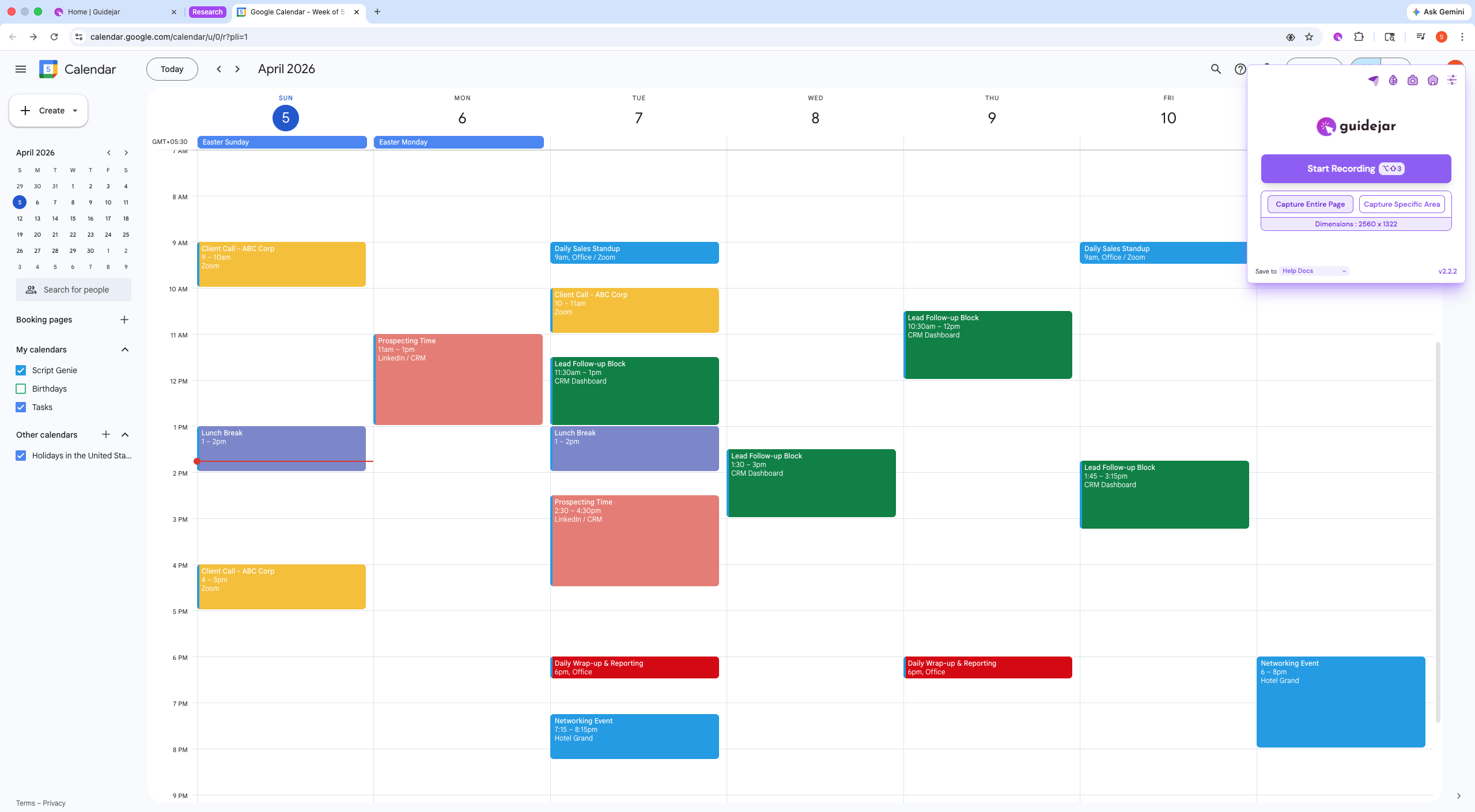
First, click the Guidejar extension in your browser
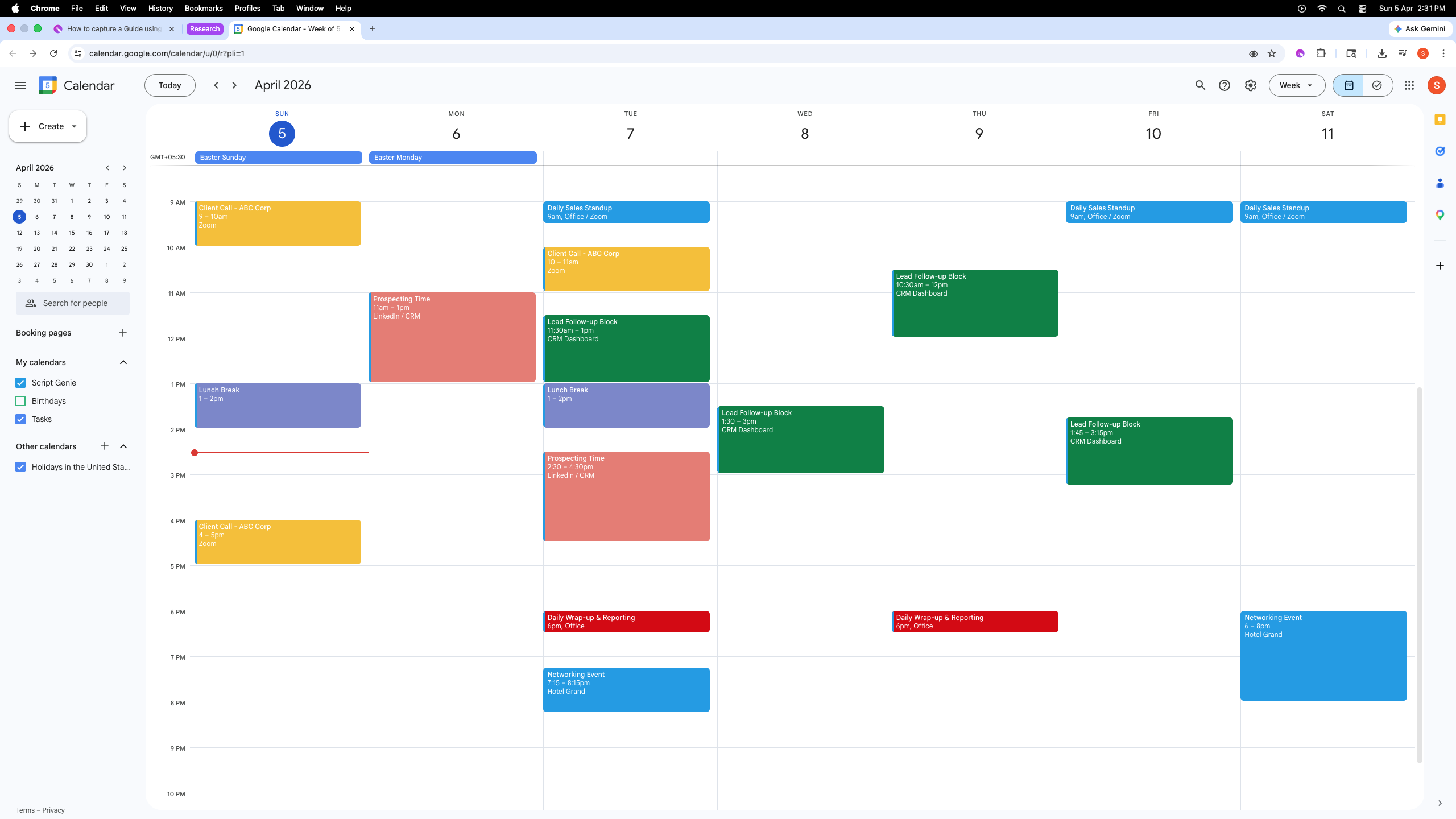
Click on "Start Recording"
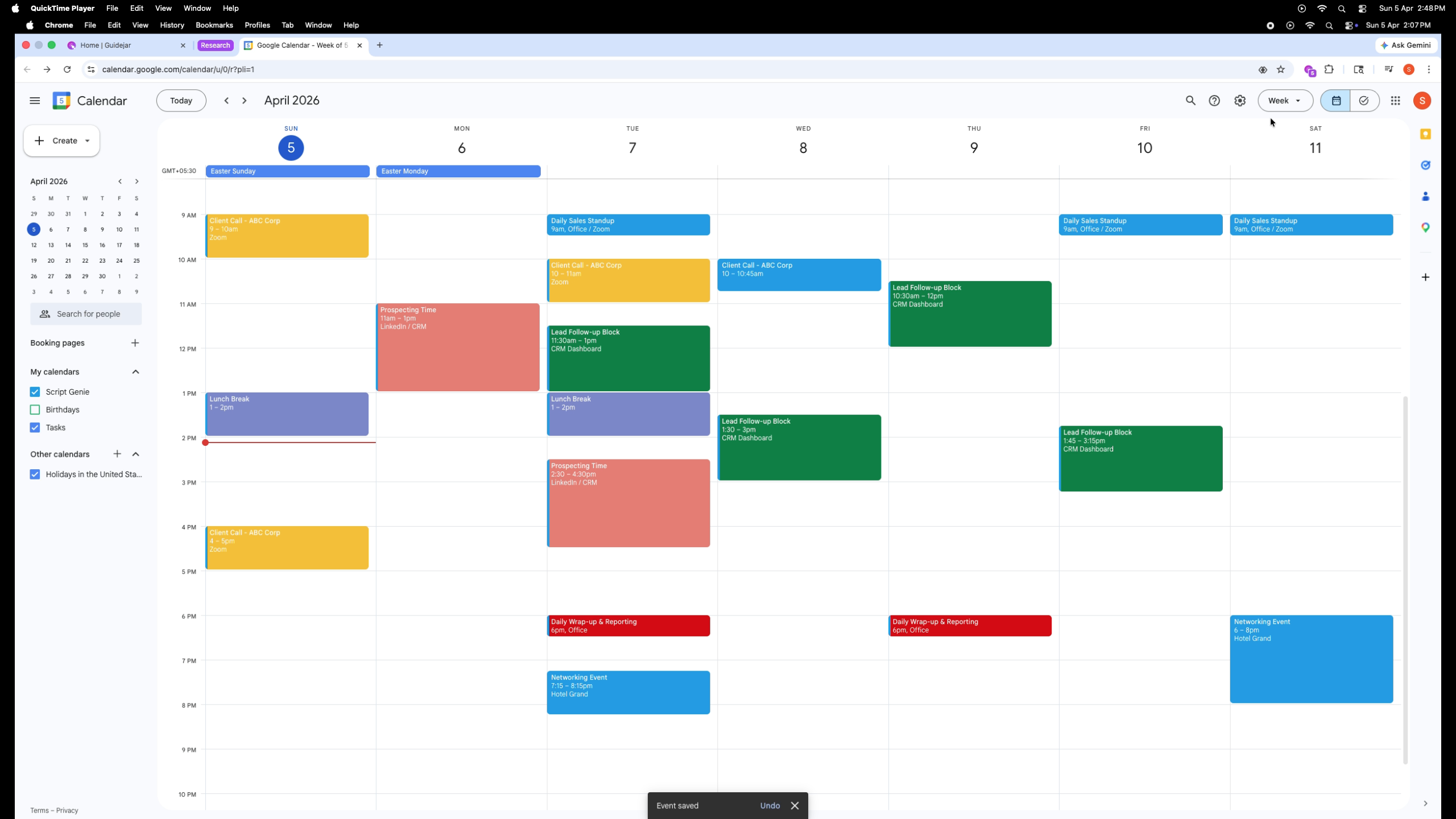
Now perform the workflow you want to document, and Guidejar will automatically capture each action and turn it into a step-by-step guide. For example, I’m documenting how to add an event in Google Calendar.
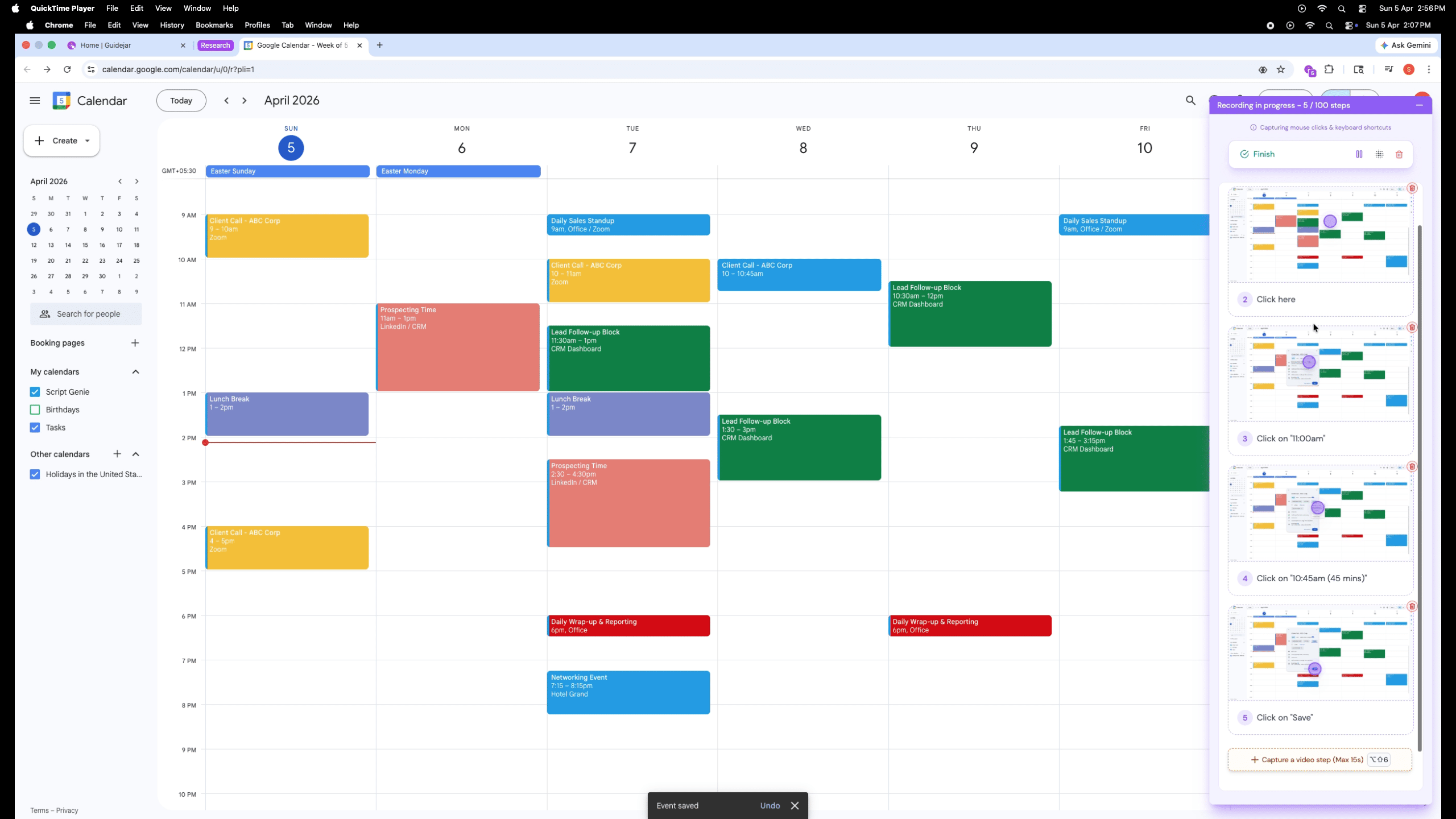
After you finish capturing your workflow, click the extension to preview and save your guide
Click "Finish" to save your guide
In just a moment, your guide is automagically created capturing every click, navigation, and action along the way ✨✨
Guidejar offers two ways to present your guide:
- Step-by-step guide
- Interactive walkthrough
- Or a combination of both
Choose the format based on whether your audience needs clear instructions, hands-on interaction, or quick understanding
Step-by-Step Guide This format is ideal when users need clear, structured instructions presented as simple, sequential steps. It’s best for scenarios where users prefer to read and follow at their own pace—like documenting SOPs, sharing knowledge, or providing quick, skimmable guidance they can revisit anytime.
Interactive Walkthrough This format is ideal for product tours, user onboarding, and workflows where users learn best by doing. It works best when you want to guide users in real time—helping them take action step by step, explore features, and learn through direct interaction rather than passive reading.
Frequently Asked Questions
- Does the extension have a step capture limit?
There’s a soft limit of 100 steps to prevent long and unintentional captures. You can always initiate a new recording session to add more steps to the same guide. PS: There is no limit to the number of steps you can add to a guide.
- How to capture guides outside the browser?
You can use Guidejar’s desktop app for Windows or Mac. Follow this https://www.guidejar.com/download to download