Export a guide as an HTML file
Learn how to export a guide as an HTML file and download it for hosting, sharing, or offline use
Jun 12, 2026●
1
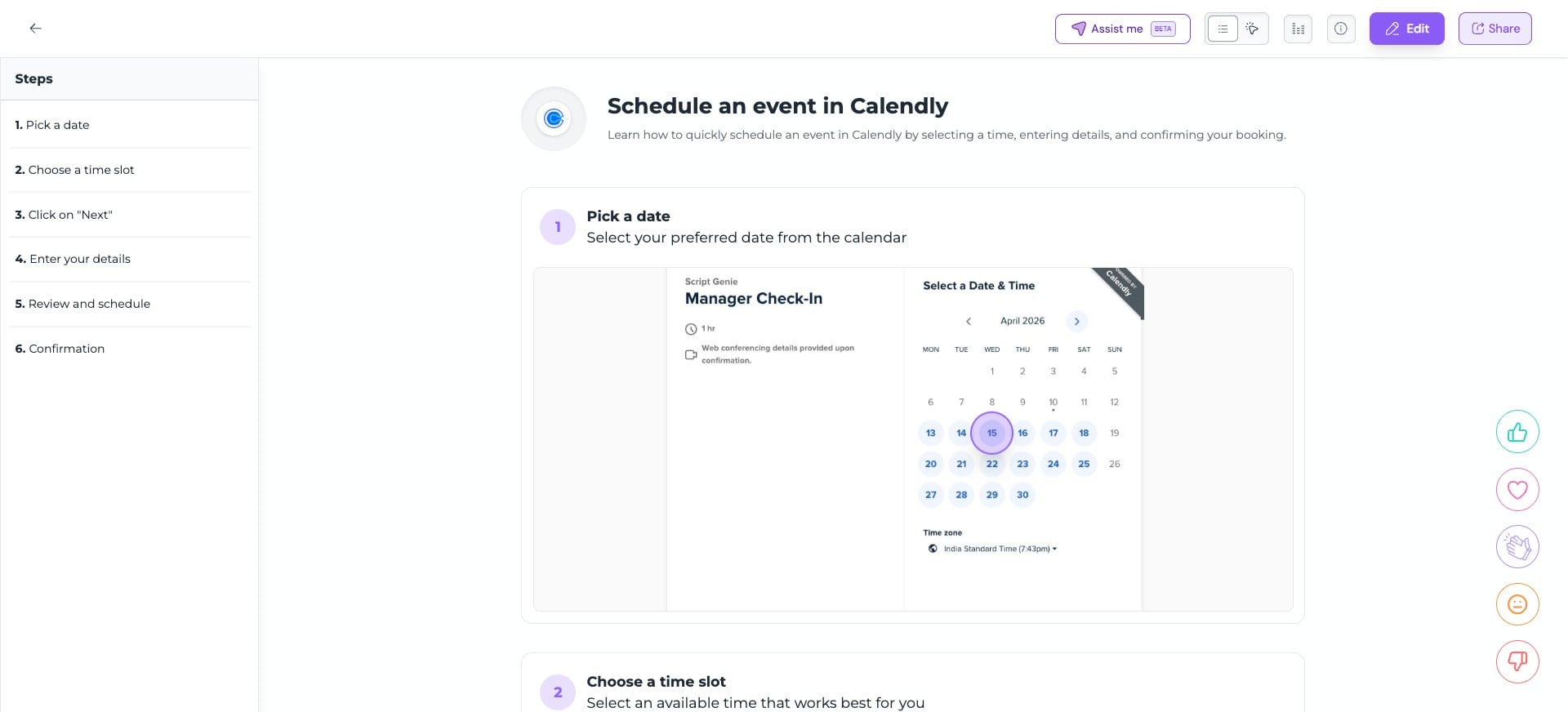
Open the guide you want to export and click on "Share"

2
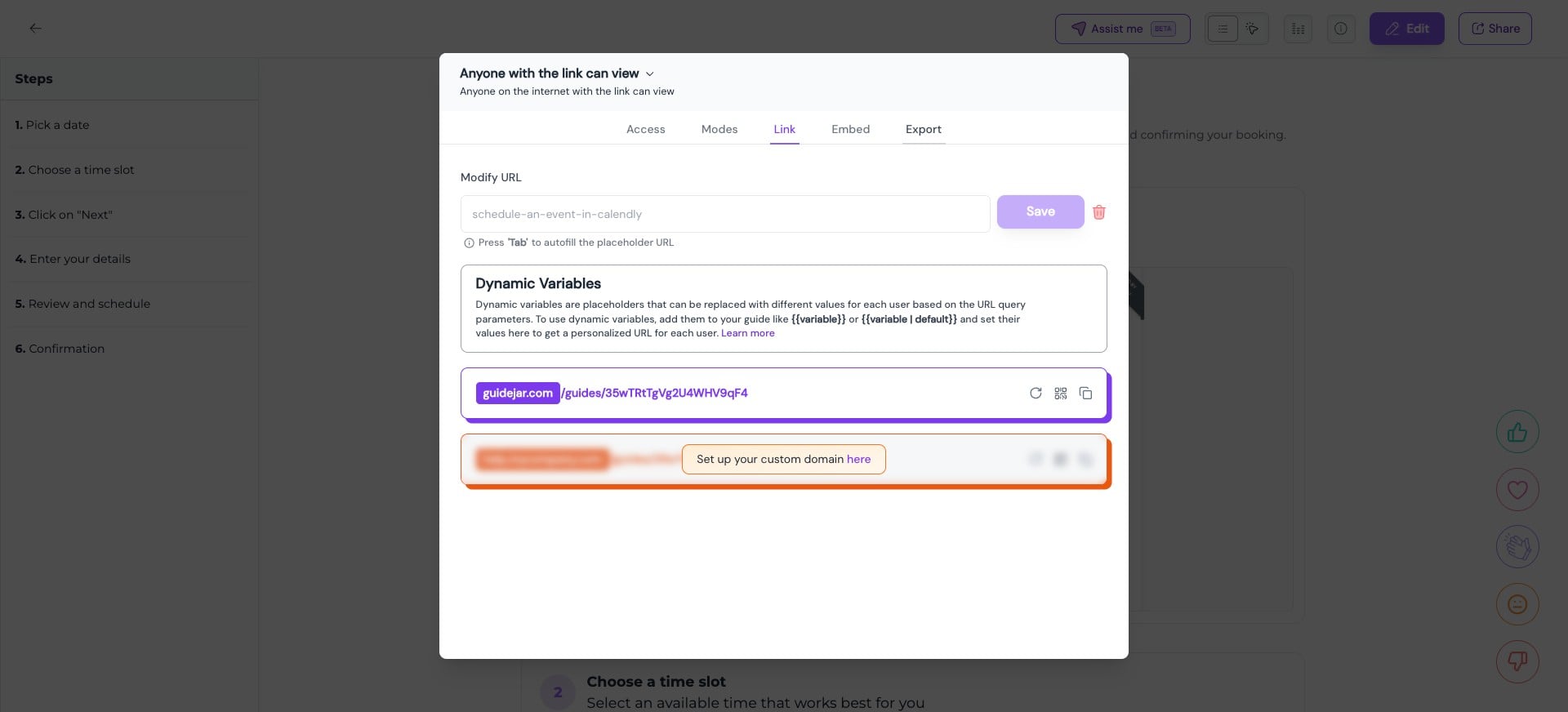
Click on "Export" tab
3
Here you can export the guide as an HTML file
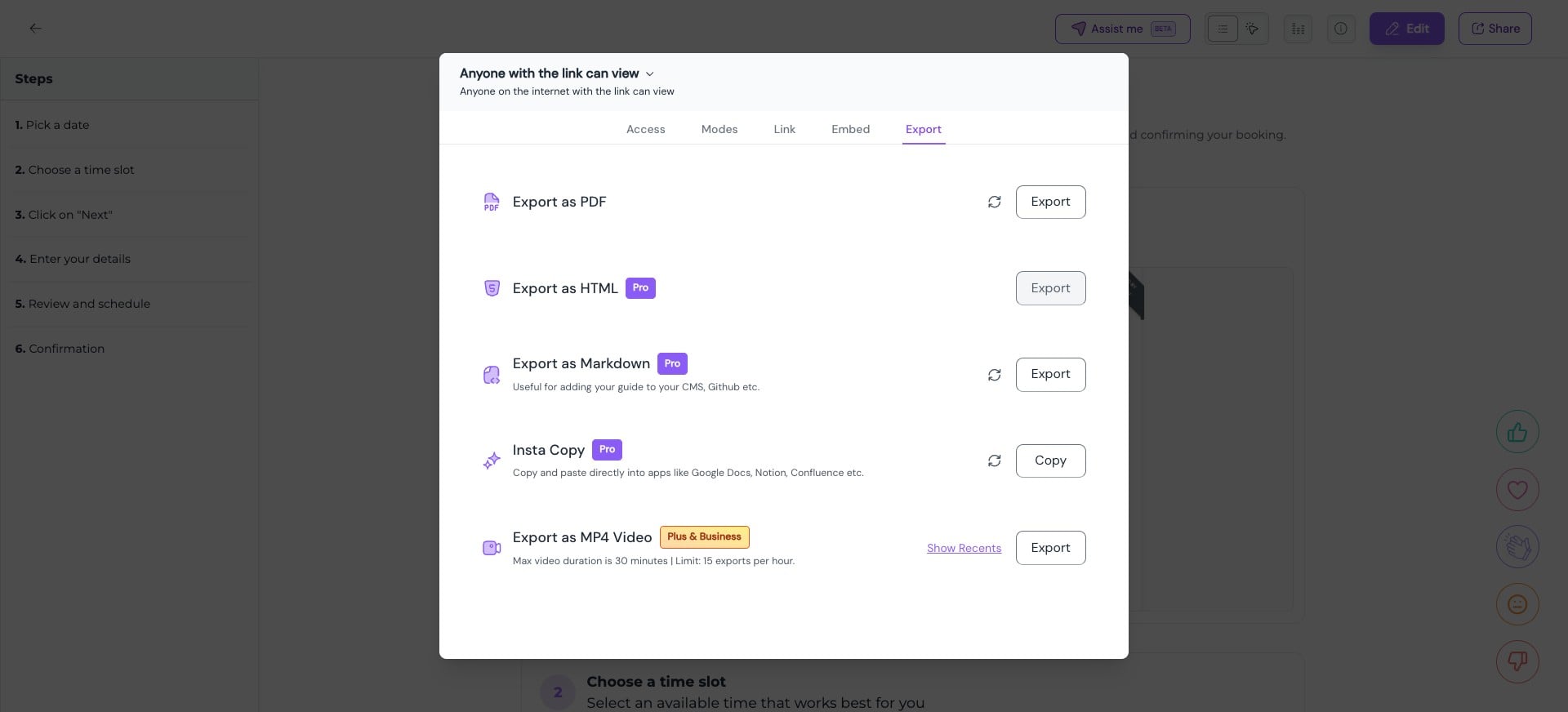
This exports the guide in Step-by-Step format. If you wish to embed the guide as an Interactive walkthrough in your website, you can use the guide's embed script instead.
4
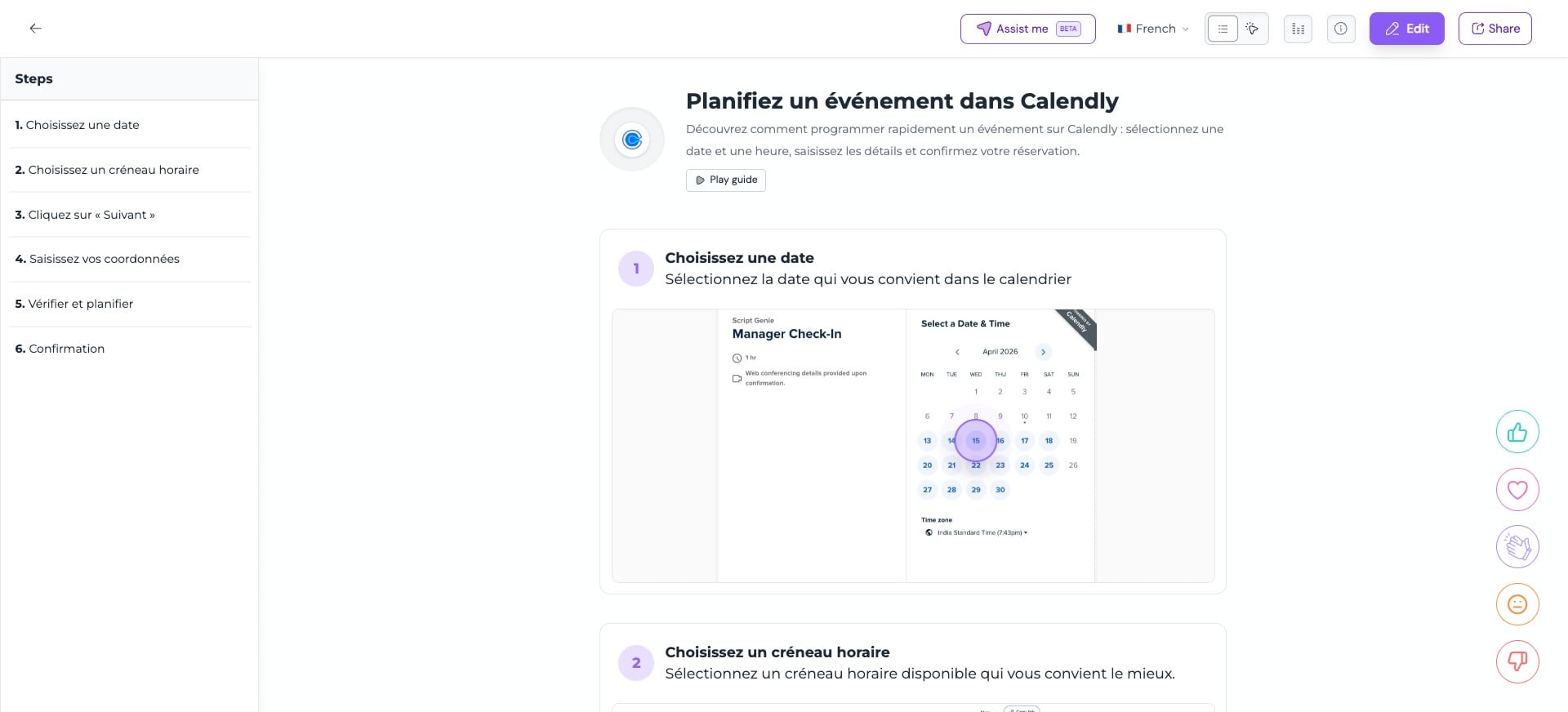
If your guide has multiple translations and you wish to export it in a particular language, first switch to that language and then follow the above mentioned steps