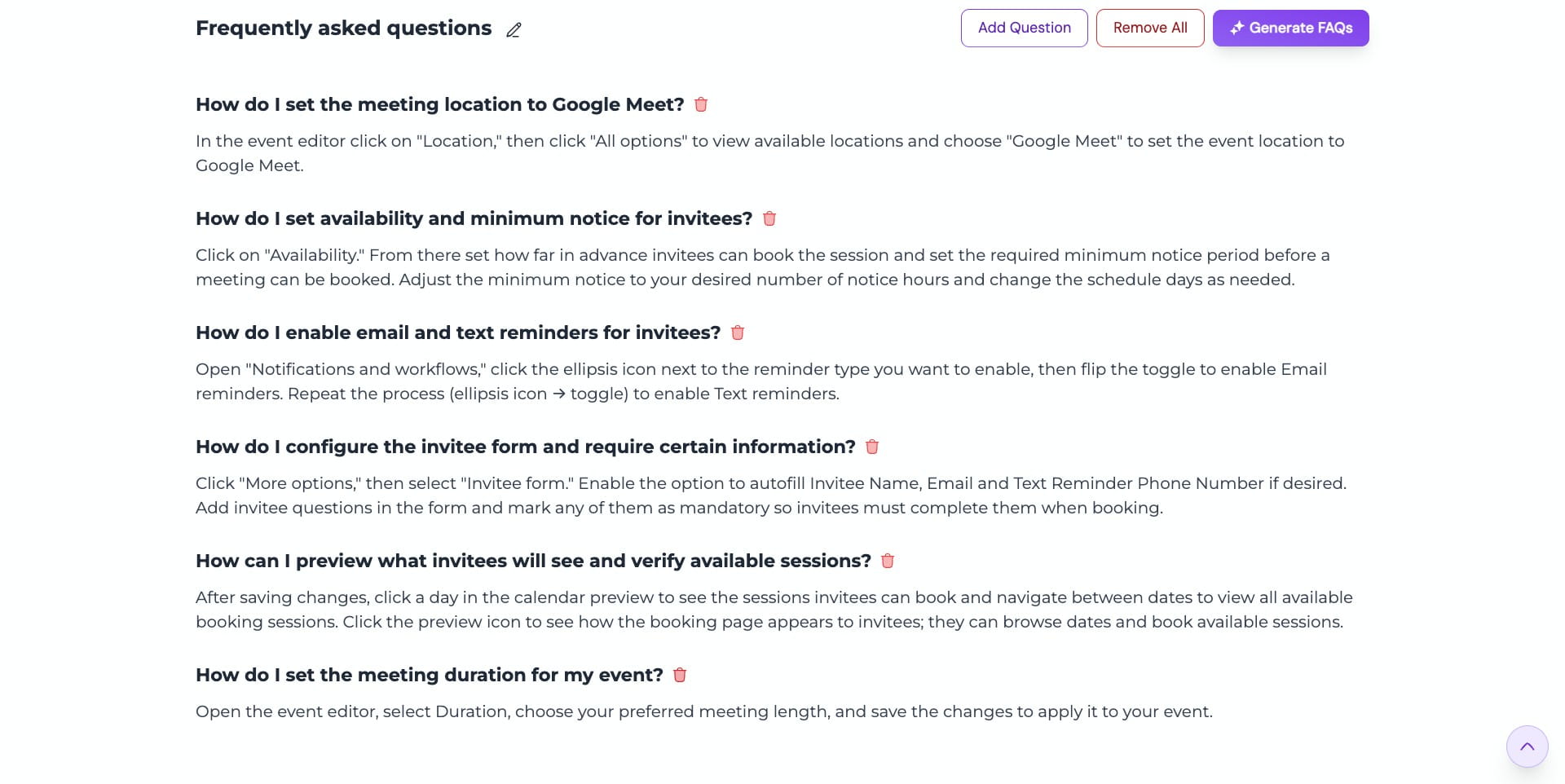
How do I add a FAQ section to my guide?
Learn how to add a dedicated FAQ section to your guide using the AI FAQ generator for quick suggestions, or by manually adding your own questions and answers, so readers can easily find answers to common questions.
Open the guide editor and scroll to the bottom to locate the FAQ section
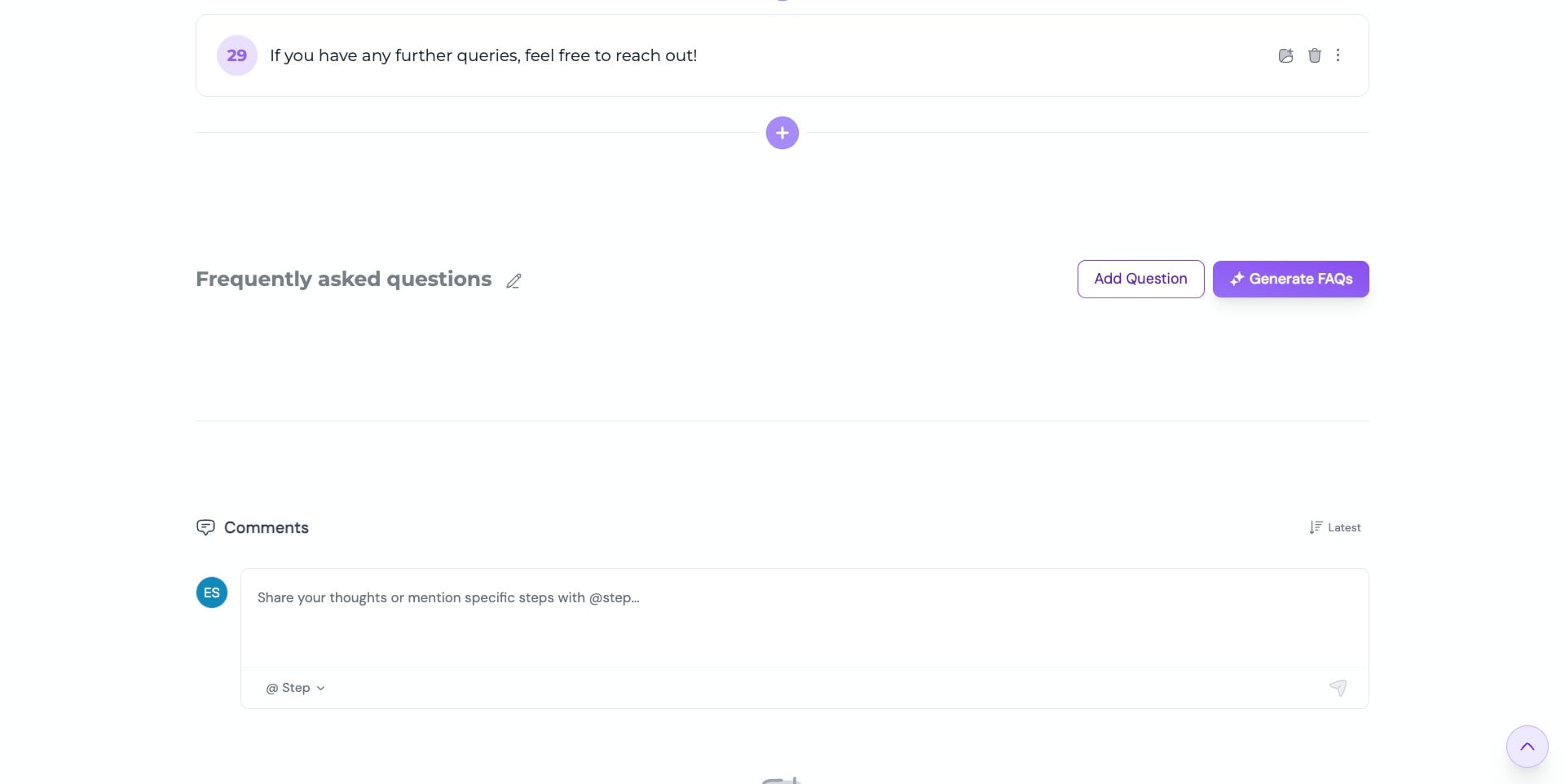
If you want to automatically generate FAQs based on your guide content, use the AI-powered FAQ generator. Click “Generate FAQs” and let it create relevant questions and answers for you
Voilà! Your FAQs are ready—automagically generated from your guide content ✨✨
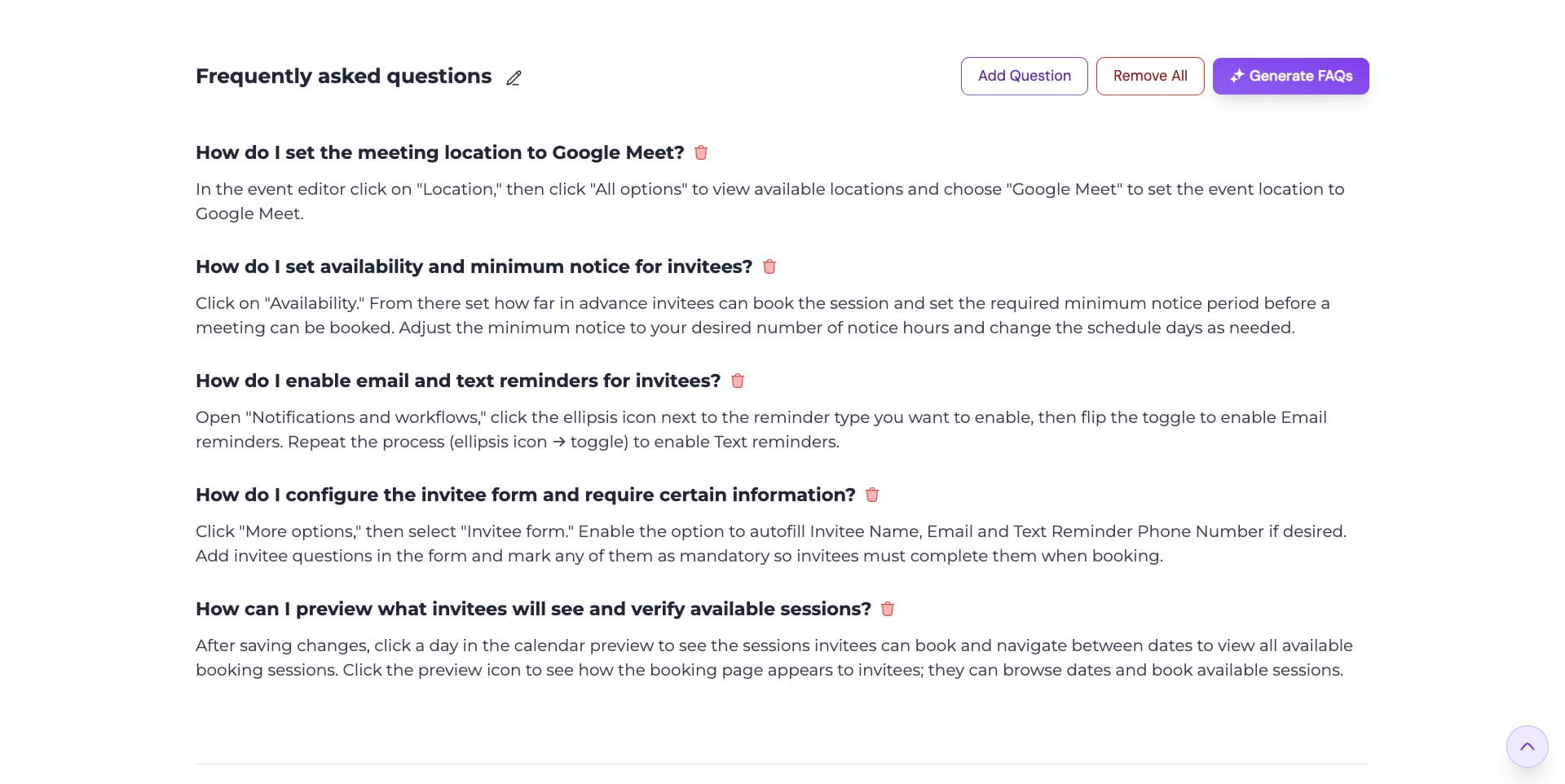
To add an FAQ manually, click “Add Question”
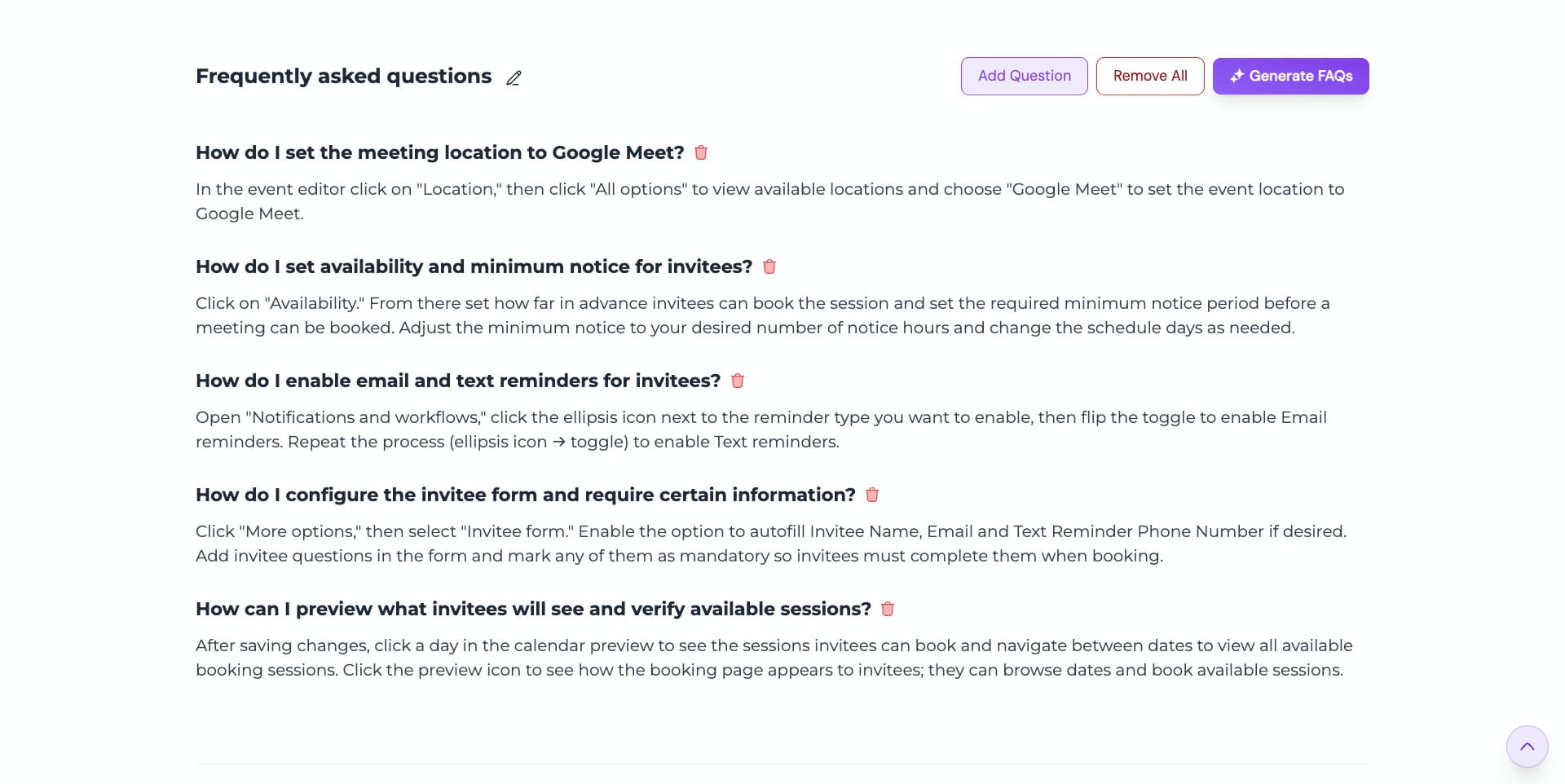
Enter your question, then click “Save”
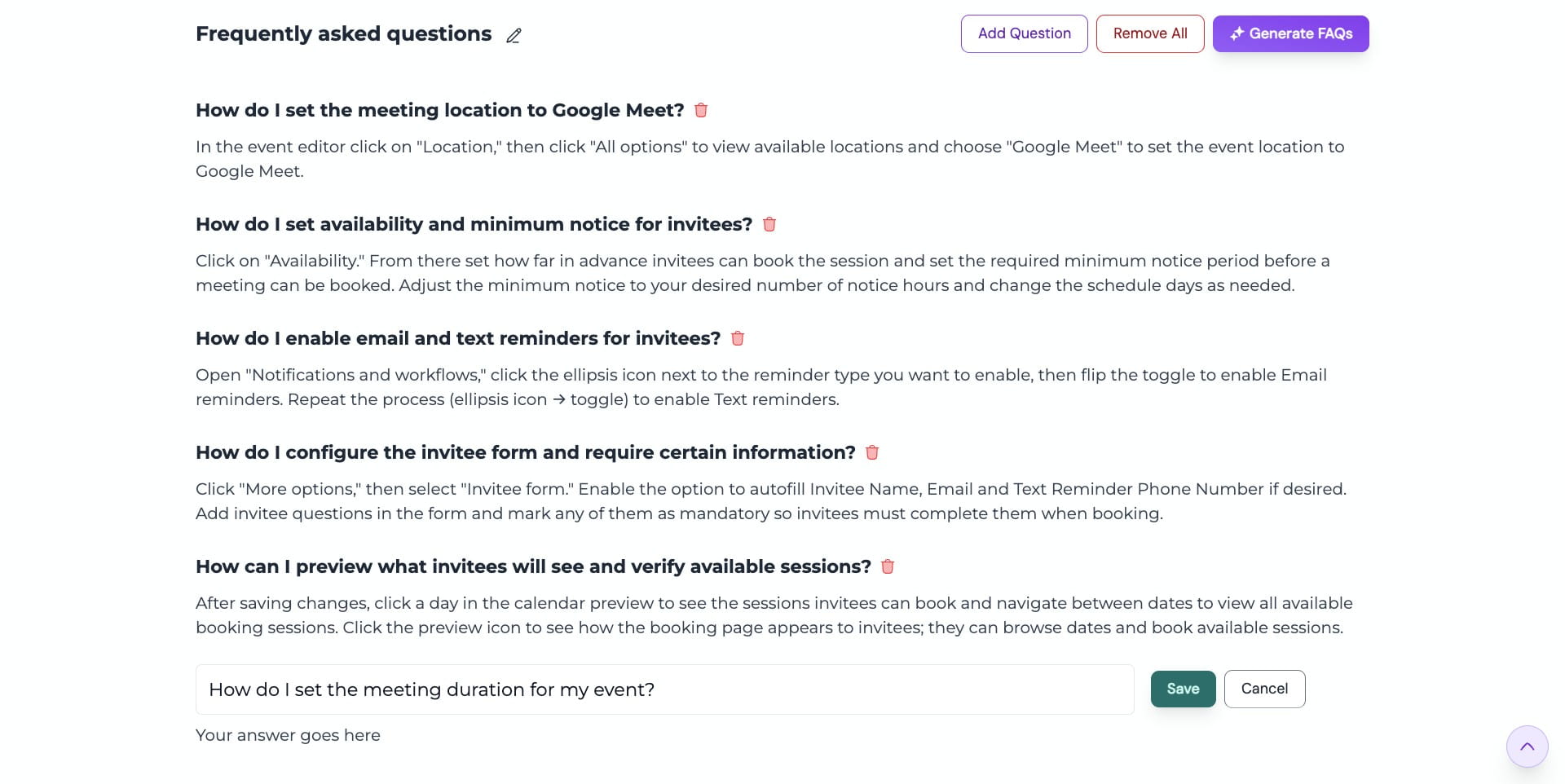
Enter your answer, and if needed, use the AI paraphrase option to refine it
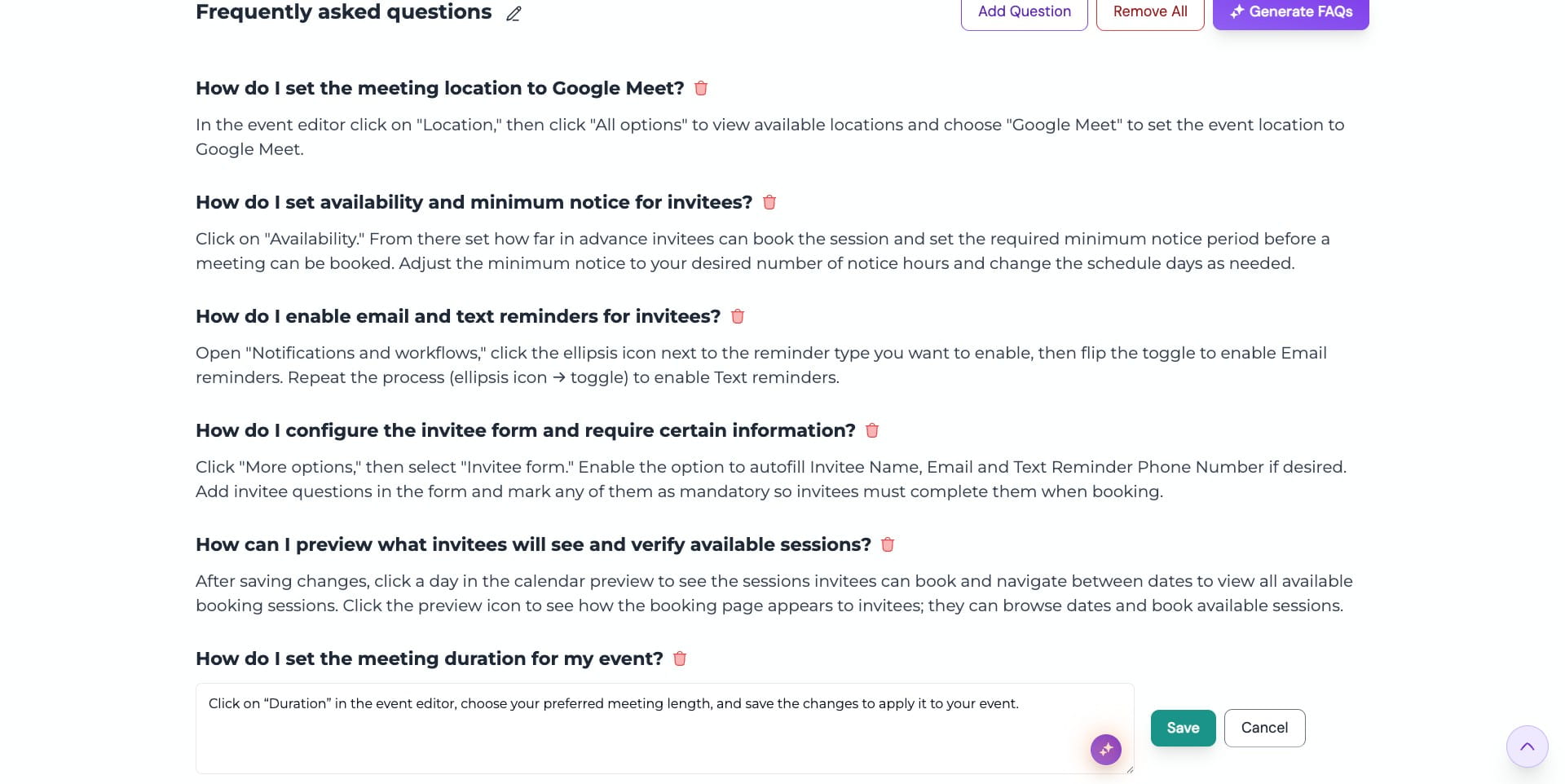
Once you're done, click on "Save"
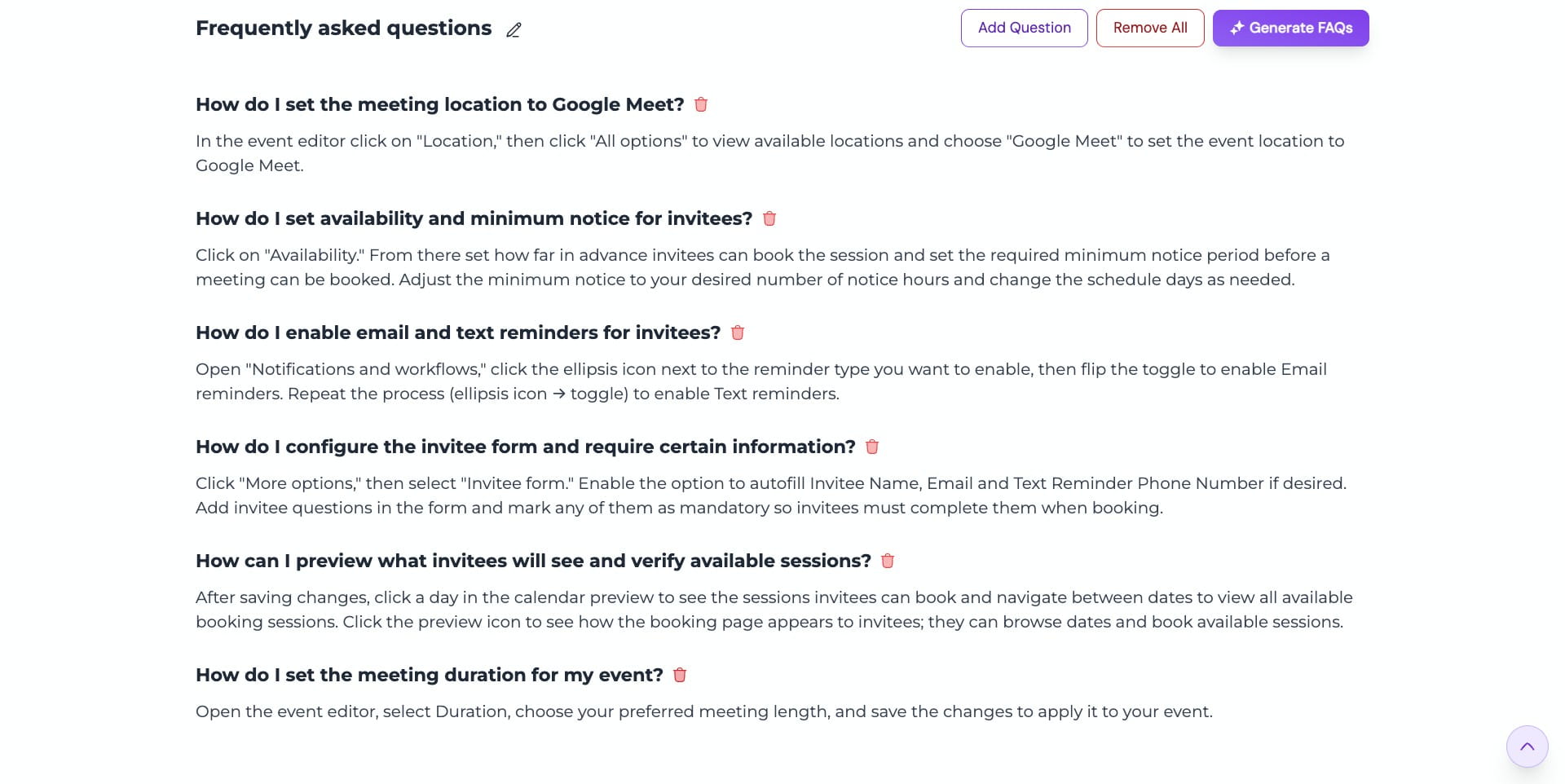
To delete an FAQ, click the "Trash" icon and it will be permanently removed