
How do I add chapters in an interactive walkthrough?
Learn how to organize your guide by adding chapters to group steps and improve navigation
Apr 21, 2026●
1
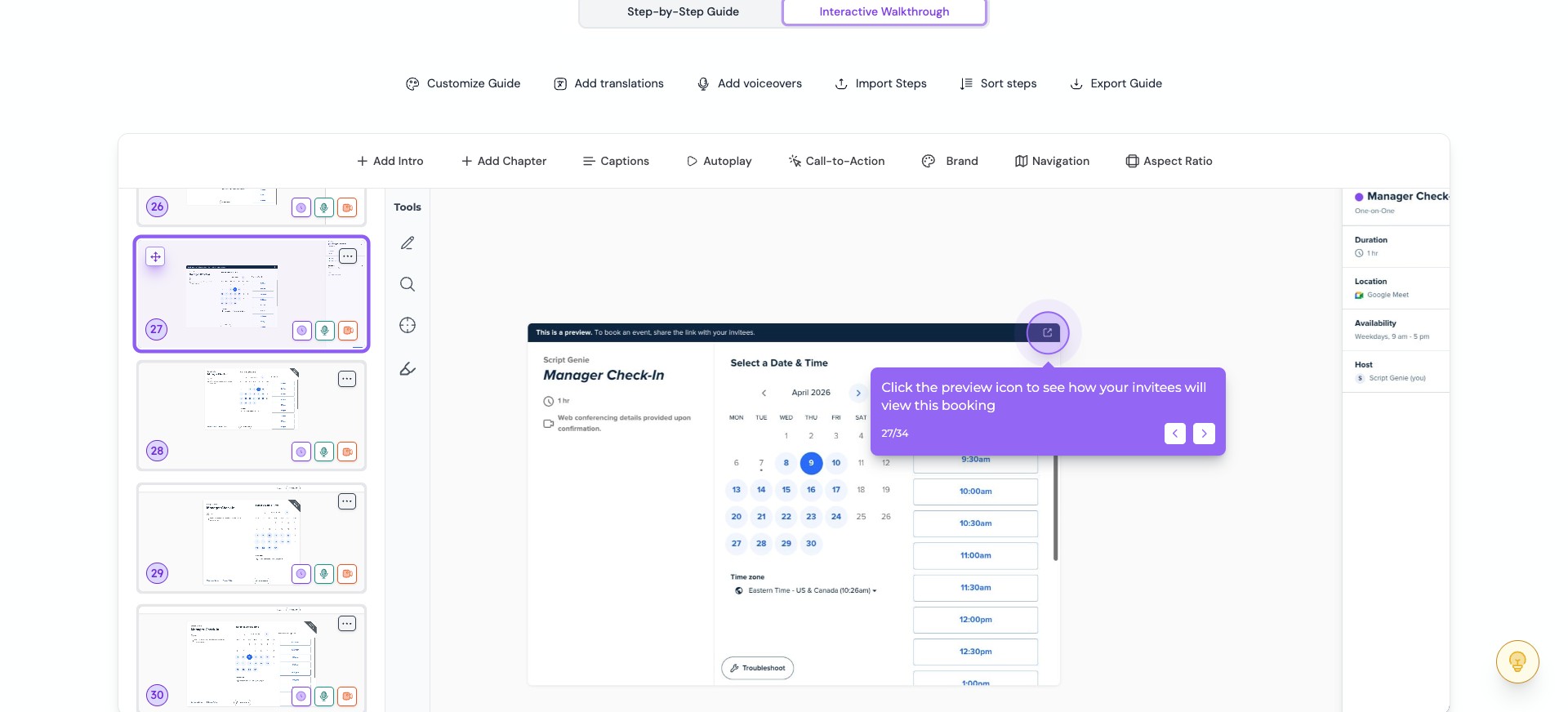
Open the guide editor and select the step after which you want to add a chapter

2
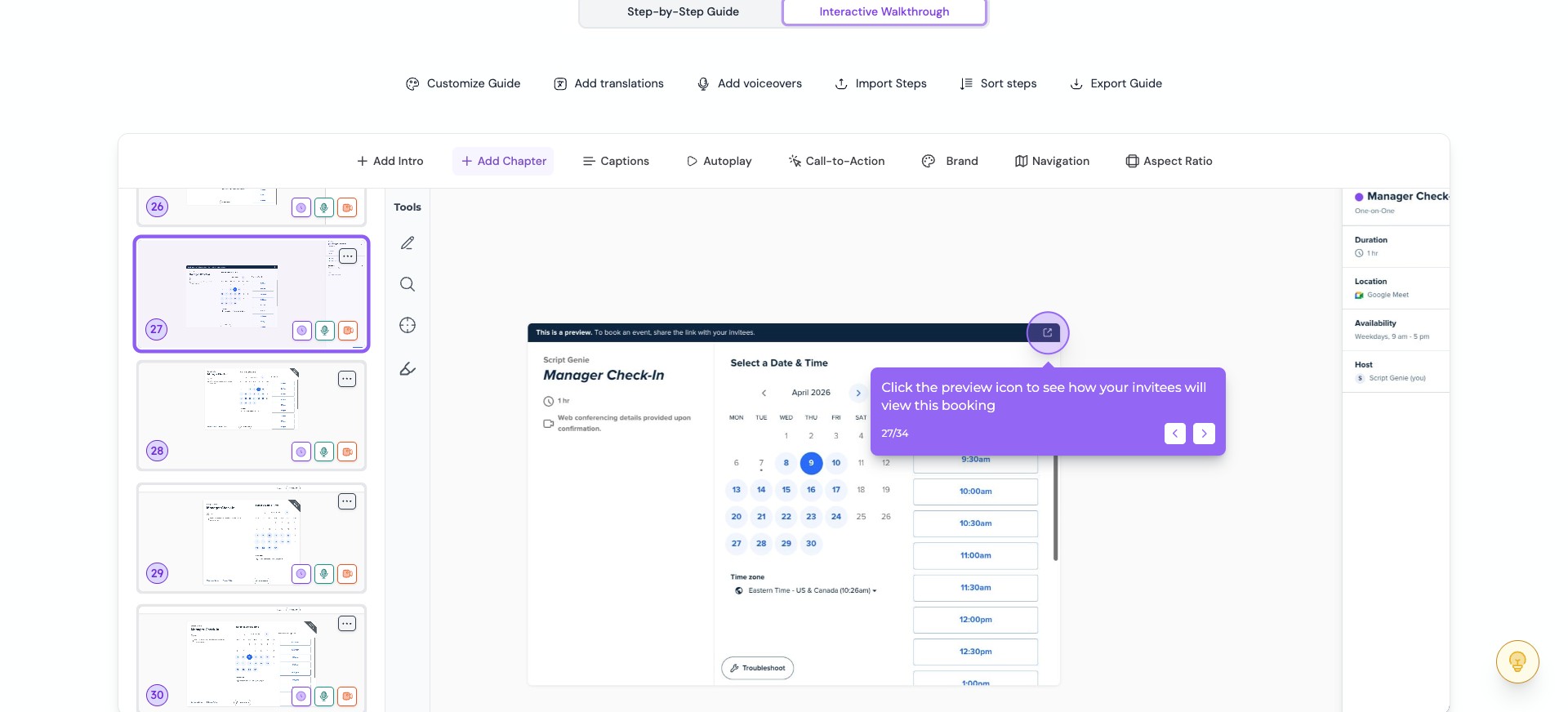
Click “Add Chapter”
3
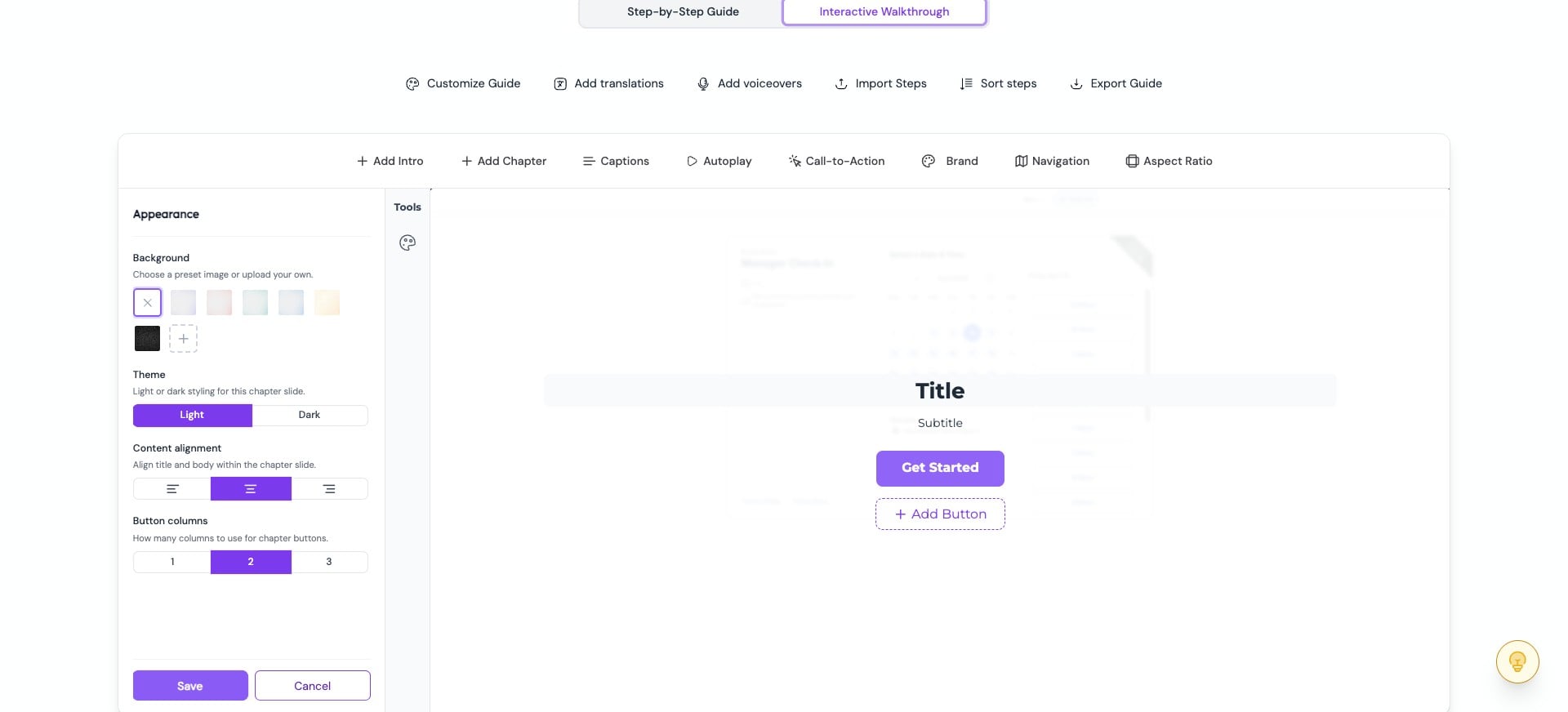
Enter the chapter title and subtitle
4
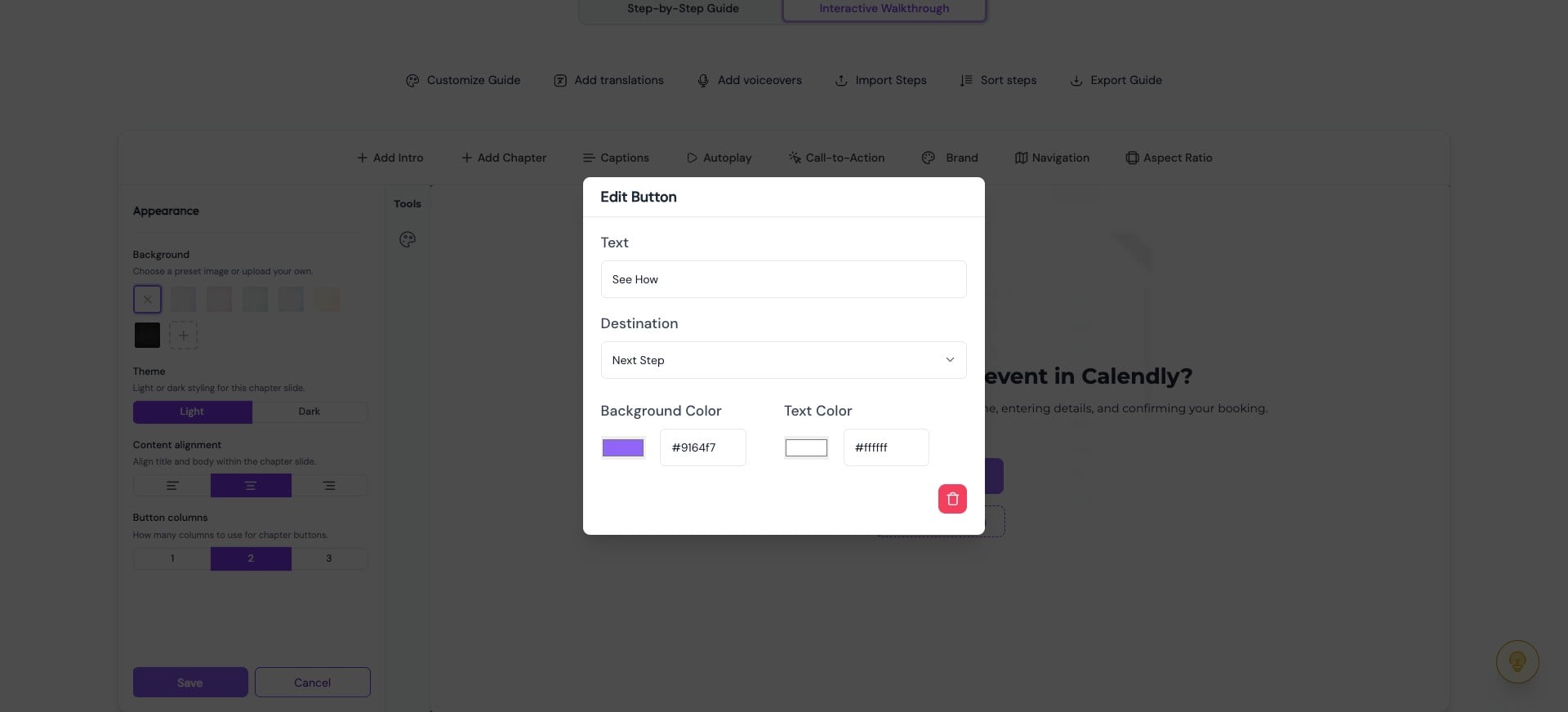
You can customize the chapter button by clicking on it

5
Here you can edit the text, choose the destination, and adjust the background and text color. Once you're done, click “Save.”
6
You can adjust the chapter appearance by changing the background, theme, content alignment, and button layout, then save your changes.
0:00 / 0:09
7
You can update the chapter later using the palette icon under tools

8
Let's look at our chapter in action 🚀
0:00 / 0:10